best way to buy a domain


Buying a domain name isn’t just about finding the perfect address—it’s about securing one that fits your goals and won’t cost you more later. The process can feel overwhelming, especially with so many registrars, extensions, and hidden fees to consider. A well-chosen domain sets the foundation for your online presence, whether you’re launching a business, a blog, or a personal brand. The right name keeps costs low, avoids legal pitfalls, and makes future growth easier. Skipping steps like checking availability or understanding transfer rules can lead to headaches down the road.
Before you buy, decide what matters most: brandability, cost, or flexibility. Some domains are straightforward, like a single word or a short phrase, while others require creativity or domain flipping. The extension you pick—like .com, .net, or newer alternatives—also affects trust and reach. Many people rush into purchasing without verifying if the name is already claimed by another business or trademark holder. That’s why taking the time to research and compare options upfront saves money and avoids disputes.
Here’s what you need to do next to find the best way to buy a domain. I’ve assembled a list below of the best options.
📋 Table of Contents
1. Research Your Domain Name First

Before you start browsing, spend time researching the domain name you want. This step ensures you avoid common pitfalls like trademark conflicts or overly long names that could confuse visitors. Use free tools like WHOIS lookup services to check domain availability and ownership details. Many registrars also offer domain name generators that suggest alternatives if your first choice is taken. A well-researched domain name sets a strong foundation for your online presence, making it easier to build brand recognition and trust with your audience.
- Trademark Check: Verify that your chosen domain isn’t already trademarked by another company to avoid legal issues.
- Availability Search: Use WHOIS lookup tools to confirm the domain is available for purchase.
- Name Length: Short, memorable names are easier to spell and recall, improving search visibility.
- Brand Alignment: Ensure the domain aligns with your brand’s identity and mission.
- Future-Proofing: Avoid domains that might become obsolete or irrelevant over time.
2. Choose the Right Domain Extension

The extension (or top-level domain, TLD) you pick can significantly impact your domain’s credibility and search performance. While .com remains the most popular and trusted choice, newer extensions like .net, .org, and country-code TLDs (e.g., .co.uk, .io) offer niche benefits. For example, a .io domain might appeal to tech startups, while a .org extension is ideal for nonprofits. Consider your audience and industry when selecting a TLD to ensure it resonates with your target market.
- Credibility: Com extensions are widely recognized as trustworthy, boosting user confidence.
- Industry-Specific: Extensions like .tech or .shop cater to specific niches, improving relevance.
- Search Rankings: Some extensions have better search engine optimization (SEO) potential than others.
- International Reach: Country-code TLDs help localize your brand for specific regions.
- Future-Proofing: Avoid overly generic extensions that may lose value over time.
3. Compare Domain Registrars

Not all domain registrars are created equal. Some offer better pricing, customer support, or additional tools like free WHOIS privacy or SSL certificates. Popular registrars like Namecheap, GoDaddy, and Google Domains provide user-friendly interfaces and competitive rates. However, smaller registrars may offer discounts or unique perks, such as free domain transfers or extended renewal periods. Always read reviews and compare features to find the best fit for your needs.
- Pricing Plans: Look for transparent pricing with no hidden fees or renewal surprises.
- Customer Support: Reliable support is crucial for resolving issues quickly.
- Additional Services: Some registrars offer free SSL certificates, domain transfers, or privacy protection.
- User Interface: A simple, intuitive dashboard makes domain management easier.
- Discounts and Promotions: Check for seasonal discounts or bulk purchase offers.
4. Secure Domain Privacy
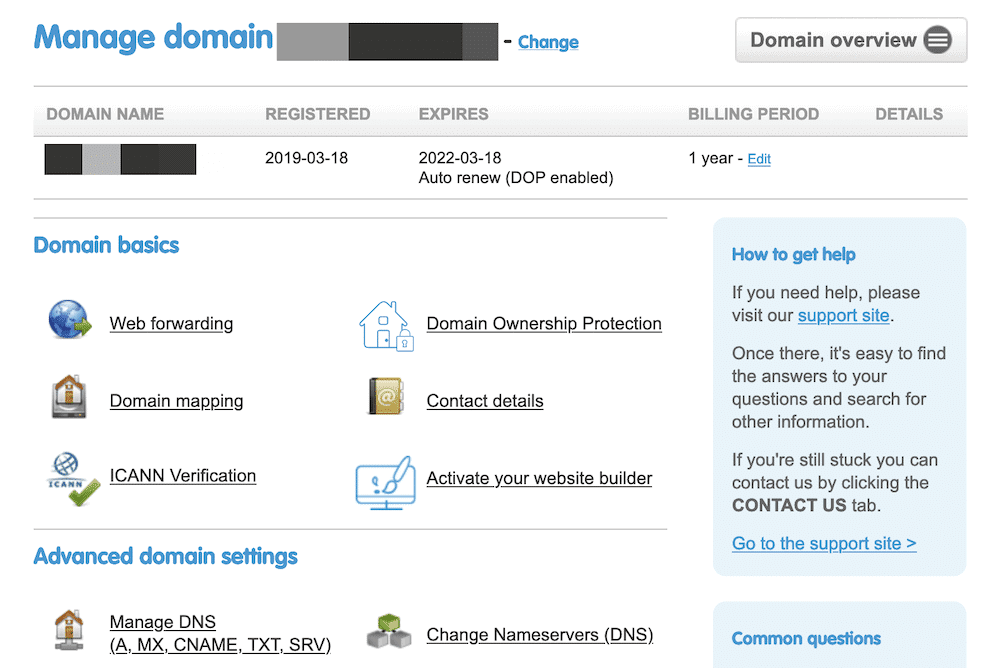
Protecting your personal information is essential when buying a domain. Many registrars offer WHOIS privacy services, which mask your name and contact details from public records. This prevents spam, identity theft, and unwanted solicitations. While privacy is often included as a standard feature, some registrars charge extra for it. If you’re concerned about privacy, always opt for this service to keep your details secure and maintain professionalism.
- Identity Protection: Prevents your personal details from appearing in public WHOIS databases.
- Spam Prevention: Reduces unwanted emails and marketing calls.
- Professionalism: Maintains a clean, trustworthy online presence.
- Legal Compliance: Some industries require privacy protections for compliance.
- Cost-Effective: Often included at no extra cost with many registrars.
5. Consider Domain Auctions for Rare Names
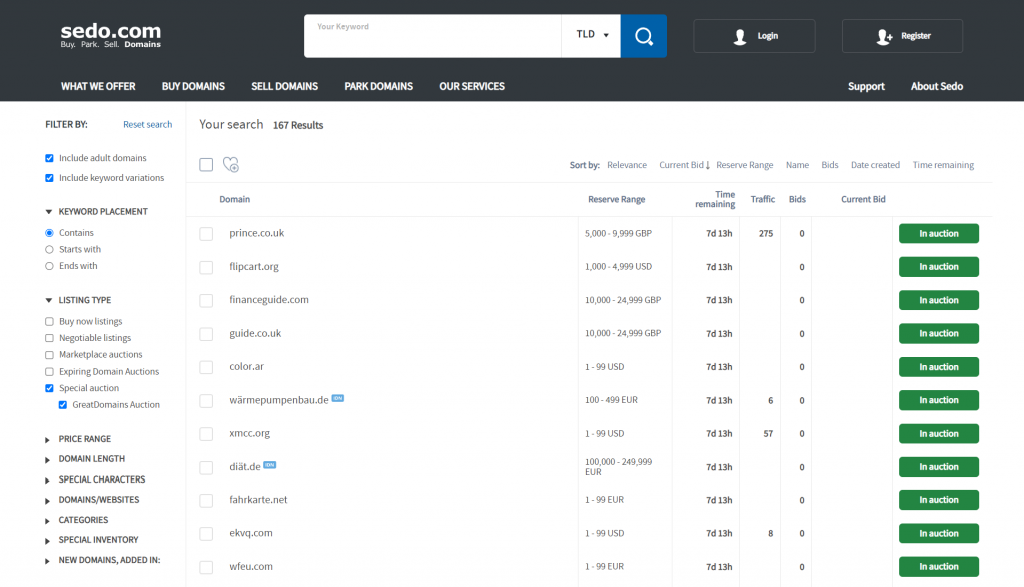
If you’re chasing a highly desirable domain name that’s already taken, domain auctions can be a game-changer. Websites like Sedo, Flippa, and GoDaddy Auctions allow you to bid on premium domains, often at a fraction of their market value. These platforms attract serious buyers, so you may need to outbid competitors. Auctions are best for unique names that aren’t widely available, but they come with risks—like scams or unexpected fees. Weigh the potential value against the effort before diving in.
- Premium Domain Access: Browse and bid on rare, high-value domains.
- Competitive Bidding: Compete with other buyers for desirable names.
- Negotiation Options: Some platforms offer direct negotiation after bidding.
- Risk of Scams: Always verify the seller’s legitimacy before purchasing.
- Hidden Fees: Check for auction fees, taxes, or additional costs.
6. Check for Hidden Fees
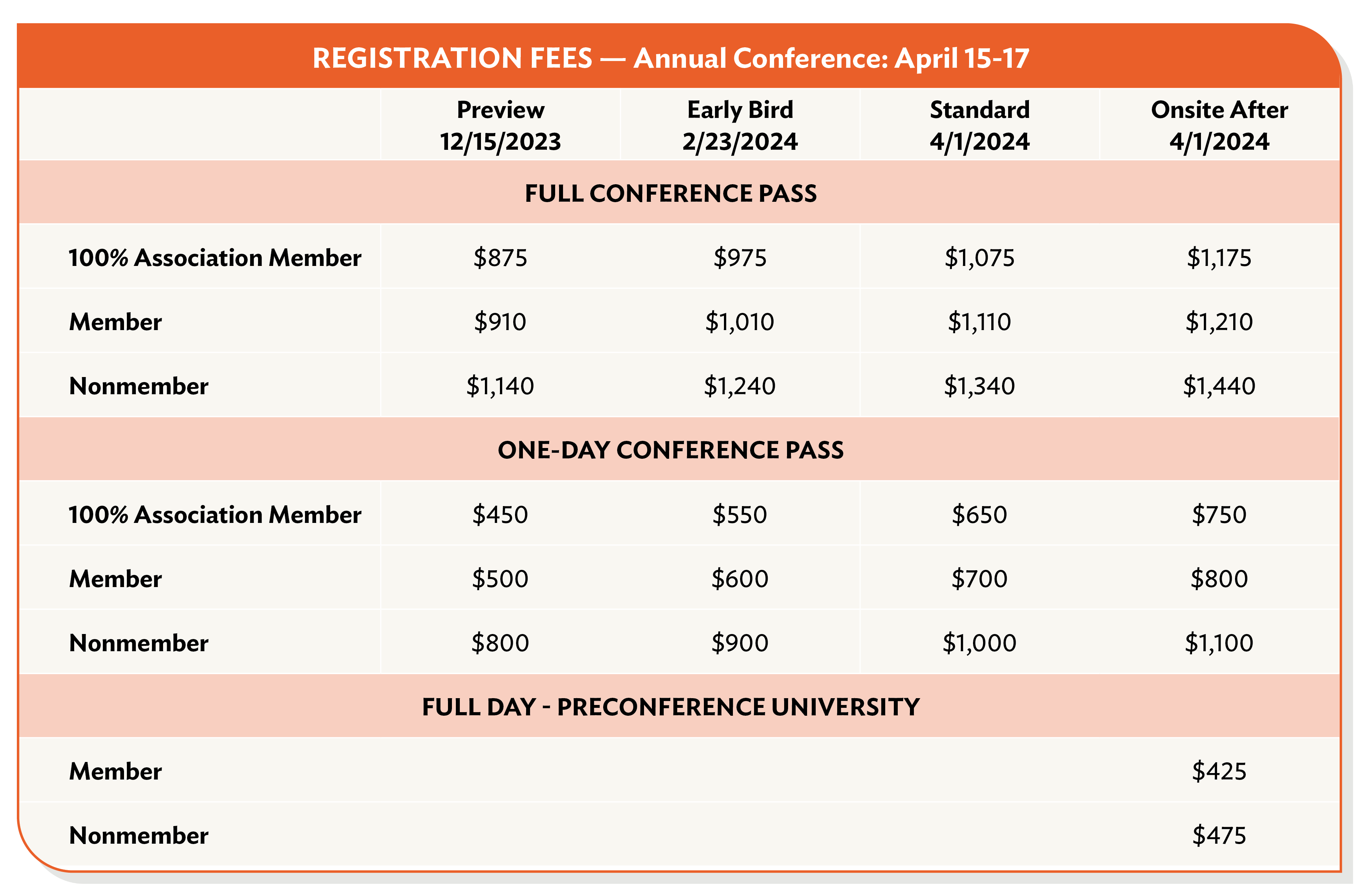
Domain purchases often come with hidden fees that can add up quickly. Common hidden costs include registration fees, renewal fees, transfer fees, and domain name insurance. Always review the registrar’s terms and conditions to understand all charges upfront. Some registrars offer multi-year discounts, which can save you money in the long run. Avoid contracts with unexpected fees by comparing quotes from multiple providers before committing to a purchase.
- Registration Fees: Base cost to purchase the domain for one year.
- Renewal Fees: Cost to keep the domain active after the initial term.
- Transfer Fees: Fees charged when moving the domain to another registrar.
- Domain Insurance: Optional protection against domain loss or theft.
- Discounts for Long-Term Commitments: Multi-year plans often reduce costs.
7. Set Up Domain Protection
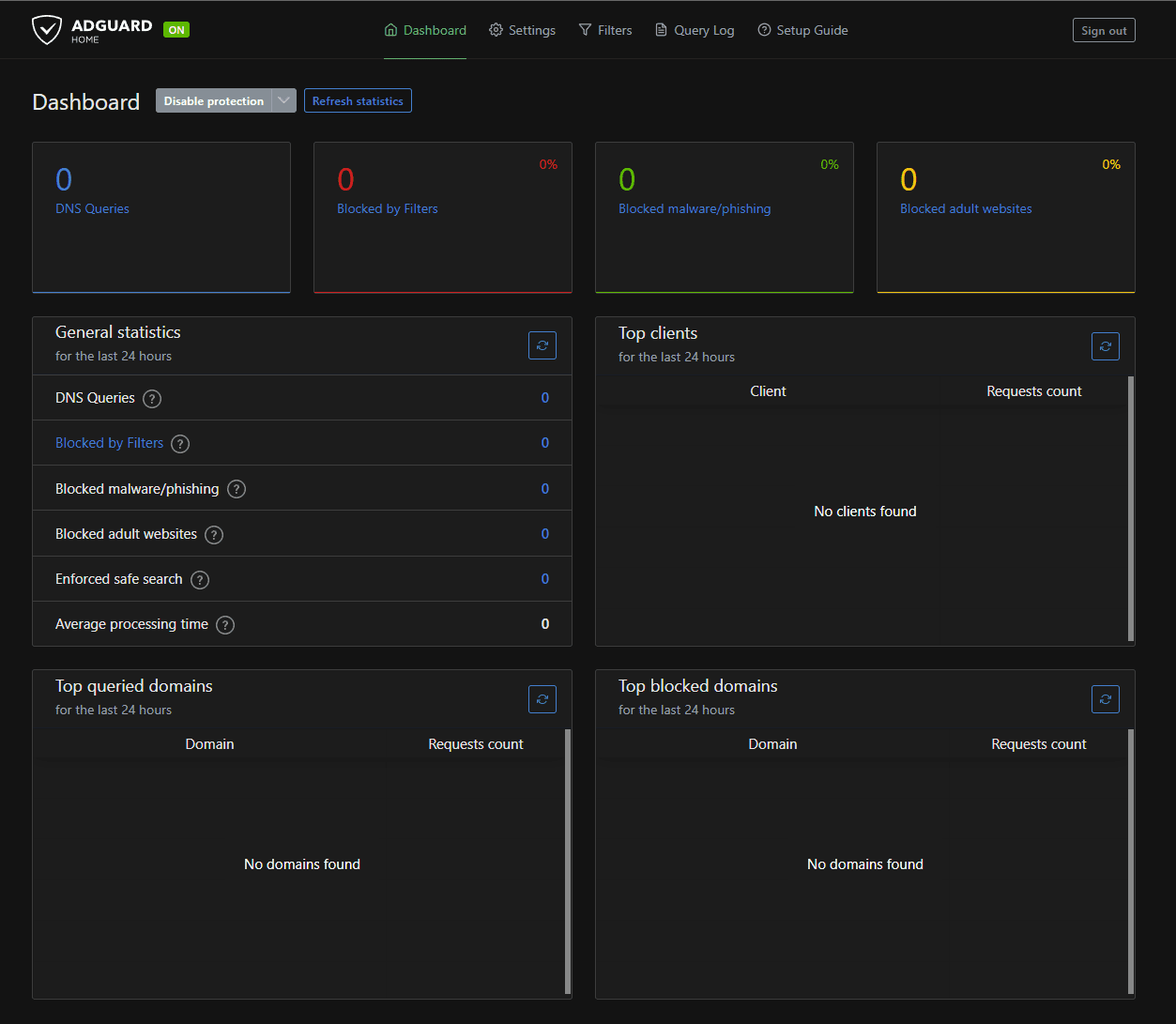
Once you own a domain, it’s important to protect it from unauthorized changes or loss. Most registrars offer domain protection plans that include features like email alerts for changes, unauthorized transfers, and even legal support if someone tries to steal your domain. These plans are usually inexpensive and well worth the investment. They provide peace of mind, ensuring your domain stays secure and in your control. Regularly review your protection settings to stay updated on any changes.
- Unauthorized Transfer Alerts: Notifies you if someone tries to transfer the domain.
- Email Monitoring: Sends alerts for any changes to your domain settings.
- Legal Support: Provides assistance if someone disputes your ownership.
- SSL Certificate Integration: Some plans include free SSL certificates.
- Cost-Effective Security: Typically costs $10–$20 per year.
8. Plan for Domain Renewal
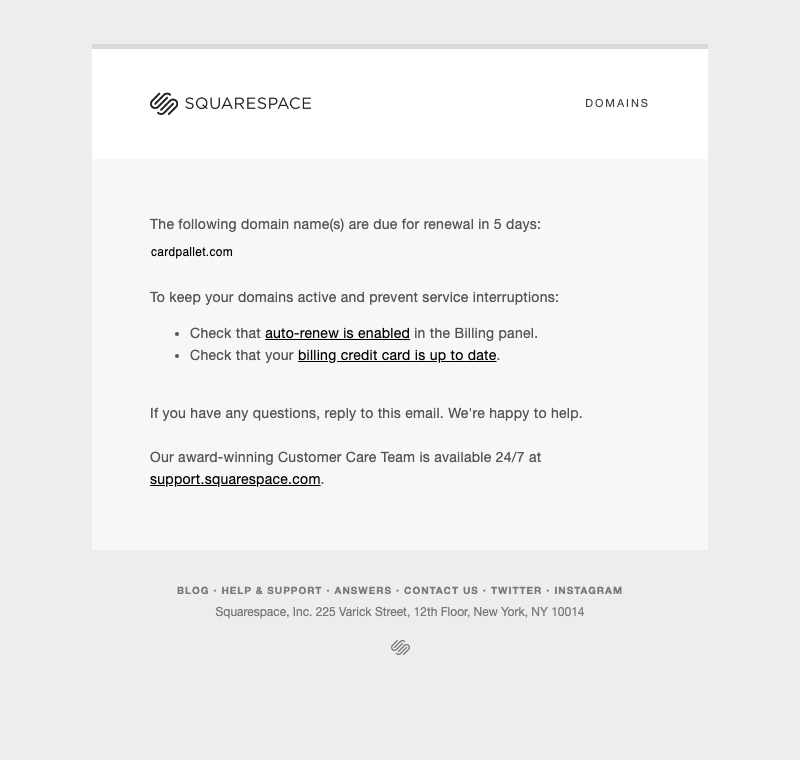
Domain renewal is often overlooked until it’s too late. Many registrars send reminders, but it’s still easy to forget. To avoid losing your domain, set up automatic renewals or create a calendar reminder. Some registrars offer discounts for multi-year renewals, so plan ahead to save money. If you’re unsure about renewing, consider keeping the domain inactive for a short period to avoid unexpected fees. Staying organized ensures your domain stays active without surprises.
- Automatic Renewal: Sets the domain to renew automatically without manual action.
- Discounted Multi-Year Plans: Reduces costs by locking in rates for several years.
- Reminder Notifications: Alerts you before the renewal deadline.
- Inactive Periods: Allows temporary deactivation to avoid fees.
- Backup Domain: Some registrars offer backup domains for emergencies.
9. Backup Your Domain Information

Even with protection in place, it’s wise to back up your domain information. Store copies of your registration details, payment receipts, and any contracts in a secure digital or physical folder. This backup ensures you can quickly recover your domain if there’s an issue with your registrar or a dispute arises. Many registrars provide digital certificates or receipts, but having your own records gives you an extra layer of security. Regularly update this backup to stay prepared for any unforeseen circumstances.
- Digital Backup: Save copies of registration details and receipts.
- Physical Documentation: Keep printed copies in a secure location.
- Registrar Records: Store digital certificates and confirmation emails.
- Emergency Recovery: Helps recover your domain if needed.
- Regular Updates: Update backups periodically for accuracy.
Frequently Asked Questions
How long does it take to buy a domain?
The process usually takes a few minutes to an hour, depending on the registrar’s system. Some registrars offer instant purchase, while others may require a short wait for verification. Once purchased, the domain becomes active immediately, but you may need to set up DNS records (like A or MX records) to connect it to your website.
Can I buy a domain and immediately start a website?
Yes, but you’ll need to set up DNS records to link the domain to your hosting service. This can take anywhere from a few minutes to a few hours, depending on your hosting provider. Many registrars offer tools to guide you through this process, making it easier to launch your website quickly.
What happens if I don’t renew my domain?
If you don’t renew your domain, it enters a grace period where you can still renew it at a higher cost. After the grace period, the domain may be released to the public market, making it available for anyone to purchase. To avoid this, set up automatic renewals or reminders to keep your domain active.
Is it safe to buy a domain from a third-party seller?
While domain auctions and third-party sellers can be legitimate, they come with risks like scams or hidden fees. Always verify the seller’s legitimacy, check reviews, and use secure payment methods. If possible, buy from a trusted registrar or auction platform with buyer protections in place.
How do I transfer my domain to a new registrar?
To transfer your domain, you’ll need the authorization code (also called an EPP code) from your current registrar. Once you have it, you can initiate the transfer through the new registrar’s portal. The process typically takes 5–7 days, and you’ll need to pay any transfer fees, which vary by registrar. Always check the new registrar’s policies before proceeding.
Can I use a domain name that’s already in use?
No, you cannot use a domain name that’s already registered by another entity. If the name is taken, you’ll need to find an alternative. Researching domain availability early helps you avoid disappointment and ensures you choose a name that’s both available and suitable for your brand.
What should I do if someone tries to steal my domain?
If you suspect someone is trying to steal your domain, contact your registrar immediately to report the unauthorized transfer attempt. Most registrars offer domain protection plans that include alerts for suspicious activity. If the domain is already lost, you may need to work with legal professionals to recover it, depending on the circumstances.