best hosting for a blog


Running a blog requires a reliable foundation, and that starts with the right hosting service. Your blog’s performance, security, and ease of use depend on how well the hosting platform supports your needs—whether you’re sharing personal thoughts, promoting a business, or building an audience. A good hosting solution should load your site quickly, keep it protected from threats, and scale as your traffic grows without requiring constant adjustments. Without the right infrastructure, even the best content can get buried by slow load times or downtime, which can frustrate readers and hurt your credibility.
Choosing the wrong hosting can also lead to unexpected costs or technical headaches. Some providers offer cheap plans that cut corners on resources, while others focus too much on marketing features instead of actual performance. The best hosting balances affordability with performance, offering enough power to handle daily traffic without breaking the bank. You’ll want to consider factors like uptime guarantees, customer support, and whether the platform integrates well with common blogging tools. A solid hosting service ensures your blog stays up and running smoothly, so you can focus on writing and growing your audience.
Below is a list of the best options for blog hosting.
📋 Table of Contents
1. Shared Hosting
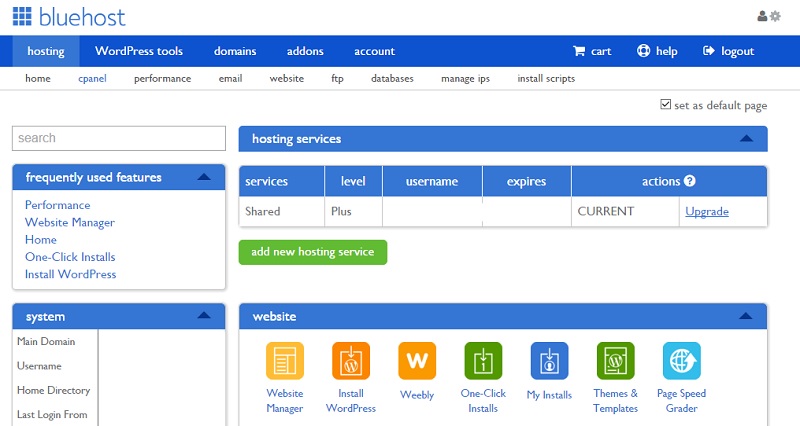
Shared hosting is the most budget-friendly option for beginners and small bloggers. It allows multiple websites to share a single server, keeping costs low while still providing reliable performance. Ideal for those just starting out or running a low-traffic blog, shared hosting offers easy management through user-friendly control panels like cPanel. It’s perfect for beginners who need simplicity without the complexity of dedicated or VPS hosting.
- Affordable Pricing: Starting at around $2.95/month, shared hosting is one of the cheapest ways to host a blog.
- Easy Setup: Most providers offer one-click WordPress installation, making it simple for beginners.
- Basic Security: Includes essential security features like malware scanning and DDoS protection.
- Scalability Options: Can upgrade to a VPS or dedicated server as your blog grows.
- 24/7 Support: Customer support is available around the clock via phone, email, or live chat.
2. VPS Hosting

A Virtual Private Server (VPS) offers a middle ground between shared hosting and dedicated servers. It provides dedicated resources like CPU, RAM, and storage, giving you more control and performance than shared hosting. VPS hosting is ideal for blogs with moderate traffic or those needing custom software installations. It’s great for users who want better performance without the full commitment of a dedicated server.
- Dedicated Resources: Full control over CPU, RAM, and storage for better performance.
- Scalability: Easily upgrade resources as your blog grows.
- Root Access: Full administrative access for custom configurations.
- Security Features: Includes advanced security like firewalls and regular backups.
- Cost-Effective: More affordable than dedicated servers while offering better performance.
3. Cloud Hosting

Cloud hosting spreads your website across multiple servers, providing scalability and reliability. Unlike traditional hosting, cloud hosting allows you to scale resources up or down based on traffic spikes. This flexibility makes it ideal for blogs with unpredictable traffic, such as those running promotions or viral content. Cloud hosting also offers high availability and automatic backups, ensuring your blog stays online and secure.
- Scalability: Easily adjust resources based on traffic needs.
- High Availability: Distributed servers ensure minimal downtime.
- Automatic Backups: Regular backups to prevent data loss.
- Global Reach: Servers in multiple locations for faster load times.
- Pay-as-you-go Pricing: Pay only for the resources you use.
4. Managed WordPress Hosting
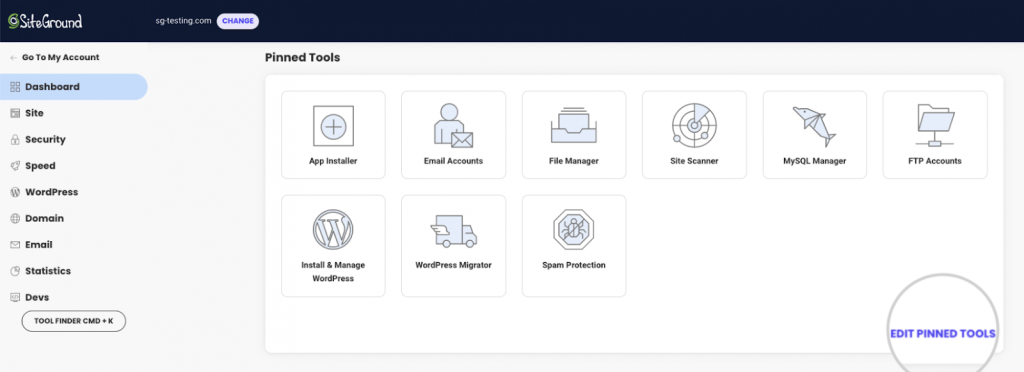
Managed WordPress hosting is designed specifically for WordPress blogs, offering optimized performance and support. Unlike standard hosting, it includes automatic updates, security patches, and managed backups, so you don’t have to worry about maintenance. This type of hosting is perfect for bloggers who want a hassle-free experience, especially those running WordPress sites with plugins or themes that require frequent updates. It’s ideal for users who prioritize ease of use and reliability over customization.
- Optimized Performance: Designed specifically for WordPress for faster loading times.
- Automated Backups: Regular backups with point-in-time restoration.
- Security Features: Includes malware scanning, firewalls, and DDoS protection.
- 24/7 Support: Dedicated support team for WordPress-specific issues.
- Easy Management: User-friendly control panel for WordPress setup.
5. Dedicated Server Hosting
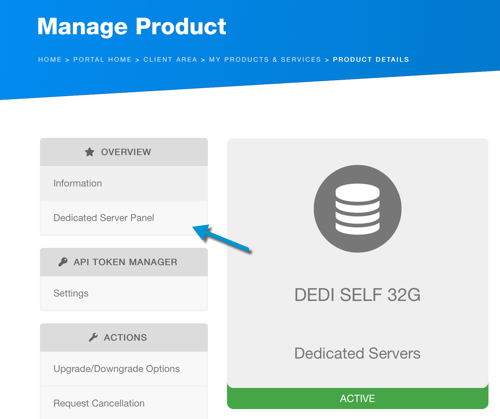
A dedicated server gives you a whole server dedicated to your blog, offering the highest level of performance and control. This option is ideal for large blogs, businesses, or those with high traffic expecting minimal downtime. While more expensive, dedicated servers provide full root access, custom configurations, and the ability to install any software. It’s best for users who need maximum performance, security, or have complex technical requirements.
- Full Server Control: Complete root access for custom configurations.
- High Performance: Dedicated resources for peak efficiency.
- Advanced Security: Customizable security measures for maximum protection.
- Scalability: Can upgrade hardware as needed.
- 24/7 Support: Round-the-clock technical support.
6. Green Hosting
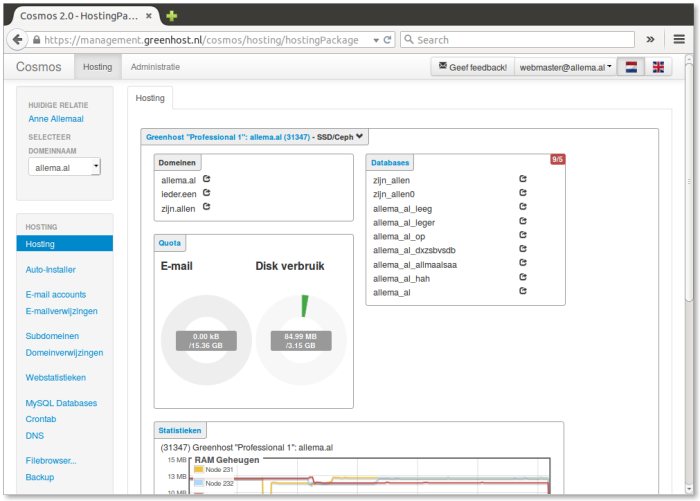
Green hosting focuses on sustainability by using renewable energy sources to power servers. This eco-friendly option appeals to bloggers who care about environmental impact while still offering reliable performance. Green hosting providers often use energy-efficient hardware and data centers that reduce carbon footprints. It’s a great choice for socially conscious bloggers who want to support ethical hosting practices without sacrificing quality.
- Renewable Energy: Servers powered by solar, wind, or other renewable sources.
- Carbon-Neutral: Offsets carbon emissions from data center operations.
- Eco-Friendly Infrastructure: Uses energy-efficient hardware and cooling systems.
- Performance Guarantees: Maintains standard performance levels while being sustainable.
- Transparency: Provides detailed reports on environmental impact.
7. Local Hosting
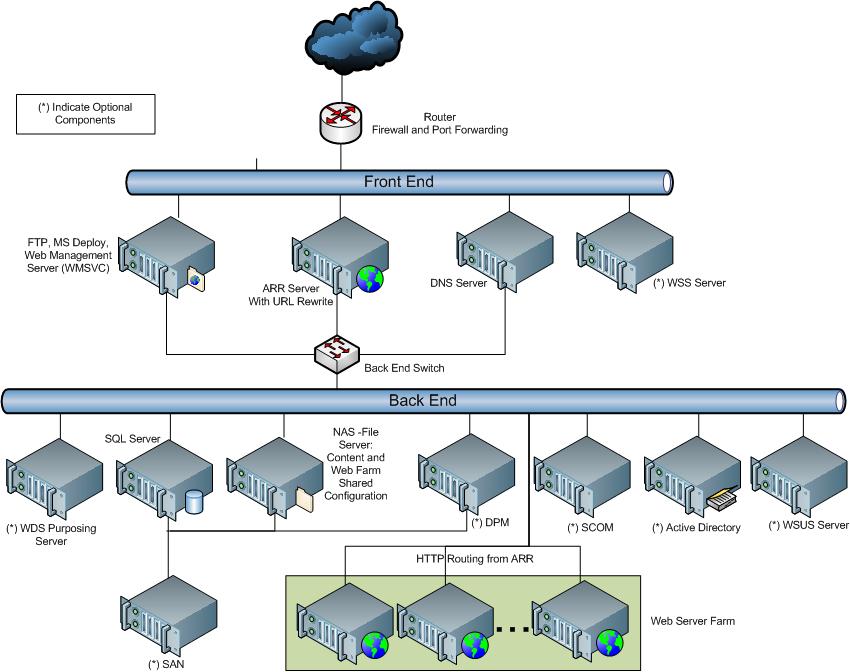
Local hosting involves hosting your blog on your own server, usually a home or small business server. This option is ideal for bloggers with technical expertise who want full control over their hosting environment. Local hosting can be cost-effective if you already have a server setup, but it requires significant maintenance, including backups, security updates, and performance monitoring. It’s best for advanced users who are comfortable managing their own infrastructure.
- Full Control: Complete ownership and management of your server.
- Cost-Effective: No recurring hosting fees if you already have a server.
- Customizable: Tailor server settings to your exact needs.
- No Dependency: No reliance on third-party hosting providers.
- Advanced Security: Can implement custom security measures.
8. WordPress Hosting with AI Features

Modern WordPress hosting providers are integrating AI tools to enhance blog performance and management. These services use AI for automated backups, predictive traffic analysis, and personalized recommendations for plugins and themes. AI-driven hosting is ideal for bloggers who want to streamline their workflow, reduce manual tasks, and optimize their site for better engagement. It’s particularly useful for growing blogs that need smart insights to improve content strategy and user experience.
- AI-Powered Backups: Automated backups with AI-driven recovery options.
- Traffic Prediction: AI analyzes traffic patterns to forecast spikes.
- Personalized Recommendations: AI suggests plugins and themes based on usage.
- Performance Optimization: AI continuously tweaks site speed and security.
- User-Friendly Dashboard: Intuitive interface with AI-assisted navigation.
9. Serverless Hosting
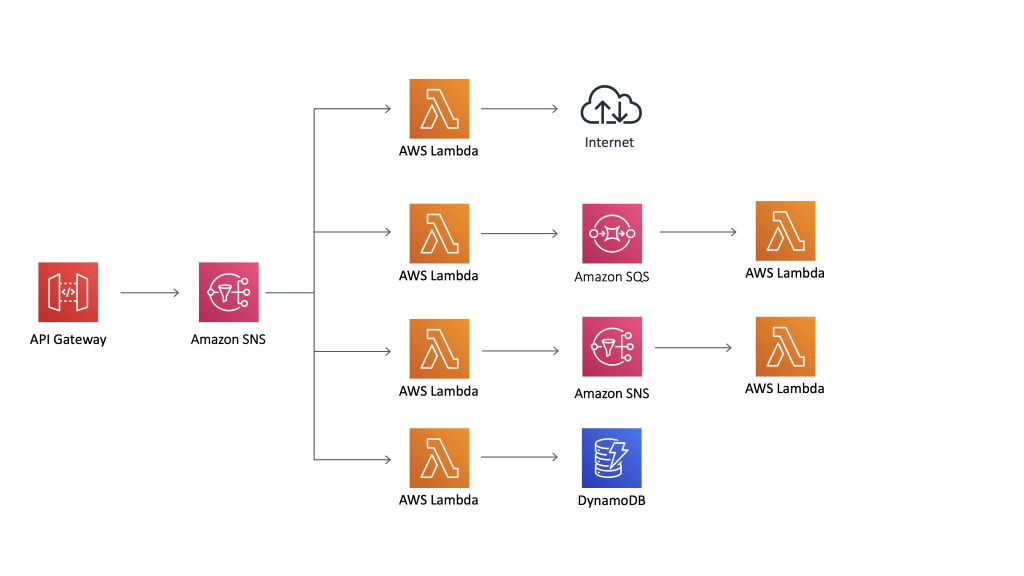
Serverless hosting automatically scales your blog based on demand, eliminating the need to manage servers manually. This model is perfect for blogs with variable traffic, such as those running seasonal content or promotions. Serverless hosting is cost-effective for low-to-moderate traffic blogs because you only pay for the resources you use. It’s ideal for developers or bloggers who want to focus on content creation without worrying about server maintenance.
- Automatic Scaling: Resources adjust based on real-time traffic.
- Pay-per-Use Pricing: Charge only for the resources consumed.
- No Server Management: Handles all server-related tasks automatically.
- High Availability: Minimal downtime with global load balancing.
- Integration with Cloud Services: Works seamlessly with AWS, Google Cloud, and others.
Frequently Asked Questions
What factors should I consider when choosing hosting for my blog?
Consider your blog’s traffic expectations, technical expertise, budget, and specific needs like security or scalability. Shared hosting is best for beginners, while dedicated or cloud hosting suits high-traffic blogs. If you prioritize ease of use, managed WordPress hosting may be ideal. Assess whether you need advanced features like AI tools or green hosting for your values.
How do I know if my blog needs a dedicated server?
A dedicated server is necessary if your blog experiences high traffic, requires custom software, or needs full control over server configurations. It’s also ideal for businesses or advanced users who manage complex infrastructure. Shared or VPS hosting usually suffice for most blogs, especially those with moderate traffic.
What’s the difference between shared and managed WordPress hosting?
Shared hosting allows multiple sites to share server resources, making it cost-effective but less customizable. Managed WordPress hosting, however, is optimized specifically for WordPress, offering automatic updates, security patches, and dedicated support. Managed hosting is better for users who want a hassle-free experience with WordPress.
Can I switch hosting providers without losing my blog’s data?
Most providers offer migration services to help you transfer your blog’s data seamlessly. Always check with your current provider about migration support and read reviews on ease of migration. A well-planned migration minimizes downtime and ensures your content remains intact.
Is green hosting worth the extra cost?
Green hosting is worth it if sustainability is a priority for your blog. While it may cost slightly more than traditional hosting, it aligns with eco-conscious values and often includes transparent environmental reporting. For most bloggers, the added cost is justified by the ethical benefits and potential audience appeal.
What should I look for in a hosting provider’s customer support?
Look for providers that offer 24/7 support via phone, email, or live chat. Fast response times and knowledgeable staff are crucial, especially for troubleshooting technical issues. Read reviews to gauge support quality before committing to a provider.
How can I ensure my blog’s security with any hosting plan?
Choose a hosting provider that includes security features like malware scanning, firewalls, and regular backups. Keep your WordPress core, plugins, and themes updated to patch vulnerabilities. Use strong passwords, enable two-factor authentication, and consider using SSL certificates for encrypted connections.