best email hosting services


Email hosting isn’t just about sending messages anymore—it’s about how secure, reliable, and efficient your inbox operates. With cyber threats growing and business communication evolving, the right hosting solution can make a difference in productivity, privacy, and cost. Many small businesses and individuals still rely on free email providers, but they often come with limitations like storage caps, ads, or lack of advanced features. If you need professional-grade tools—like spam filtering, custom domains, or integrations with other business tools—you’ll need a dedicated hosting service that meets those needs without sacrificing performance.
The right email hosting service should also adapt to your needs over time. Whether you’re managing a personal account or coordinating a team’s communications, you’ll want a provider that offers scalability, easy setup, and minimal downtime. Some services prioritize simplicity, while others offer deep customization for power users. The best choice depends on your priorities: cost, security, ease of use, or specific features like mobile access or AI-powered tools. Below, I’ve assembled a list below of the best options for email hosting services.
📋 Table of Contents
1. Google Workspace

Google Workspace is a leading email hosting service that integrates seamlessly with Google’s suite of productivity tools. It’s ideal for businesses and individuals who rely on Google’s ecosystem, offering robust security, advanced collaboration features, and scalable plans. Google Workspace is particularly popular for its user-friendly interface and integration with Gmail, Google Calendar, and Google Drive, making it a go-to choice for teams and professionals who need a cohesive digital workspace.
- Enterprise-Grade Security: Comprehensive security features including spam and phishing protection, two-factor authentication, and data encryption.
- Seamless Collaboration Tools: Built-in tools like shared calendars, document editing, and real-time communication through Meet and Chat.
- Scalable Plans: Customizable plans for small businesses, enterprises, and educational institutions, with options for unlimited users and storage.
- Google’s Reliability: High uptime and global infrastructure ensure consistent email delivery and accessibility.
- Integration with Google Apps: Native integration with Gmail, Docs, Sheets, and other Google services.
2. Microsoft 365 Business

Microsoft 365 Business is a powerful email hosting solution designed for businesses of all sizes, offering deep integration with Microsoft’s suite of productivity tools. It’s perfect for teams that already use Windows, Office, or other Microsoft products, as it enhances collaboration with features like Outlook, Teams, and OneDrive. Microsoft 365 Business is especially useful for organizations that prioritize security, compliance, and advanced analytics.
- Outlook Email Integration: Professional email management with advanced features like smart rules, calendar sync, and contact management.
- Microsoft Teams Integration: Seamless video conferencing, chat, and file-sharing capabilities within the email platform.
- Enterprise Security Features: Advanced threat protection, data loss prevention, and compliance tools for sensitive business communications.
- Cloud Storage and Collaboration: Unlimited cloud storage with OneDrive and shared document editing in real time.
- Customizable Plans: Flexible pricing tailored to business needs, including options for small teams and large enterprises.
3. Zoho Mail
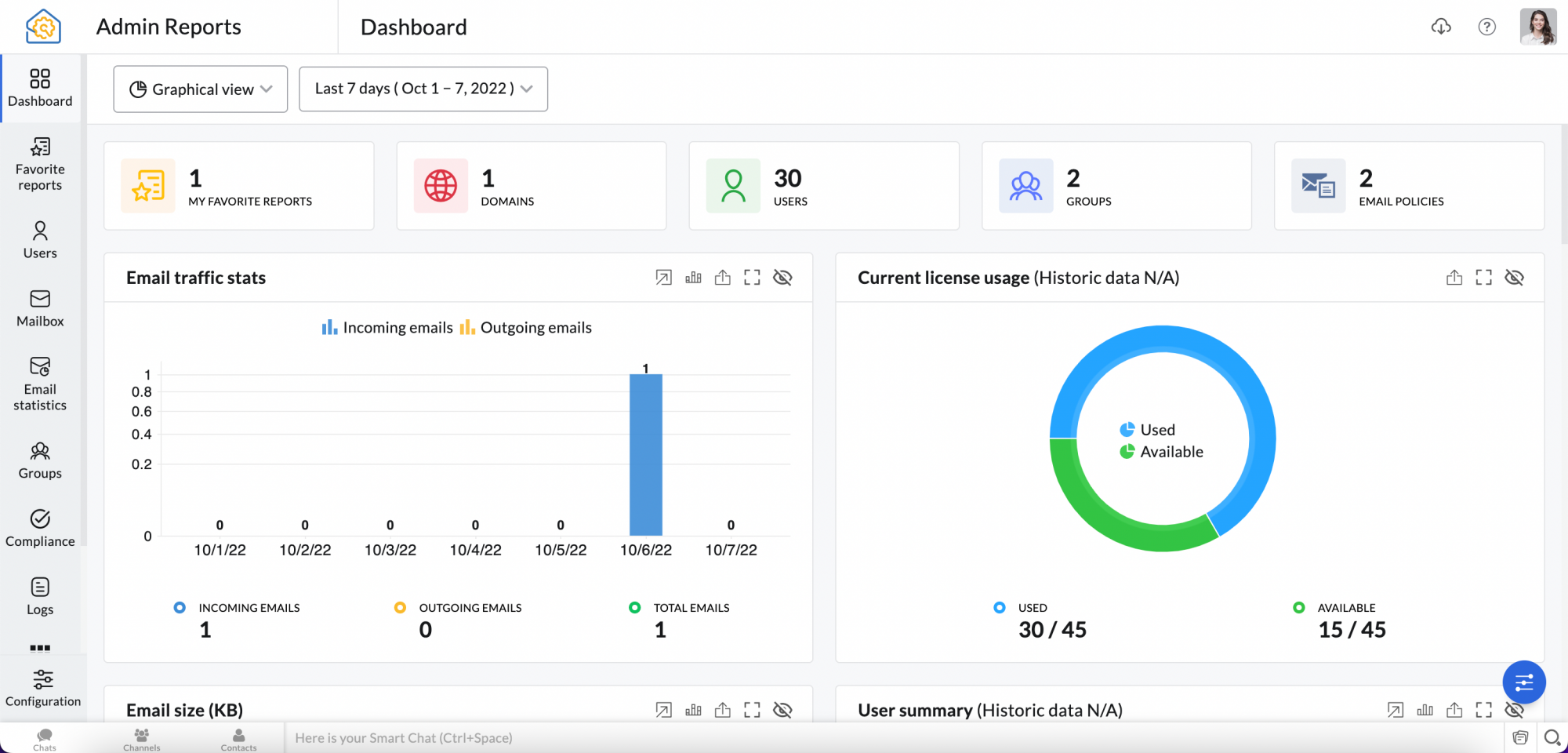
Zoho Mail is a cost-effective email hosting service tailored for small businesses and startups. It stands out for its affordability, user-friendly interface, and robust features without the complexity of enterprise solutions. Zoho Mail is great for businesses looking to streamline communication while maintaining high security and reliability. Its integration with Zoho’s suite of business tools makes it a solid choice for growing companies.
- Affordable Pricing: Low-cost plans starting at $1/user/month, making it ideal for small businesses and freelancers.
- Advanced Security Features: Spam and malware protection, SSL encryption, and multi-factor authentication for secure email communication.
- Zoho Workspace Integration: Seamless integration with Zoho CRM, Zoho Projects, and other business tools for enhanced productivity.
- Customizable Email Domains: Create professional email addresses with custom domains like [email protected].
- User-Friendly Interface: Intuitive dashboard with easy navigation and customizable email templates.
4. Proton Mail
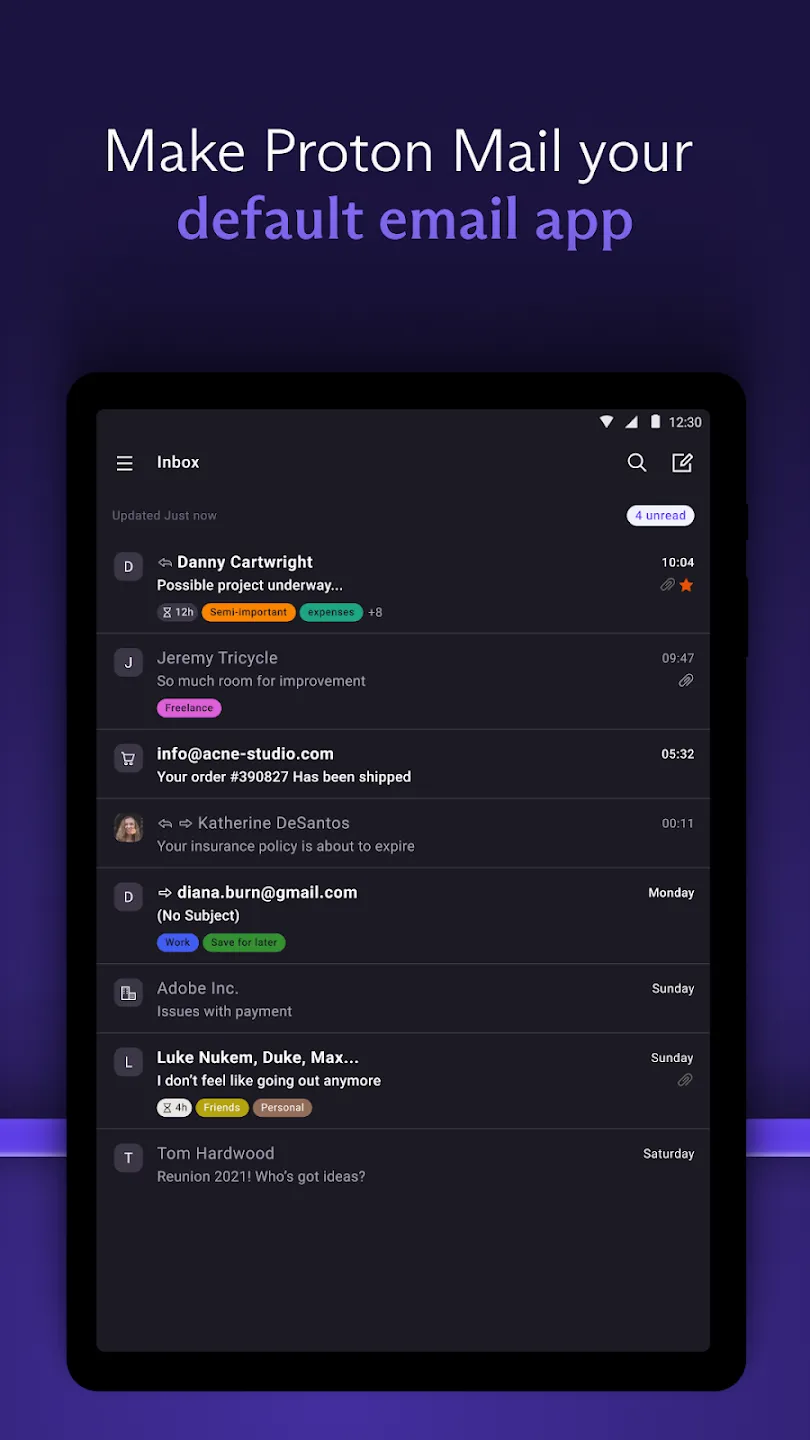
Proton Mail is a privacy-focused email hosting service that prioritizes end-to-end encryption and data security. It’s ideal for individuals and professionals who value anonymity and protection from surveillance. Proton Mail’s open-source nature and strict privacy policies make it a trusted choice for journalists, activists, and anyone concerned about email security. While it may not offer the same collaboration features as enterprise solutions, its focus on privacy is unmatched.
- End-to-End Encryption: Automatic encryption of emails and attachments to ensure privacy and security.
- No Logs Policy: Proton Mail does not store user data, providing a strict no-logs policy for enhanced privacy.
- Open-Source Platform: Transparency through open-source code, allowing users to verify security measures.
- Customizable Email Addresses: Create unique email addresses with custom domains for better privacy management.
- Free and Paid Plans: Free plan with limited storage; paid plans offer more features and storage starting at $4.50/month.
5. iCloud Mail
:quality(90)/article-new/2021/06/icloud-mail-beta-redesign.png)
iCloud Mail is a free email hosting service offered by Apple, designed for users who already rely on Apple’s ecosystem. It’s perfect for iPhone, iPad, and Mac users who want a seamless email experience integrated with other Apple services. iCloud Mail is simple to set up and offers basic but reliable email features, making it ideal for personal use or small teams. Its integration with iCloud Drive and other Apple apps enhances productivity for users who prefer a unified digital environment.
- Free and Simple: Completely free with unlimited storage for emails and attachments.
- Seamless Apple Integration: Smooth syncing across all Apple devices, including iPhone, iPad, and Mac.
- Basic Security Features: End-to-end encryption for emails and two-factor authentication for added security.
- iCloud Drive Integration: Easy file sharing and storage integration with iCloud Drive for documents and media.
- User-Friendly Interface: Intuitive and easy-to-navigate interface tailored for Apple users.
6. AOL Email
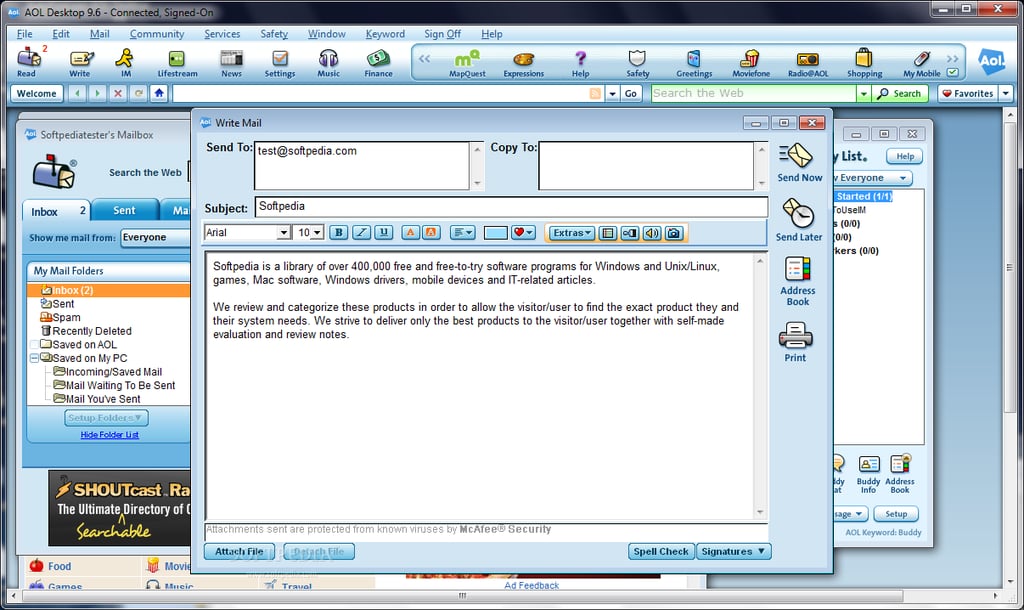
AOL Email is a classic email hosting service that has been around for decades, offering a nostalgic yet functional experience. It’s ideal for users who want a straightforward, no-frills email solution without the complexity of modern hosting services. AOL Email is particularly appealing for those who appreciate its classic interface and reliable performance. While it may lack advanced features, it remains a solid choice for casual users and small businesses looking for a simple and affordable option.
- Classic Interface: A familiar and easy-to-use email interface reminiscent of early internet days.
- Affordable and Reliable: Free plan with no hidden costs, ensuring consistent email delivery.
- Basic Security Measures: Spam filtering and basic encryption to protect emails in transit.
- Cross-Platform Access: Works seamlessly across web, desktop, and mobile devices.
- No Contracts or Commitments: Flexible plans with no long-term commitments or hidden fees.
7. FastMail

FastMail is a modern email hosting service that focuses on speed, simplicity, and privacy. It’s designed for users who want a clean, distraction-free email experience without the clutter of traditional email clients. FastMail stands out for its fast loading times, customizable inbox, and strong privacy features, making it a great choice for professionals and individuals who prioritize efficiency and security. Its minimalist design helps users stay focused on their communications.
- Fast and Reliable: Optimized for speed with fast loading times and minimal latency.
- Customizable Inbox: Personalized inbox layout with custom folders, labels, and filters.
- End-to-End Encryption: Automatic encryption for emails and attachments to ensure privacy.
- Cross-Platform Support: Works seamlessly across web, desktop, and mobile devices.
- Affordable Pricing: Competitive pricing starting at $2.99/month for basic features.
8. Yahoo Mail

Yahoo Mail is a widely recognized email hosting service that offers a balance of features and usability. It’s ideal for users who want a reliable, user-friendly email platform with additional services like web hosting, cloud storage, and security tools. Yahoo Mail is particularly popular for its integration with other Yahoo services and its strong spam protection. While it may not be as private as some alternatives, it remains a solid choice for casual users and small businesses looking for a comprehensive email solution.
- Comprehensive Features: Includes email, web hosting, cloud storage, and security tools in one platform.
- Strong Spam Protection: Advanced spam filtering to keep inboxes clean and secure.
- Cross-Platform Access: Works seamlessly across web, desktop, and mobile devices.
- Customizable Email Settings: Flexible options for organizing emails with folders, labels, and filters.
- Free and Reliable: Free plan with no hidden costs, ensuring consistent email delivery.
9. Outlook.com
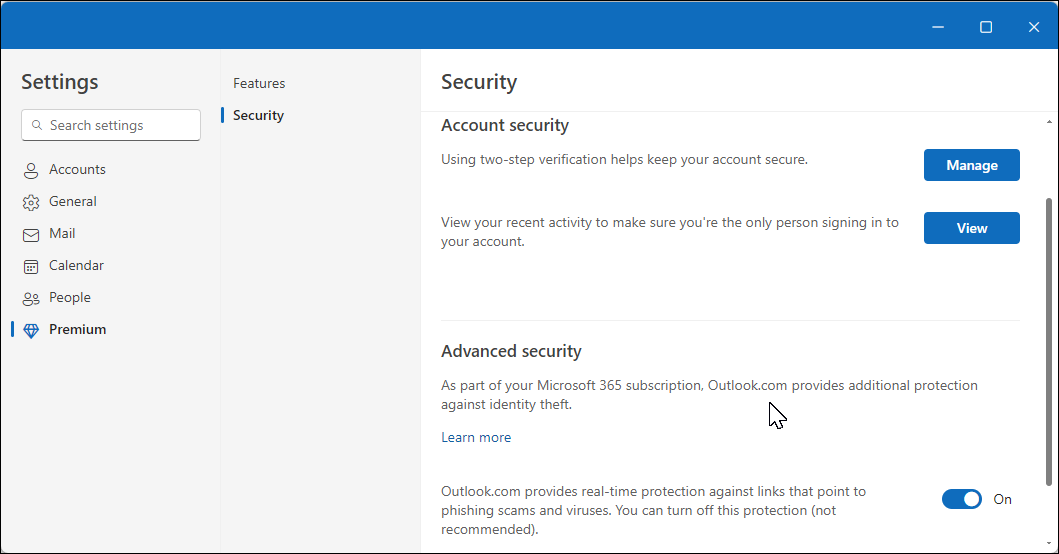
Outlook.com is a free email hosting service offered by Microsoft, designed for users who want a familiar and reliable email experience. It’s ideal for those who already use Microsoft products like Windows, Office, or other Microsoft services. Outlook.com offers a clean interface, strong security features, and integration with Microsoft’s ecosystem. While it may not have the advanced collaboration tools of Microsoft 365, it remains a solid choice for personal use and small teams looking for a simple yet secure email solution.
- Free and Reliable: Completely free with no hidden costs and high uptime.
- Microsoft Security Features: Advanced spam and phishing protection, along with data encryption.
- Integration with Microsoft Ecosystem: Seamless syncing with OneDrive, Office, and other Microsoft services.
- User-Friendly Interface: Intuitive and easy-to-navigate interface for personal and professional use.
- Basic Collaboration Tools: Supports shared calendars and simple file sharing within the email platform.
10. Mail.com
Mail.com is a free email hosting service that focuses on privacy and simplicity. It’s designed for users who want a secure, no-frills email experience without the need for paid subscriptions. Mail.com stands out for its strong encryption, customizable email addresses, and commitment to user privacy. While it may lack advanced features like collaboration tools, it remains a great option for individuals and professionals who prioritize security and affordability.
- Free and Private: Completely free with no user data logging or tracking.
- End-to-End Encryption: Automatic encryption for emails and attachments to ensure privacy.
- Customizable Email Addresses: Create unique email addresses with custom domains for better privacy.
- Cross-Platform Access: Works seamlessly across web, desktop, and mobile devices.
- Simple and Reliable: User-friendly interface with minimal distractions and high uptime.
Frequently Asked Questions
What factors should I consider when choosing an email hosting service?
When selecting an email hosting service, consider your primary needs, such as security, collaboration features, budget, and integration with other tools. Think about whether you need end-to-end encryption for privacy, advanced security measures for businesses, or simple, free options for personal use. Also, evaluate the ease of use, cross-platform compatibility, and any additional services like web hosting or cloud storage that may be beneficial.
Can I use my own domain name with these email hosting services?
Most professional email hosting services allow you to use a custom domain name for your email addresses. Services like Google Workspace, Microsoft 365, and Zoho Mail offer this feature, enabling you to create professional email addresses like [email protected]. This adds credibility and helps with branding.
How important is security in an email hosting service?
Security is crucial when choosing an email hosting service, especially if you handle sensitive information. Look for features like end-to-end encryption, two-factor authentication, spam and phishing protection, and compliance with data protection regulations. Services like Proton Mail and Zoho Mail are known for their strong security measures, making them ideal for users who prioritize privacy.
What are the best email hosting services for small businesses?
For small businesses, services like Google Workspace, Microsoft 365 Business, and Zoho Mail are excellent choices. These platforms offer scalable plans, advanced security features, and integration with other business tools. Google Workspace and Microsoft 365 are particularly popular for their seamless collaboration tools, while Zoho Mail provides a cost-effective alternative with strong security and customization options.
Do I need a paid plan for professional email hosting?
While many free email hosting services are available, paid plans often offer more advanced features, better security, and customization options. For professional use, especially in business settings, investing in a paid plan can enhance productivity, security, and reliability. Services like Google Workspace and Microsoft 365 provide robust features that justify their costs for businesses.
How do I set up email forwarding with an email hosting service?
Most email hosting services make it easy to set up email forwarding. Typically, you can access your email settings through the web interface and look for options like ‘Forwarding’ or ‘Rules.’ You’ll need to enter the email address where you want incoming emails forwarded, and the service will handle the rest. Some services also allow you to set up automatic responses or filters to manage incoming emails more efficiently.
Can I switch email providers easily?
Switching email providers is usually straightforward, but it can vary depending on the service. Most modern email hosting services offer tools to help migrate your emails, contacts, and settings. For example, Google Workspace and Microsoft 365 provide migration assistance, while services like Zoho Mail offer detailed guides. Always check the provider’s documentation or support resources for step-by-step instructions.