best website builder and hosting


Choosing the right website builder and hosting isn’t just about aesthetics—it’s about how smoothly your site functions, how fast it loads, and how reliable it stays up over time. The tools you pick will shape your ability to create, manage, and grow your online presence without unnecessary frustration. Many small business owners and solo creators start with a builder that promises ease of use, but what they often overlook is the foundation that supports it: hosting. A great builder alone won’t keep your site running if the hosting is slow, unstable, or lacks the scalability you’ll need as traffic grows. The best combination balances simplicity with performance, offering features like secure file transfers, automatic updates, and easy integrations with tools like email, payment systems, and analytics.
If you’re building a simple blog, portfolio, or small business site, some builders are designed to streamline the process with drag-and-drop editors and templates that require no coding. But if you plan to expand—adding e-commerce features, custom domains, or advanced analytics—you’ll need a setup that can grow with you. Hosting plays a critical role here, too. Shared hosting can work for low-traffic sites, but as visitors increase, you’ll need options like managed WordPress hosting or VPS servers for better control and performance. The right mix ensures your site stays fast, secure, and accessible, no matter how much it evolves. Below, I’ve assembled a list below of the best options for website builder and hosting.
📋 Table of Contents
1. Wix
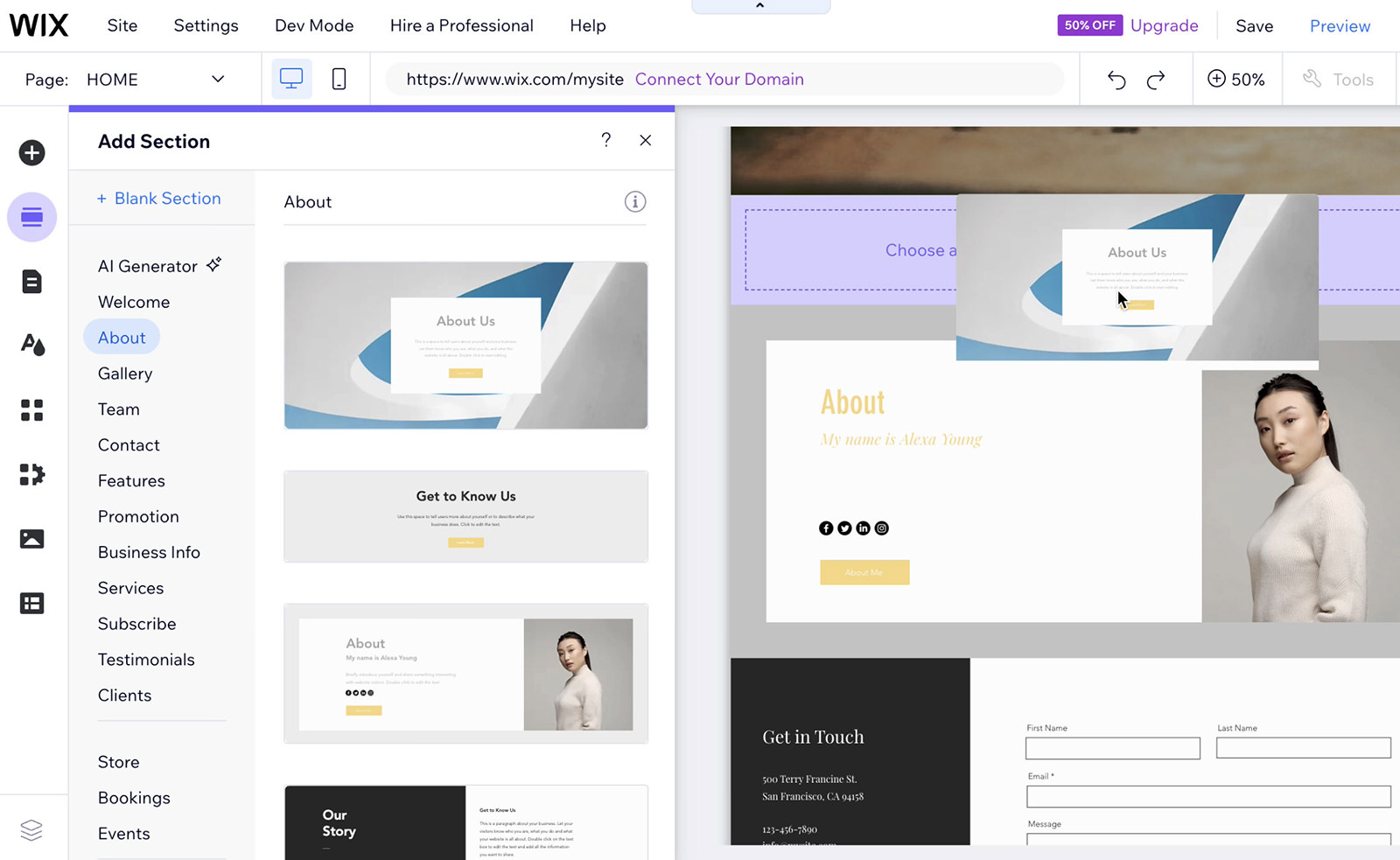
Wix is a leading all-in-one website builder that combines intuitive drag-and-drop tools with powerful hosting capabilities. It’s ideal for beginners and small businesses looking to create a professional online presence without needing technical expertise. Wix’s user-friendly interface allows you to design custom websites with a variety of templates, making it easy to build anything from a simple portfolio to an e-commerce store. The platform also integrates seamlessly with third-party apps, ensuring flexibility for growing businesses.
- Drag-and-Drop Editor: Wix’s intuitive editor lets you customize every element of your site visually, without writing code.
- AI Website Builder: Wix’s AI Assistant generates site layouts and content suggestions based on your industry.
- Built-in Hosting: Wix provides secure, fast hosting with automatic updates and 24/7 support.
- E-Commerce Features: Supports online stores with payment gateways, inventory management, and shipping tools.
- Mobile Optimization: Automatically adapts designs for mobile users, ensuring a responsive experience.
2. Squarespace

Squarespace is a premium website builder known for its sleek, modern templates and strong design focus. It’s perfect for creatives, photographers, and small businesses that prioritize aesthetics and professionalism. Unlike many competitors, Squarespace doesn’t offer drag-and-drop editing—you build your site by selecting and rearranging pre-designed blocks. This approach ensures a polished, high-end look that’s ideal for portfolios, blogs, and retail sites.
- Beautiful Templates: Over 140 customizable templates tailored to industries like fashion, food, and art.
- No Coding Required: Use a visual editor to customize layouts, fonts, and colors without technical skills.
- Built-in Hosting: Secure, fast hosting with automatic SSL certificates and daily backups.
- SEO Tools: Built-in SEO features to improve search rankings and drive organic traffic.
- Mobile-Ready Designs: All templates are optimized for mobile devices out of the box.
3. WordPress.org (Self-Hosted)
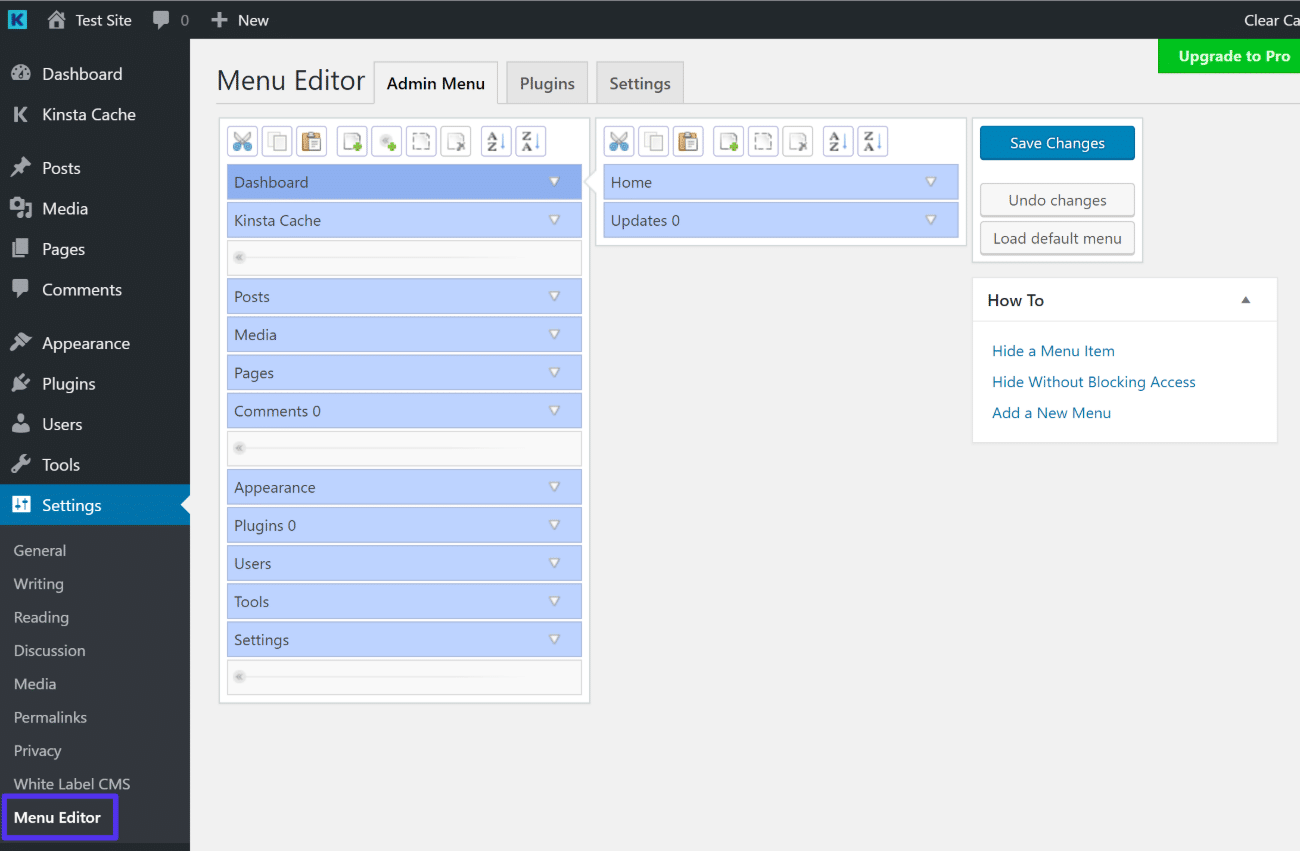
WordPress.org is the most flexible and powerful open-source platform for building websites. Unlike WordPress.com, self-hosting gives you full control over your site’s design, performance, and functionality. It’s best for developers, bloggers, and businesses that need scalability, customization, and advanced features like plugins and themes. However, setting up WordPress requires technical knowledge, including choosing a hosting provider and managing updates.
- Unlimited Customization: Access thousands of themes and plugins to tailor your site to any need.
- SEO-Friendly: Built-in SEO tools and plugins like Yoast SEO for better search visibility.
- Performance Optimization: Use caching plugins and fast hosting to improve load times.
- E-Commerce Support: Integrate WooCommerce for online stores with payment processing.
- Community & Support: A vast community and extensive documentation for troubleshooting.
4. Shopify

Shopify is a dedicated e-commerce platform designed specifically for online stores. It simplifies the process of launching and managing an online retail business, offering everything from product listings to payment processing. Shopify is ideal for small businesses, dropshippers, and sellers looking to sell products online without worrying about hosting or technical setup. Its user-friendly interface and robust features make it a top choice for e-commerce beginners and professionals alike.
- Built-in E-Commerce Tools: Features like inventory management, order tracking, and shipping integrations.
- Secure Payment Gateways: Supports major payment processors like PayPal and Stripe.
- Mobile-Friendly Designs: Pre-built themes optimized for mobile shopping experiences.
- 24/7 Customer Support: Round-the-clock support via chat, phone, and email.
- App Marketplace: Access to thousands of apps for additional functionality.
5. Site123

Site123 is a beginner-friendly website builder that simplifies the process of creating a website with minimal effort. It’s designed for small businesses, freelancers, and individuals who want a quick, no-fuss solution. Unlike more complex platforms, Site123 uses a step-by-step guide to help you build a site in just a few clicks. While it lacks advanced features, it’s a great option for those who want a simple, all-in-one hosting and design solution without learning coding.
- Step-by-Step Builder: Guides you through creating your site with simple, interactive steps.
- Free Domain for First Year: Offers a free domain registration for the first year.
- Basic Hosting: Provides reliable hosting with automatic updates and security.
- SEO Tools: Includes basic SEO features to improve visibility.
- Mobile Optimization: Automatically adjusts designs for mobile devices.
6. GoDaddy Website Builder
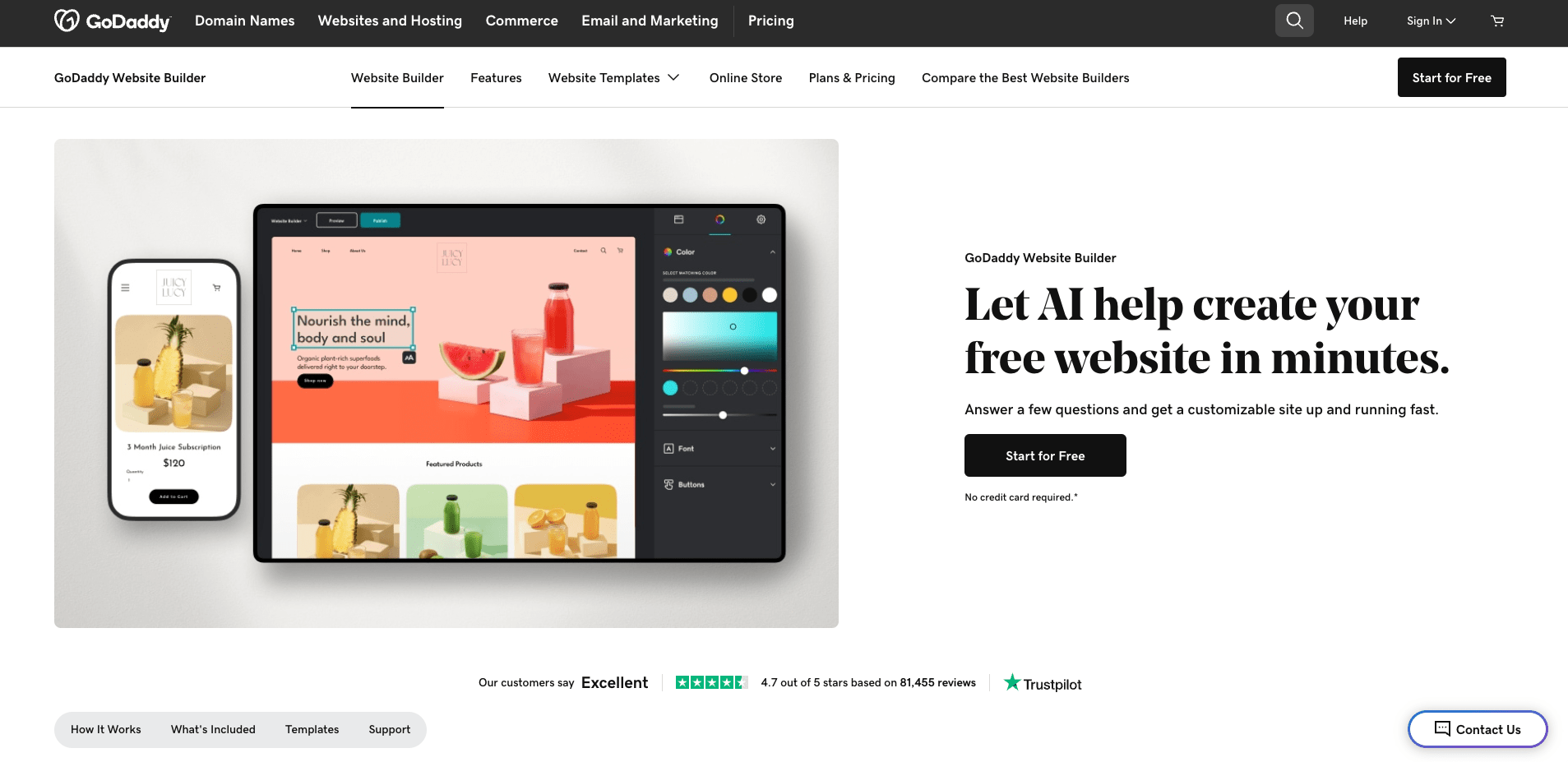
GoDaddy’s Website Builder is a straightforward solution for those who want a simple, no-frills way to create a website. It’s particularly useful for small businesses, local service providers, and individuals who need a basic online presence quickly. While it lacks advanced customization options, GoDaddy’s builder is easy to use and integrates with their hosting services. It’s a good choice for beginners who prioritize simplicity over complex features.
- Drag-and-Drop Editor: Simple interface for adding text, images, and basic elements.
- Free Domain for First Year: Offers a free domain registration for the first year.
- Basic Hosting: Includes hosting with automatic backups and security.
- SEO Tools: Provides basic SEO features to improve search rankings.
- 24/7 Customer Support: Offers phone, chat, and email support for assistance.
7. Webflow

Webflow is a modern website builder that bridges the gap between design and development. It’s ideal for designers, developers, and agencies who want full control over their site’s design and functionality without writing code. Webflow’s visual editor allows for precise customization, making it a favorite among those who value aesthetics and performance. However, it requires a steeper learning curve compared to simpler builders.
- Advanced Customization: Full control over CSS, JavaScript, and design elements.
- Interactive Elements: Supports animations, forms, and dynamic content.
- Built-in Hosting: Secure hosting with automatic backups and SSL.
- SEO Tools: Built-in SEO features and CMS capabilities.
- Global CMS: Manages content across multiple sites easily.
8. Weebly
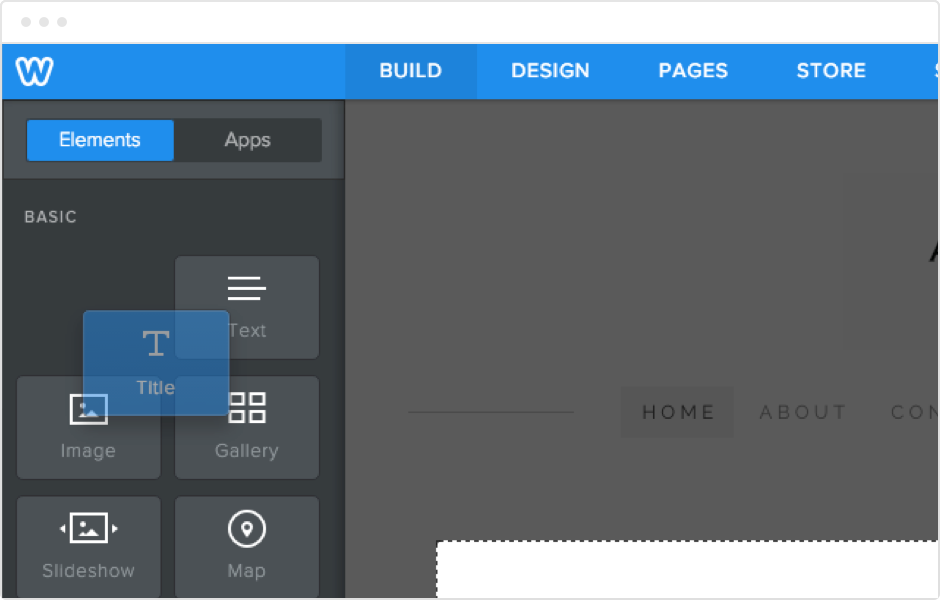
Weebly is a user-friendly website builder that’s perfect for beginners and small businesses. It offers a balance of ease of use and functionality, making it a great choice for those who want a simple yet effective online presence. Weebly’s drag-and-drop editor and pre-designed templates help users create professional-looking sites without needing technical skills. While it lacks some advanced features, it’s a solid option for personal blogs, portfolios, and small retail stores.
- Drag-and-Drop Editor: Simple interface for adding text, images, and basic elements.
- Free Domain for First Year: Offers a free domain registration for the first year.
- Basic Hosting: Reliable hosting with automatic updates and security.
- SEO Tools: Includes basic SEO features to improve search rankings.
- E-Commerce Support: Supports online stores with payment processing.
9. DreamHost
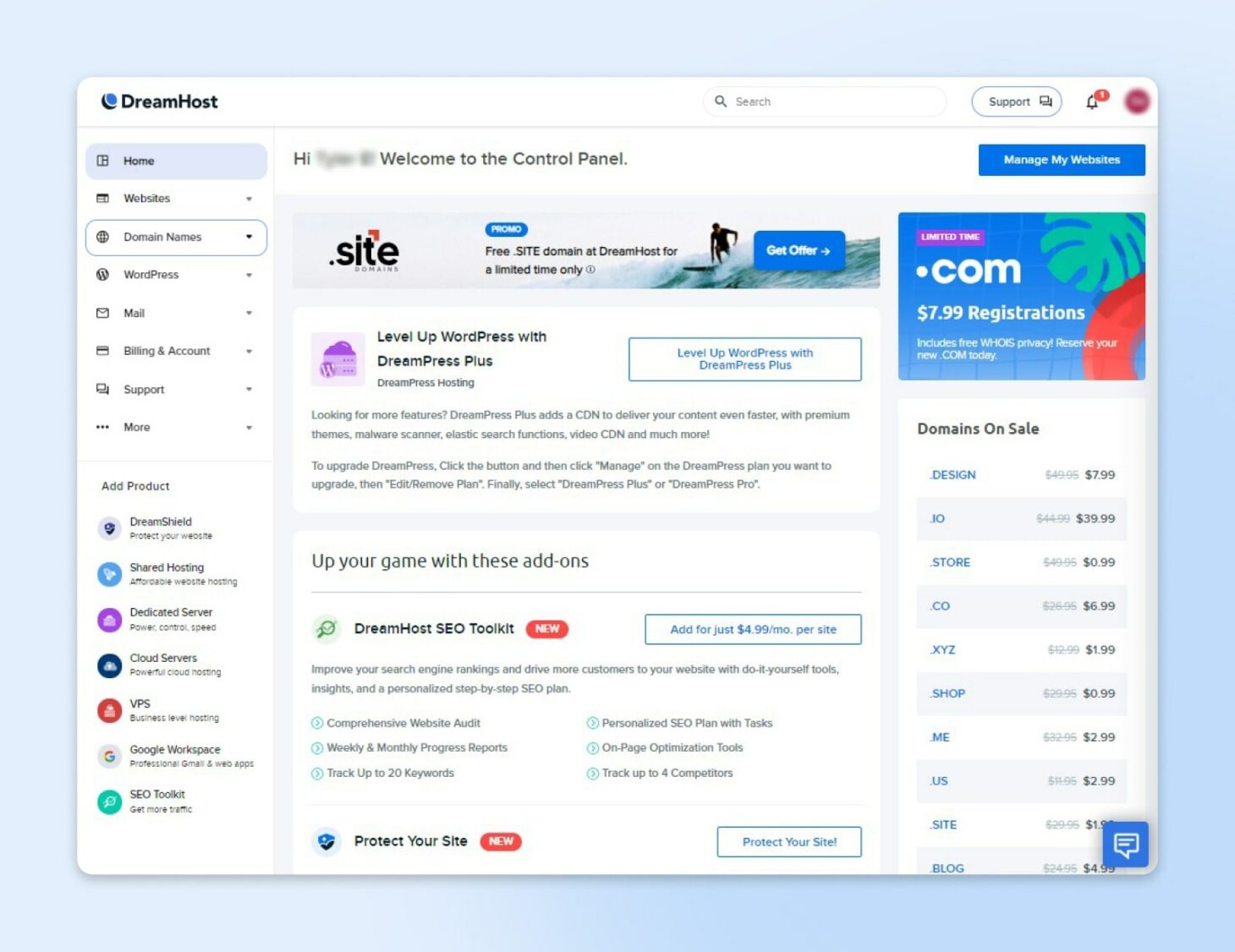
DreamHost is a reliable hosting provider that also offers a website builder. It’s best suited for users who want a simple, secure, and fast hosting solution with built-in tools for creating a website. DreamHost’s builder is user-friendly and integrates seamlessly with WordPress, making it a great choice for those who want flexibility without sacrificing performance. It’s particularly popular among bloggers and small businesses looking for a hassle-free hosting experience.
- User-Friendly Builder: Simple drag-and-drop editor for easy website creation.
- Fast Hosting: Offers high-performance hosting with SSD storage.
- Free Domain for First Year: Provides a free domain registration for the first year.
- SEO Tools: Includes basic SEO features to improve search rankings.
- 24/7 Customer Support: Offers phone, chat, and email support for assistance.
10. Bluehost
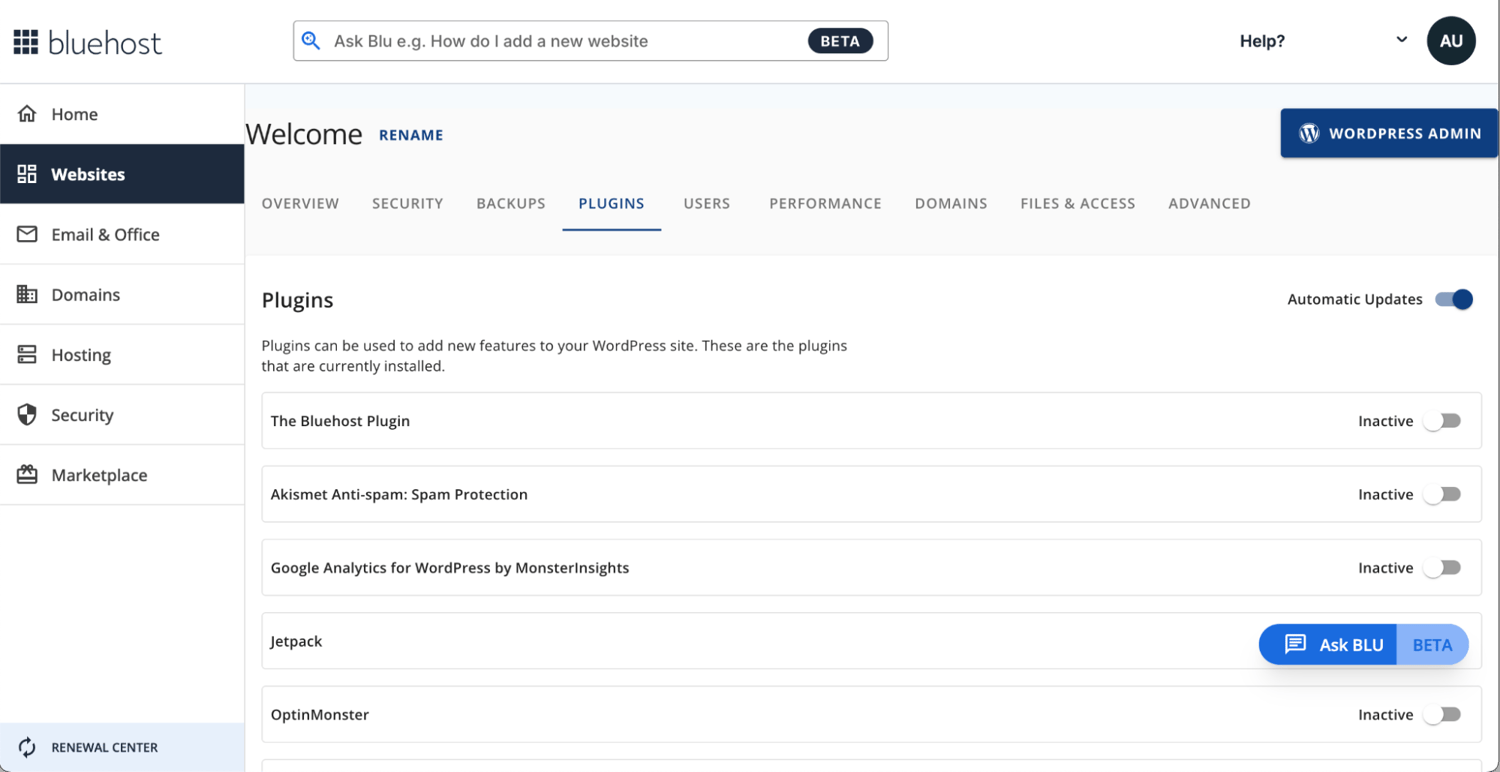
Bluehost is a well-known hosting provider that also offers a website builder. It’s a popular choice for beginners and WordPress users due to its affordable pricing and reliable performance. Bluehost’s builder is easy to use, with drag-and-drop tools and pre-designed templates that help users create professional-looking websites quickly. It’s particularly strong for bloggers, small businesses, and those new to website hosting.
- WordPress Optimized: Specialized hosting for WordPress sites with easy setup.
- Drag-and-Drop Builder: Simple interface for adding text, images, and basic elements.
- Free Domain for First Year: Offers a free domain registration for the first year.
- SEO Tools: Includes basic SEO features to improve search rankings.
- 24/7 Customer Support: Provides phone, chat, and email support for assistance.
Frequently Asked Questions
Which website builder is best for beginners?
For absolute beginners, Wix, Site123, and Weebly are excellent choices. These platforms offer intuitive drag-and-drop editors, step-by-step guides, and free trials, making them ideal for those who want to create a website without prior experience.
Do I need to know coding to use a website builder?
Most website builders, like Wix, Squarespace, and Weebly, require no coding knowledge. However, platforms like Webflow and WordPress offer more customization options that may require some technical understanding.
How much does website hosting cost?
Hosting costs vary widely. Basic plans from providers like DreamHost and Bluehost start at around $3/month, while more advanced plans or dedicated services can cost $10 or more per month. Prices also include domain registration, which typically costs between $10 and $15 annually.
Can I use a website builder for an e-commerce store?
Yes, several website builders support e-commerce, including Shopify, Wix, and Squarespace. These platforms offer built-in tools for managing products, payments, and shipping, making them suitable for online stores of all sizes.
What factors should I consider when choosing a website builder?
Consider your budget, technical skills, and specific needs. For example, if you need advanced customization, Webflow or WordPress may be better. If you want a quick, simple solution, Wix or Site123 could be ideal. Also, think about hosting requirements, SEO tools, and customer support.
Is it possible to migrate my website from one builder to another?
Yes, many website builders offer migration tools or services to help you transfer your site. For example, Wix and Squarespace provide migration assistance, while platforms like WordPress and Webflow allow you to export and import your content manually.
How important is SEO in a website builder?
SEO is crucial for driving organic traffic to your site. Most modern website builders include basic SEO tools, such as meta tag editors, keyword optimization, and mobile-friendly templates. However, for advanced SEO needs, you may need to integrate third-party plugins or services.