best place to host website


Choosing a hosting provider for your website is one of the first and most important decisions you’ll make. The right platform ensures your site stays fast, secure, and reliable without unexpected downtime or performance drops. A good host handles traffic spikes, backs up your data automatically, and keeps your site running smoothly—especially important if you’re expecting steady visitors or handling sensitive information.
The wrong choice can slow you down, leave you vulnerable to attacks, or even break your site entirely. Some hosts are built for simple blogs, while others are optimized for high-traffic business sites or e-commerce stores. Your needs will shape which provider fits best, whether you’re a solo creator, a small business owner, or managing a growing online presence. The list below breaks down the top options based on what matters most to you.
📋 Table of Contents
1. Shared Hosting
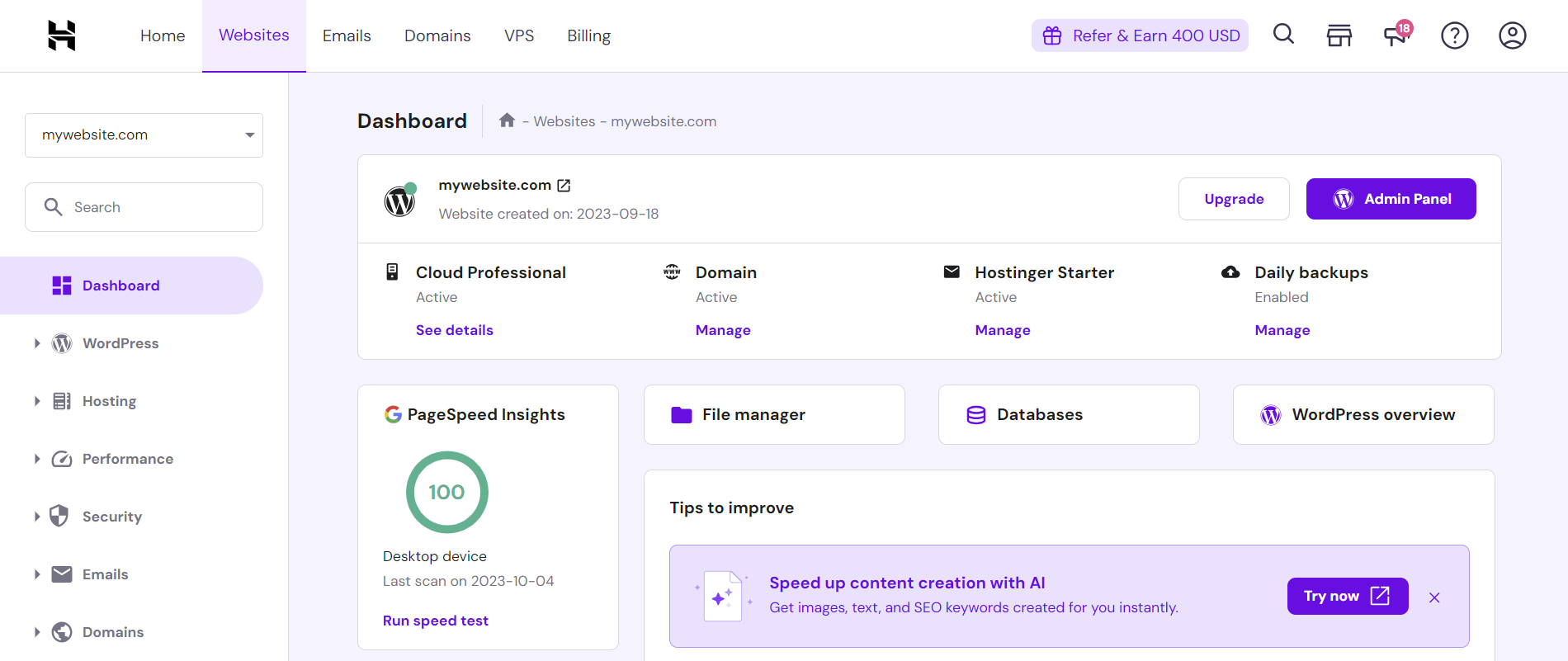
Shared hosting is the most budget-friendly option for beginners and small businesses. It allows multiple websites to share a single server, which keeps costs low. Ideal for personal blogs, small e-commerce stores, or websites with low to moderate traffic, shared hosting offers simplicity and affordability. You’ll get basic control over your site, but performance can vary depending on server load. Popular with startups and hobbyists who prioritize cost over advanced features.
- Low Cost: Starts as low as $2.99/month, making it perfect for beginners and small projects.
- Easy Setup: User-friendly control panels like cPanel simplify website management.
- Basic Support: 24/7 customer support available for troubleshooting common issues.
- Shared Resources: Multiple websites share server resources, which can impact speed during peak times.
- Limited Storage: Storage and bandwidth are often limited, which may not suit high-traffic sites.
2. VPS Hosting

VPS hosting offers a middle ground between shared and dedicated hosting. It provides a virtual private server, giving you dedicated resources while keeping costs reasonable. Best for growing businesses, developers, or websites needing more control than shared hosting provides. You manage your own server software and security, which boosts performance and flexibility. Suitable for medium-sized sites with predictable traffic.
- Dedicated Resources: Full control over CPU, RAM, and storage, ensuring consistent performance.
- Scalability: Easily upgrade resources as your site grows without major downtime.
- Root Access: Full administrative access to customize server settings and software.
- Security Features: Built-in firewalls, DDoS protection, and regular backups enhance security.
- Cost-Effective: More affordable than dedicated hosting for moderate traffic needs.
3. Cloud Hosting

Cloud hosting leverages distributed servers across multiple data centers, offering scalability and reliability. It’s ideal for businesses with fluctuating traffic or those needing high availability. Unlike traditional hosting, cloud providers like AWS, Google Cloud, or Azure let you pay only for what you use. Perfect for startups, SaaS companies, and enterprises requiring global reach and redundancy. Performance depends on network connectivity and provider reliability.
- Scalability: Instantly scale resources up or down based on demand.
- Global Reach: Deploy servers in multiple regions for faster load times worldwide.
- Pay-as-You-Go: Pay only for the compute power and storage you consume.
- High Availability: Redundant infrastructure minimizes downtime and data loss.
- Flexible Plans: Choose from pre-configured or custom solutions for different needs.
4. Dedicated Server Hosting
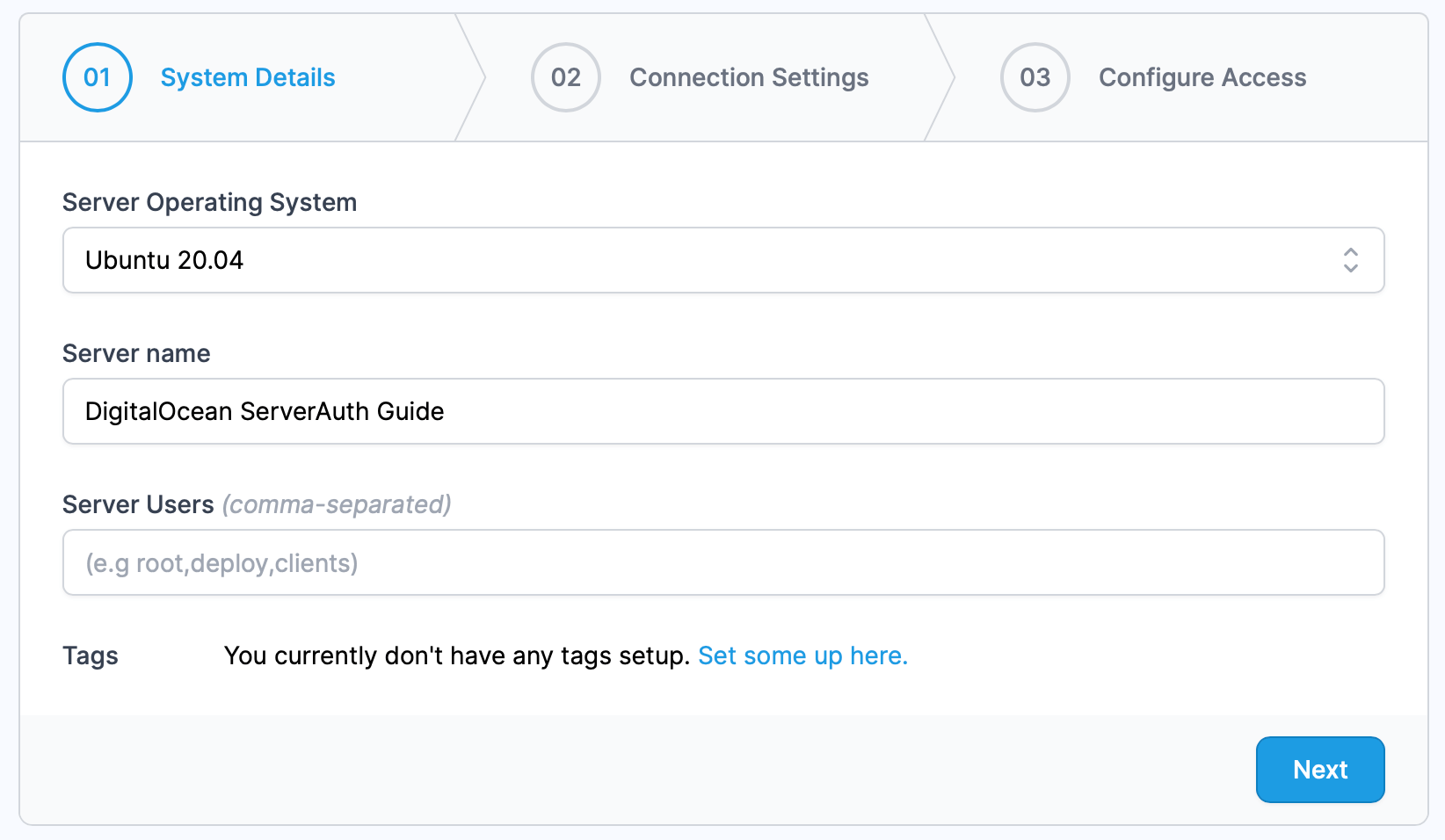
A dedicated server gives you a fully isolated server for your website, free from shared resources. This option is best for large businesses, high-traffic sites, or those requiring maximum control and security. You manage the entire server environment, including hardware and software. While expensive, it ensures stability, security, and performance for mission-critical applications. Ideal for enterprises or developers who need full customization.
- Full Server Control: Unlimited access to hardware, software, and configurations.
- High Performance: No shared resources mean consistent speed and reliability.
- Enhanced Security: Isolated environment reduces risks from cyber threats.
- Customizable: Tailor server settings to meet specific business needs.
- 24/7 Support: Premium support available for technical assistance.
5. Managed WordPress Hosting

Managed WordPress hosting is optimized specifically for WordPress sites, offering automatic updates, security patches, and expert support. It’s ideal for bloggers, small business owners, or developers who want a hassle-free experience. Providers handle server management, backups, and performance tuning, so you can focus on content and growth. Best for sites needing WordPress-specific optimizations without the technical overhead.
- WordPress Optimized: Server configurations are tuned for WordPress speed and compatibility.
- Automatic Backups: Regular, secure backups with point-in-time recovery options.
- Security Features: Built-in malware scanning, DDoS protection, and SSL certificates.
- Easy Management: Automatic updates, staging environments, and migration assistance.
- Uptime Guarantee: High availability with minimal downtime.
6. Green Hosting

Green hosting prioritizes environmental sustainability by using renewable energy sources and energy-efficient hardware. It’s ideal for eco-conscious businesses, nonprofits, or anyone who wants to reduce their carbon footprint. While not a performance guarantee, reputable providers offset energy use or invest in green initiatives. Best for brands that align their hosting choices with their values while still delivering reliable service.
- Carbon-Neutral: Energy use is offset through renewable sources or carbon credits.
- Eco-Friendly Infrastructure: Servers use energy-efficient cooling and hardware.
- Transparency: Providers disclose energy usage and sustainability efforts.
- Performance: Most green hosts offer standard performance like other providers.
- Support: Customer support focuses on both technical and environmental questions.
7. Kubernetes-Based Hosting
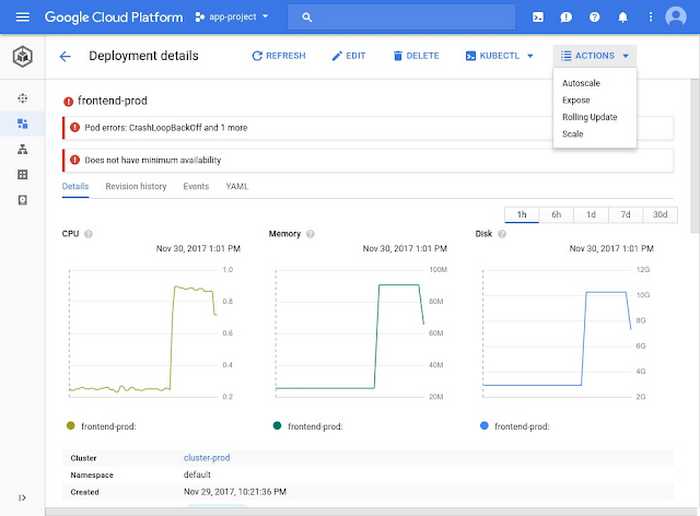
Kubernetes-based hosting uses container orchestration to manage dynamic workloads, making it ideal for microservices, scalable applications, or DevOps teams. It’s best for tech-savvy users who need advanced scalability, load balancing, and self-healing infrastructure. Providers like Google Kubernetes Engine (GKE) or AWS EKS simplify deployment without requiring deep Kubernetes expertise. Suitable for startups and enterprises handling complex, high-traffic applications.
- Container Orchestration: Automatically manages container deployment, scaling, and failure recovery.
- High Availability: Distributes workloads across multiple nodes for redundancy.
- Auto-Scaling: Adjusts resources dynamically based on demand.
- Security Features: Built-in identity management, network policies, and encryption.
- Cost Efficiency: Pay only for the resources you use, reducing overhead.
8. Local Hosting (For Development)
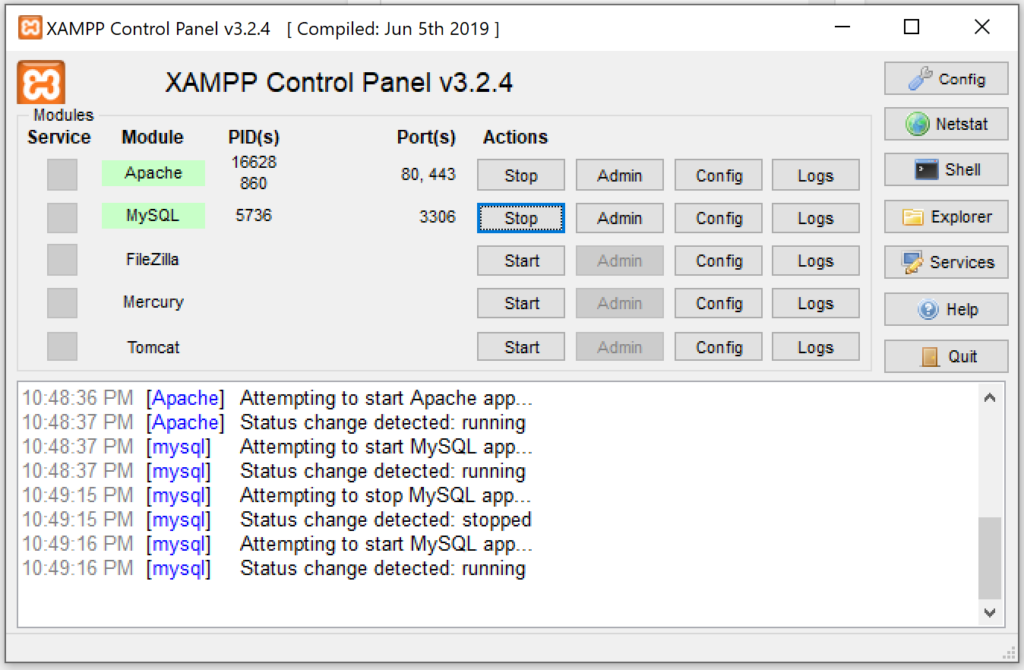
Local hosting allows you to test websites on your own machine before going live. Tools like XAMPP, WAMP, or MAMP provide a full server environment for development. It’s ideal for developers, designers, or small teams working on prototypes or private projects. While not for production, it’s essential for debugging, testing plugins, and learning web development. Best for individuals or small teams who need a low-cost, isolated testing environment.
- Full Server Environment: Installs PHP, MySQL, and Apache for complete web development.
- No Internet Dependency: Works offline, making it perfect for local testing.
- Cost-Effective: Free or low-cost software for personal use.
- Easy Setup: Simple installation process with step-by-step guides.
- Learning Tool: Helps developers understand server-side configurations.
9. Serverless Hosting
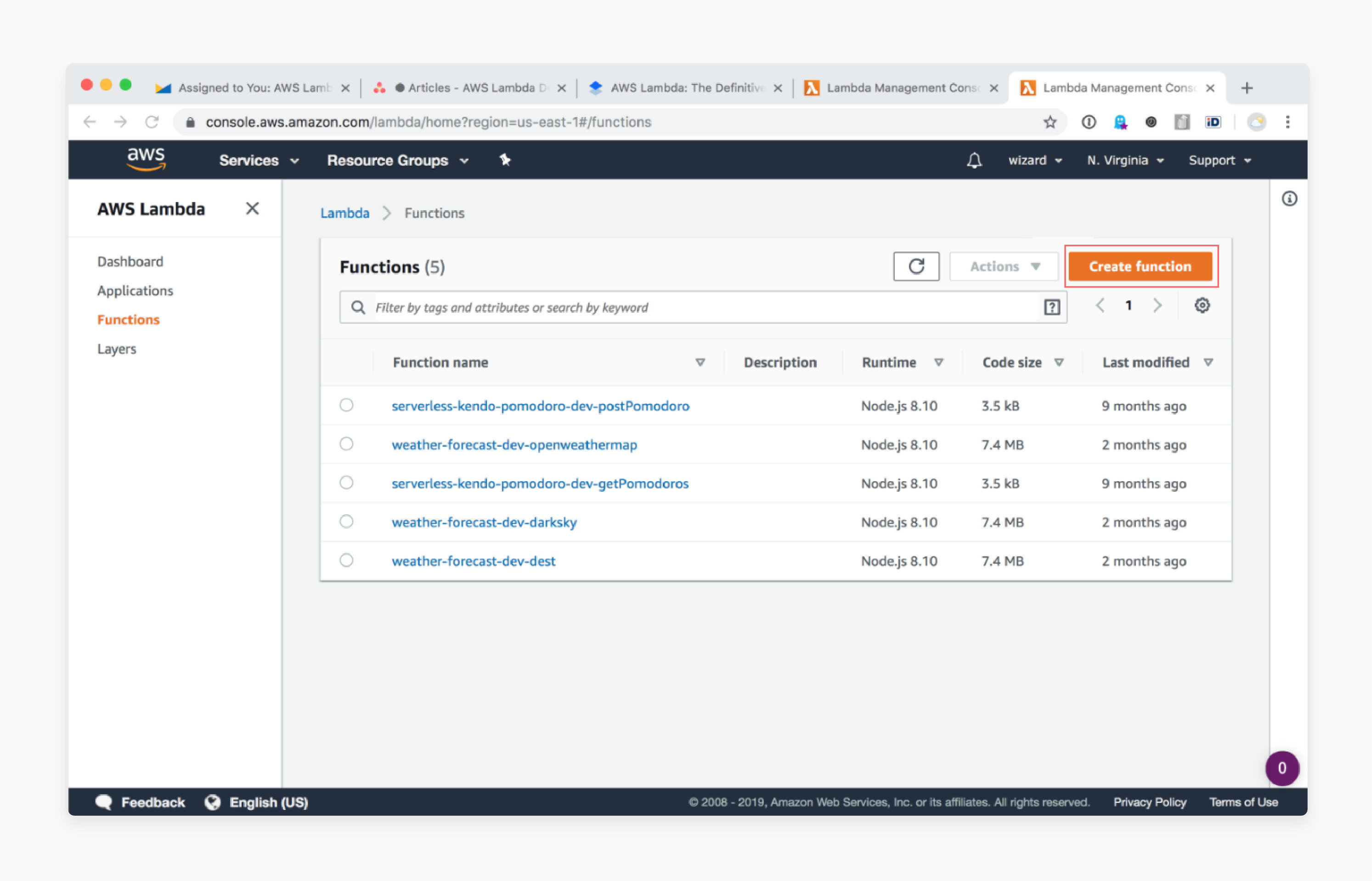
Serverless hosting automates server management, letting you focus on code. Platforms like AWS Lambda, Firebase, or Vercel execute functions without managing infrastructure. It’s ideal for developers building event-driven apps, APIs, or small websites with unpredictable traffic. Best for startups, freelancers, or teams needing rapid deployment and scalability without server maintenance. Performance depends on provider reliability and function design.
- Automatic Scaling: Resources scale up or down based on demand, with no manual intervention.
- Pay-Per-Use: Charge only for compute time, reducing costs for low-traffic sites.
- No Server Management: Providers handle infrastructure, security, and updates.
- Global Deployment: Functions run in multiple regions for low-latency access.
- Event-Driven: Triggers actions based on events like HTTP requests or database changes.
Frequently Asked Questions
What factors should I consider when choosing a hosting provider?
Consider your website’s traffic, technical needs, budget, and growth plans. Shared hosting suits beginners, while dedicated or cloud hosting is better for high-traffic sites. Also think about security, uptime guarantees, and customer support. If you’re on a tight budget, green or local hosting may fit your values or requirements.
How do I know if my website needs dedicated hosting?
Dedicated hosting is necessary if you experience frequent downtime, face high traffic spikes, or need full control over server configurations. It’s also ideal for large businesses or mission-critical applications. Start with shared or VPS hosting to test scalability before committing to a dedicated server.
Can I switch hosting providers without downtime?
Most providers offer migration services to minimize downtime, but it depends on the complexity of your site. For simple WordPress sites, many hosts provide free migration tools. Always back up your data before switching and test the new setup in a staging environment if possible.
What’s the difference between cloud and VPS hosting?
Cloud hosting uses a network of virtual servers, offering scalability and redundancy. VPS hosting provides a single dedicated virtual server with fixed resources. Cloud hosting is better for unpredictable traffic, while VPS offers more control and stability for consistent workloads. Both can be cost-effective but require different technical setups.
Is green hosting really better for the environment?
Green hosting reduces carbon footprints by using renewable energy or offsetting emissions, but performance may vary. Some providers prioritize sustainability over speed, which could impact your site’s load times. Choose providers with transparent sustainability reports and clear energy sources to ensure genuine eco-friendly practices.
How do I choose the right hosting plan for my small business?
Start with shared hosting if your site has low to moderate traffic. As you grow, upgrade to VPS or cloud hosting to handle increased demand. Managed WordPress hosting is ideal if you’re running a WordPress site and need expert support. Always compare features, pricing, and customer reviews to find a plan that fits your budget and growth goals.
What should I look for in a hosting provider’s support?
Look for 24/7 customer support via live chat, phone, or email. Check response times and availability for technical issues. Reputable providers offer tutorials, documentation, and community forums to help you troubleshoot. Poor support can lead to downtime or security risks, so prioritize providers with strong support systems.