
best professional email domain


A professional email domain isn’t just about having a polished address—it’s about projecting credibility and trustworthiness in your field. When you use a domain tied to your business, organization, or industry, you signal to clients, partners, and colleagues that you operate with seriousness and professionalism. A well-chosen domain can make the difference between being overlooked or remembered, especially in competitive markets. Many businesses start with a generic address like [email protected], but that’s often a missed opportunity. A domain that reflects your company name, industry, or even a memorable tagline can strengthen your brand identity and make communication smoother.
Beyond branding, a professional domain also simplifies communication. If you’re working with teams, clients, or vendors, a cohesive email system reduces confusion and ensures messages land in the right inbox. For example, if your company is in tech, a domain like [email protected] instantly communicates expertise, whereas [email protected] does little to establish authority. Even for freelancers or consultants, a domain like [email protected] or [email protected] lends legitimacy to your services. Over time, a strong domain can also help with lead generation, as potential clients are more likely to reach out if they recognize your brand.
Below is a list of the best options for selecting a professional email domain.
📋 Table of Contents
- 1. Using Your Company’s Official Domain
- 2. Corporate Email Providers (Gmail, Outlook, etc.)
- 3. Industry-Specific Email Domains
- 4. Free Email Services (Limited Use)
- 5. Co-Working Space Email Domains
- 6. Nonprofit and Charity Email Domains
- 7. Education and Academic Email Domains
- 8. Freelancer and Gig Worker Email Domains
- 9. Local Business Email Domains
1. Using Your Company’s Official Domain

The most professional choice for any business is to use your company’s official domain for email addresses. This approach aligns your email with your brand identity, making it instantly recognizable and trustworthy to recipients. When you use a domain like yourcompany.com, you signal legitimacy and build credibility from the start. It also ensures consistency across all communications, from business correspondence to customer interactions. Many companies start with this method because it’s cost-effective in the long run—once you’ve invested in a domain, you can use it for email, website, and even social media without additional fees.
- Brand Consistency: Ensures all communications use the same professional domain, reinforcing brand recognition.
- Cost-Effective: A single domain can serve multiple purposes, reducing long-term expenses.
- Trust and Credibility: Recipients immediately perceive the email as legitimate and associated with your business.
- Scalability: Works seamlessly as your business grows, accommodating more email addresses.
2. Corporate Email Providers (Gmail, Outlook, etc.)
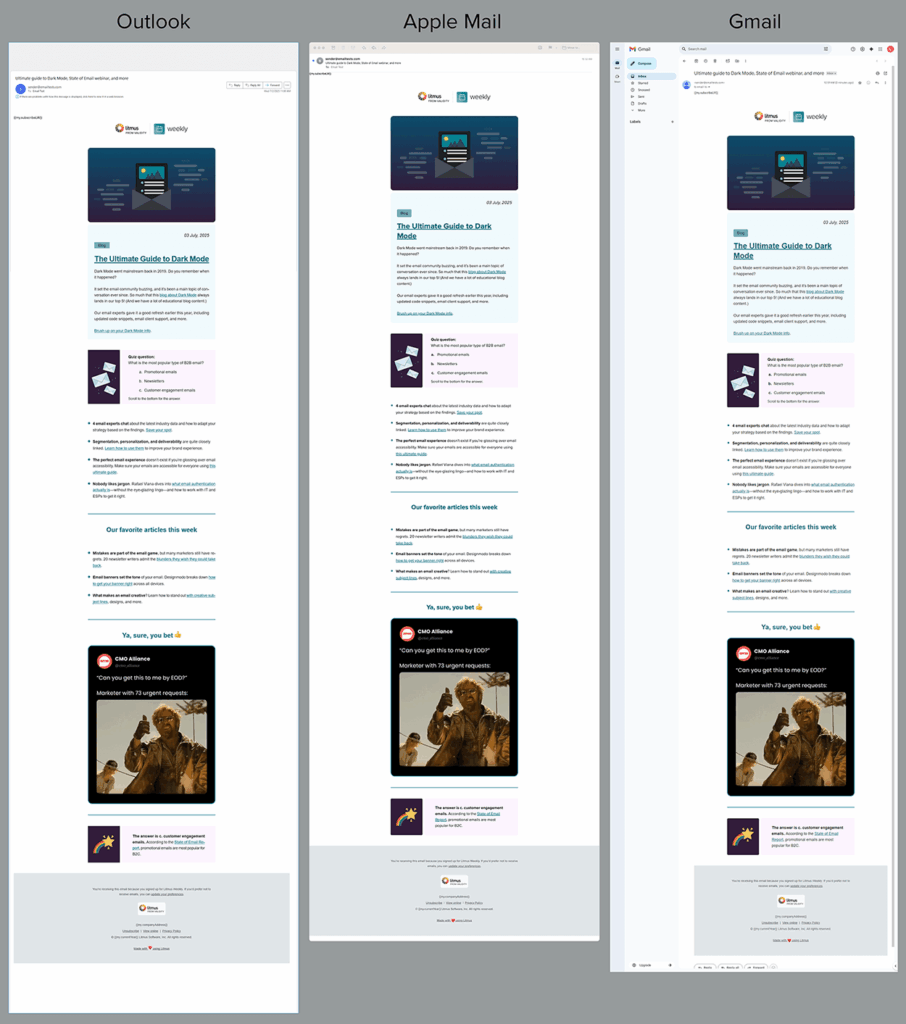
Large corporate email providers like Gmail and Outlook offer robust solutions for businesses of all sizes. These platforms provide advanced features such as spam filtering, calendar integration, and collaboration tools that streamline workflows. Gmail, for example, allows you to create custom email addresses like [email protected] while still using a familiar interface. Outlook offers similar benefits with its seamless integration into Microsoft 365, making it ideal for teams already using Office products. The primary advantage is access to powerful tools without needing to manage your own email infrastructure.
- Advanced Security: Built-in spam filters, two-factor authentication, and encryption for secure communications.
- Integration with Office Tools: Works seamlessly with Microsoft 365, Google Workspace, and other productivity suites.
- Scalability: Supports unlimited email addresses and easy management for growing businesses.
- User-Friendly Interface: Intuitive design that reduces training time for employees.
3. Industry-Specific Email Domains

For businesses in specialized fields—such as law, finance, or healthcare—using an industry-specific domain can enhance professionalism. For example, a law firm might use [email protected] or [email protected], while a consulting firm could opt for [email protected]. These domains often come with built-in trust signals, as they’re recognized by clients and colleagues as legitimate and specialized. While they may require a custom domain, they offer a clear advantage in industries where professionalism is critical.
- Industry Trust: Domains like lawyer.com or finance.com signal expertise and credibility.
- Custom Branding: Allows for tailored email addresses that reflect your niche.
- Professionalism: Clients and partners associate these domains with high standards.
- Legal Compliance: Some industries require specific email formats for regulatory adherence.
4. Free Email Services (Limited Use)
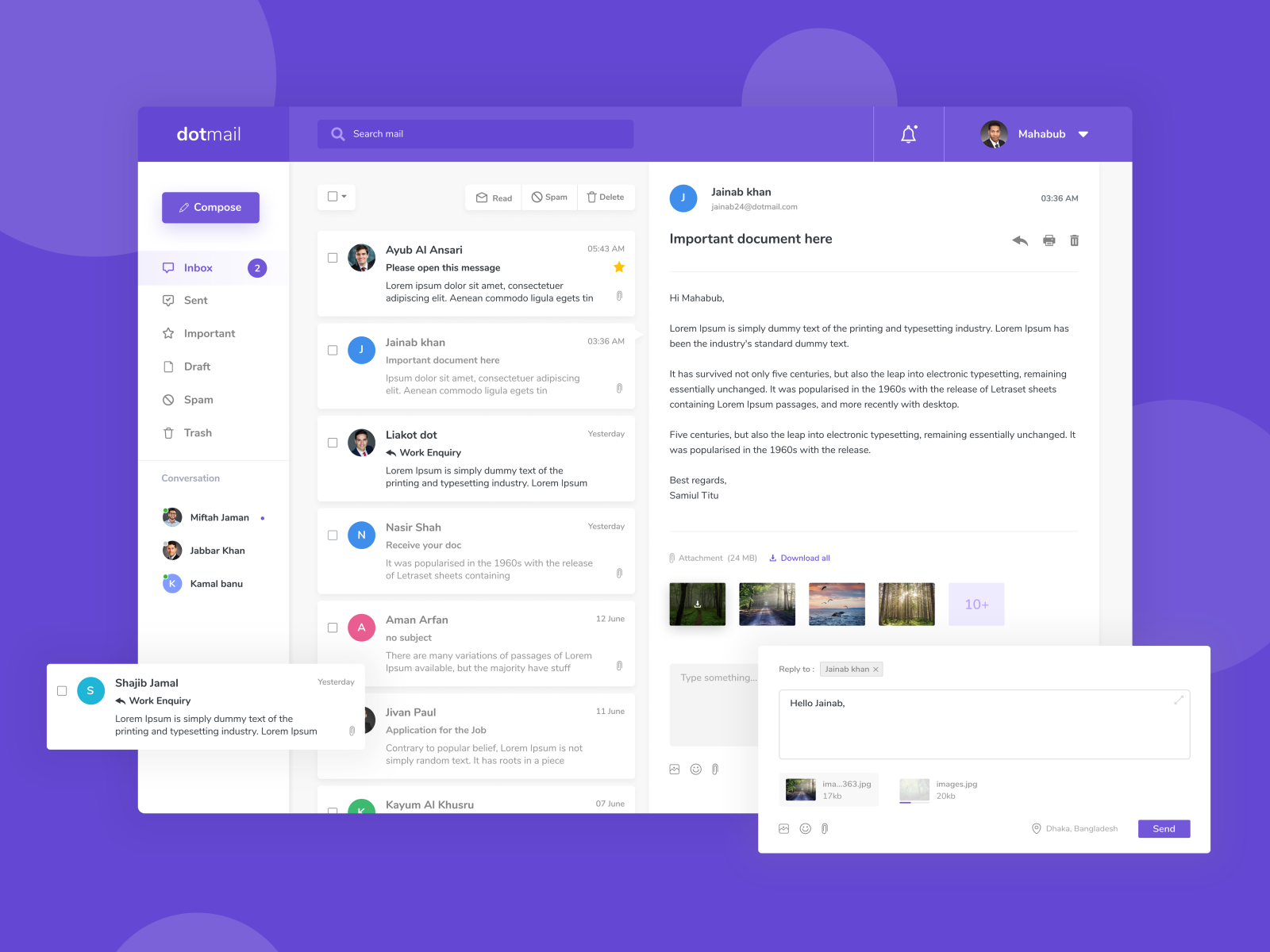
Free email services like Gmail, Yahoo Mail, and Outlook offer basic email solutions for personal or small-scale business use. While they lack the professionalism of custom domains, they’re convenient for individuals or startups testing the waters. For example, a freelancer might use [email protected] without needing a dedicated domain. However, these services often come with limitations, such as limited storage, fewer customization options, and potential privacy concerns. They’re best for casual use or when budget is tight, but they won’t cut it for serious business needs.
- Zero Cost: No upfront or recurring fees for basic accounts.
- Easy Setup: Quick to create and manage, ideal for beginners.
- Basic Features: Includes spam filters, calendar, and storage (though limited).
- Privacy Concerns: May expose personal data if not configured properly.
5. Co-Working Space Email Domains
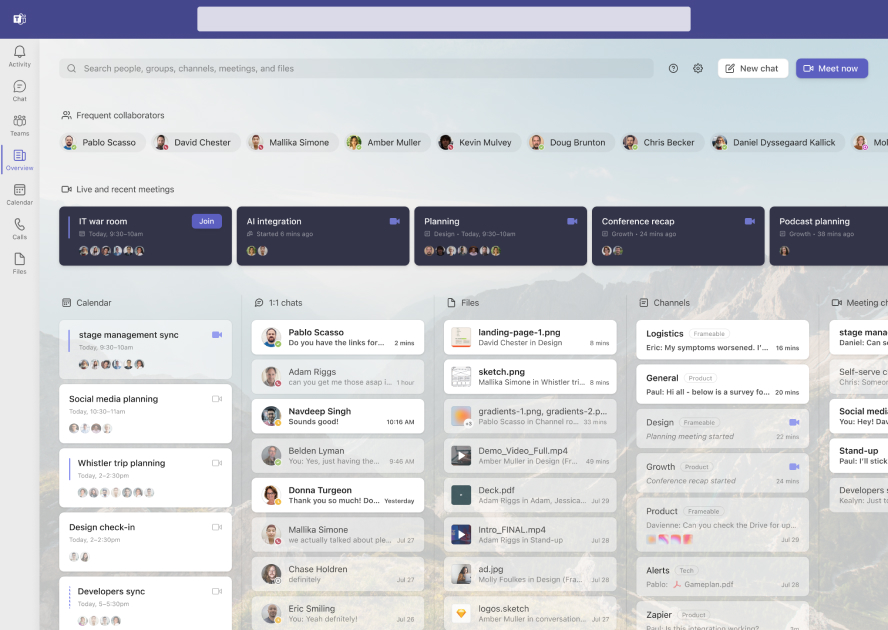
If you’re part of a co-working space or shared office environment, using the space’s email domain can be a practical solution. Many co-workers rely on shared email addresses like [email protected] or [email protected]. This approach is cost-effective and avoids the hassle of managing individual domains. However, it comes with trade-offs, such as limited privacy and potential security risks if the domain is compromised. It’s ideal for freelancers, remote teams, or startups that don’t yet have a dedicated business domain.
- Cost-Effective: No need to purchase or maintain a separate domain.
- Shared Infrastructure: Access to professional email servers managed by the co-working space.
- Flexibility: Easy to add or remove email addresses as needed.
- Potential Privacy Risks: Emails may be shared among multiple users, reducing individual privacy.
6. Nonprofit and Charity Email Domains
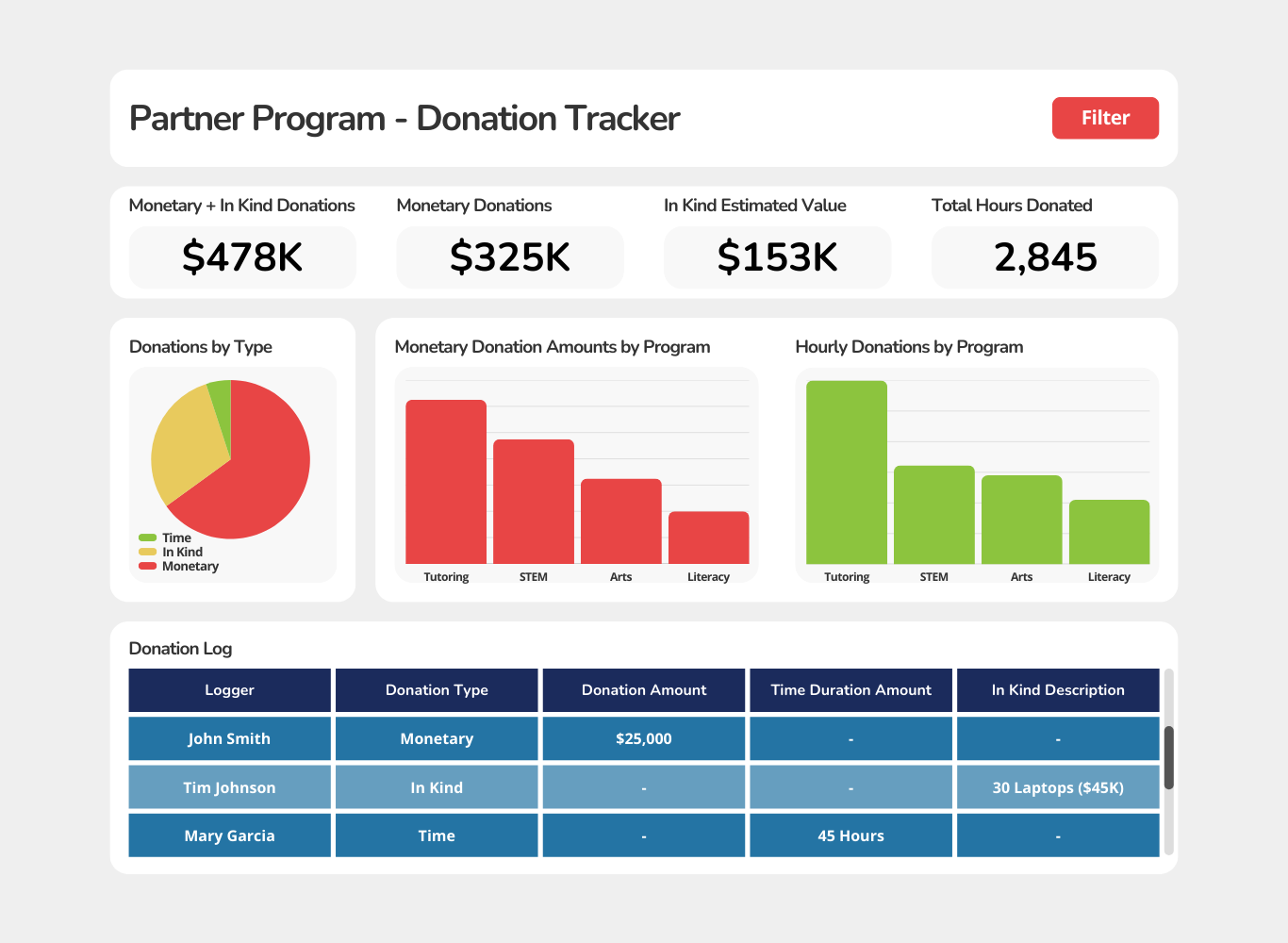
Nonprofits and charities often use domain-specific email addresses to maintain transparency and trust. For example, a charity might use [email protected] or [email protected]. These domains are designed to appeal to donors and volunteers, emphasizing the organization’s mission. Many nonprofits also partner with email providers that offer discounted plans or free services tailored to their needs. The key benefit is that these domains reinforce the organization’s purpose and encourage engagement from supporters.
- Transparency: Domains like donate.org signal that funds go directly to the cause.
- Trust Building: Recipients associate the domain with a legitimate, mission-driven organization.
- Fundraising Support: Many providers offer tools to track donations and communications.
- Cost Savings: Discounted or free email plans for nonprofit organizations.
7. Education and Academic Email Domains

Universities, colleges, and educational institutions use custom email domains to maintain professionalism and connectivity. For example, students might use [email protected], while faculty could use [email protected]. These domains are deeply embedded in academic culture, ensuring that communications are both professional and easily traceable. Many educational institutions also offer email services that integrate with campus resources, such as library access or campus event notifications. This setup is ideal for students, professors, and administrators who need a reliable and branded email solution.
- Academic Integration: Links to campus resources like libraries, labs, and events.
- Professionalism: Domains like university.edu are universally recognized as legitimate.
- Security: Many institutions use firewalls and spam filters tailored to academic needs.
- Cost-Effective: Often provided free of charge by the institution.
8. Freelancer and Gig Worker Email Domains

Freelancers and gig workers often use custom email domains to stand out and build credibility. For example, a graphic designer might use [email protected], while a consultant could use [email protected]. These domains help freelancers separate their personal and professional lives while also making it easier for clients to recognize their expertise. Many freelancers also use email providers that offer simple, affordable plans with custom domains. The key advantage is that it allows freelancers to present a polished, professional image without the overhead of a full business domain.
- Branding: Custom domains like designer.com reinforce your professional identity.
- Client Trust: Clients perceive custom emails as more trustworthy than generic ones.
- Cost-Effective: Affordable plans with no long-term commitments.
- Easy Management: Simple setup and easy updates for new clients.
9. Local Business Email Domains
For small local businesses, using a custom email domain can be a game-changer. For example, a bakery might use [email protected], while a retail shop could use [email protected]. These domains help local businesses compete with larger corporations by offering a personal touch and reinforcing their community presence. Many small business owners also use email providers that offer low-cost plans with built-in marketing tools, such as newsletters and promotions. The best part is that these domains can be scaled as the business grows, making them a practical long-term solution.
- Local Trust: Domains like bakeryowns.com signal a connection to the community.
- Professionalism: Custom emails make your business appear more established.
- Marketing Tools: Many providers include newsletters and promotions features.
- Scalability: Easy to add more email addresses as your customer base grows.
Frequently Asked Questions
What are the best professional email domains for small businesses?
For small businesses, the best professional email domains typically include your company name or a relevant industry term. Using a domain like yourbusiness.com or [email protected] ensures brand consistency and credibility. If budget is limited, corporate email providers like Gmail or Outlook offer affordable plans with custom domains. Avoid free email services unless they’re strictly personal, as they lack professionalism.
How do I choose between a custom domain and a corporate email provider?
If you already own a domain, using it for email is the most professional choice. Corporate providers like Gmail or Outlook are great for scalability and advanced features but require a custom domain for full branding. For startups or freelancers, a corporate plan with a custom domain is often the best balance of cost and professionalism.
Are there any free professional email domains available?
While some free email services offer basic professional email addresses, they often lack advanced features and may not be as trustworthy. For a truly professional setup, consider free plans from educational institutions, nonprofits, or co-working spaces. However, these may have limitations compared to paid options.
What should I consider when picking an email domain for my business?
Consider your industry, budget, and long-term goals. A domain that aligns with your brand is ideal, but also think about scalability and the features you need. For example, if you’re in healthcare, a domain like [email protected] may be necessary for compliance. If you’re a freelancer, a simple custom domain like [email protected] works well.
Can I use a personal email address for business communications?
While it’s technically possible, using a personal email address for business communications can damage your professional image. Clients and colleagues may perceive it as unprofessional or unreliable. Always opt for a custom or corporate email address to maintain credibility.
How do I set up a professional email domain for my business?
To set up a professional email domain, start by purchasing a domain if you don’t already have one. Then, choose an email provider that supports your domain, such as Gmail, Outlook, or a dedicated business email service. Follow the provider’s setup guide to configure your email addresses and ensure everything is properly connected.
What are the risks of using a free email service for business?
Using a free email service for business can pose several risks, including limited storage, privacy concerns, and potential spam issues. Free providers may also lack advanced security features, leaving your communications vulnerable. Additionally, recipients may question the legitimacy of your business if they see a generic free email address.

