best ftp server for mac


Choosing the right FTP server for your Mac can make a significant difference in how efficiently you manage file transfers, especially if you work with large files, multiple users, or need reliable performance. Many users rely on FTP because it’s a straightforward way to move files between a local machine and a remote server, whether for web hosting, backups, or sharing content. However, not all FTP solutions are created equal—some are clunky, others lack security features, and some slow down over time. If you’re looking for a dependable, user-friendly solution that integrates smoothly with macOS, you’ll want something that balances speed, security, and ease of use without requiring technical deep dives.
For developers, designers, and small business owners who need to transfer files regularly, the right FTP server can cut down on frustration and save time. Some options are too basic, forcing you to work around limitations, while others introduce unnecessary complexity. The best choice depends on your specific needs—whether you prioritize simplicity, advanced features, or performance. Below, I’ve assembled a list of the best FTP server options for Mac that meet these criteria.
📋 Table of Contents
1. Cyberduck
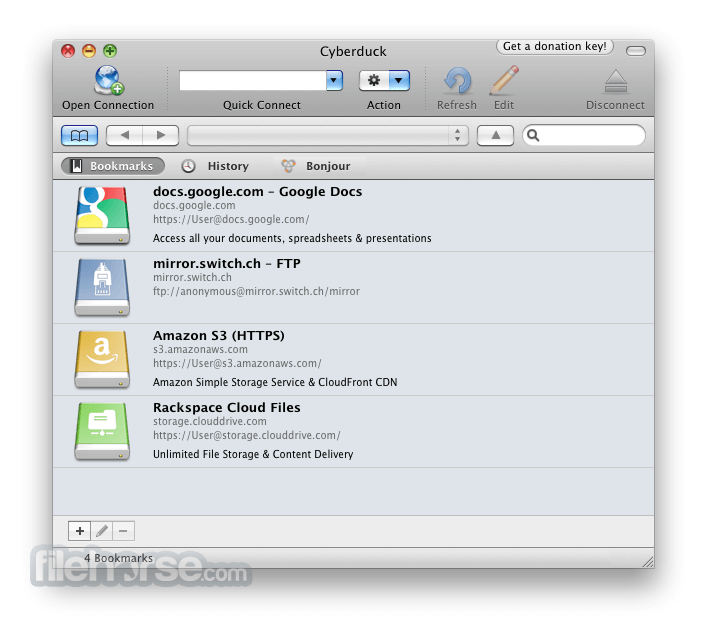
Cyberduck is a popular FTP client for macOS that offers a user-friendly interface for managing files across various cloud storage services like Amazon S3, Dropbox, and Google Drive. It’s particularly well-suited for users who need a straightforward way to transfer files between their Mac and remote servers. Cyberduck’s intuitive design makes it easy to navigate, even for beginners, while its robust features cater to power users who require advanced functionality. It’s free to use for basic operations, though some advanced features may require a paid subscription.
- Cross-Platform Support: Supports FTP, SFTP, WebDAV, and cloud services like Amazon S3, Dropbox, and Google Drive.
- User-Friendly Interface: Clean, intuitive layout with drag-and-drop file management.
- Encryption and Security: Built-in support for SSL/TLS encryption for secure file transfers.
- Batch Operations: Allows for bulk file transfers and operations, saving time for large-scale tasks.
- Offline Mode: Enable offline access to files, making it useful for remote work or unreliable connections.
2. Transmit
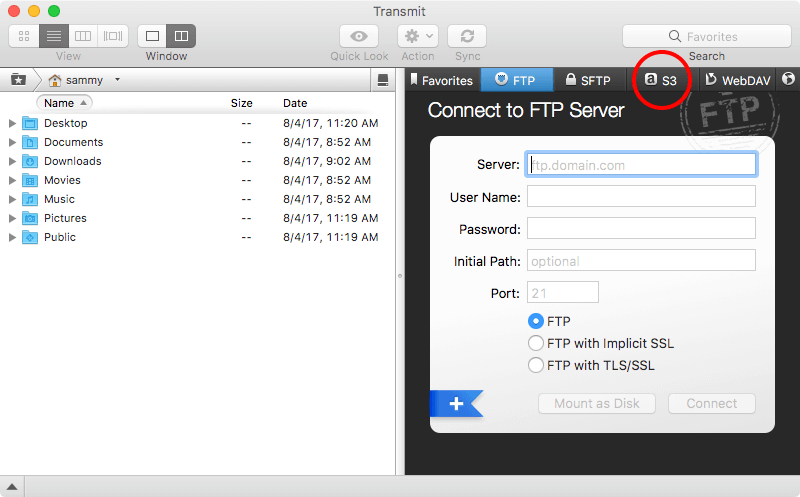
Transmit is a powerful FTP client designed specifically for macOS, offering a sleek and efficient way to manage file transfers. It’s favored by developers and designers who need reliable, high-speed transfers between their Mac and remote servers. Transmit’s standout feature is its ability to handle large file transfers quickly, even over slower connections. It supports multiple protocols, including SFTP, FTPS, and WebDAV, making it versatile for various use cases. While it has a steeper learning curve than Cyberduck, its advanced features make it a top choice for professionals.
- High-Speed Transfers: Optimized for fast file transfers, even over slow connections.
- Multi-Protocol Support: Supports FTP, SFTP, FTPS, WebDAV, and S3.
- Advanced File Management: Powerful features like batch operations, file compression, and bulk renaming.
- User-Friendly UI: Modern, intuitive interface with customizable layouts.
- Cross-Platform Access: Seamless integration with macOS and iOS devices.
3. FileZilla Server
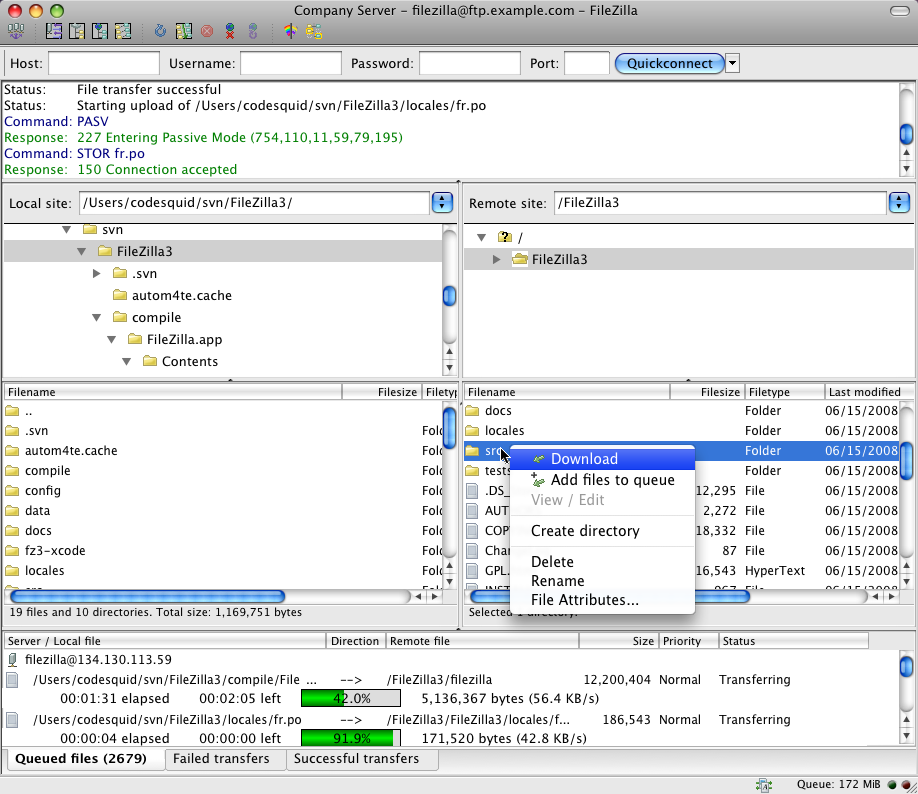
FileZilla Server is a free, open-source solution for hosting an FTP server on your Mac. It’s ideal for users who need to share files with others over the internet without relying on third-party services. FileZilla Server allows you to configure various security settings, such as password protection and file permissions, ensuring your files remain secure. It’s particularly useful for small businesses, educators, or anyone looking to create a private file-sharing solution. The software is lightweight and easy to set up, making it a great option for beginners.
- Open-Source and Free: Completely free to download and use.
- Customizable Security Settings: Supports password protection, file permissions, and SSL encryption.
- Easy to Set Up: Simple installation and configuration process.
- Supports Multiple Protocols: Works with FTP, FTPS, and SFTP.
- User-Friendly Interface: Intuitive dashboard for managing server settings.
4. Parallels FTP Server
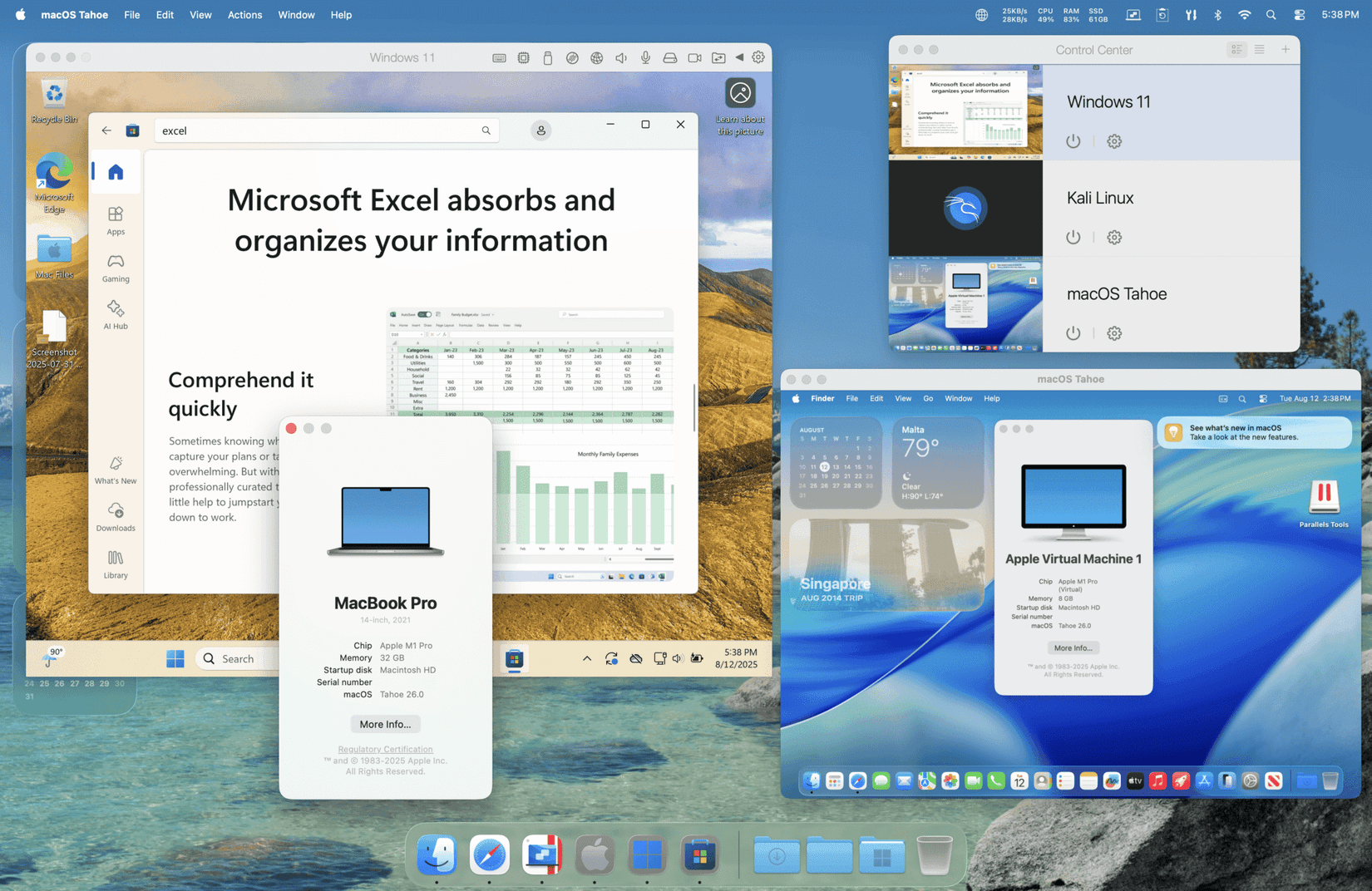
Parallels FTP Server is a robust solution for Mac users who need a scalable and secure FTP environment. It’s designed to handle high volumes of file transfers efficiently, making it suitable for businesses or individuals managing large amounts of data. This server includes advanced features like multi-user support, detailed logging, and integration with other Parallels products. It’s particularly useful for those who require enterprise-level FTP capabilities without the complexity of a full server setup. The software is available as a standalone product or as part of Parallels Desktop.
- Scalable Performance: Handles large file transfers and high user loads efficiently.
- Multi-User Support: Allows multiple users to access the server simultaneously.
- Advanced Security Features: Supports SSL/TLS encryption, password authentication, and file permissions.
- Integration with Parallels Products: Works seamlessly with Parallels Desktop for a unified workflow.
- Detailed Logging and Monitoring: Provides comprehensive logs for tracking and troubleshooting.
5. FTP Server by iWebFTP
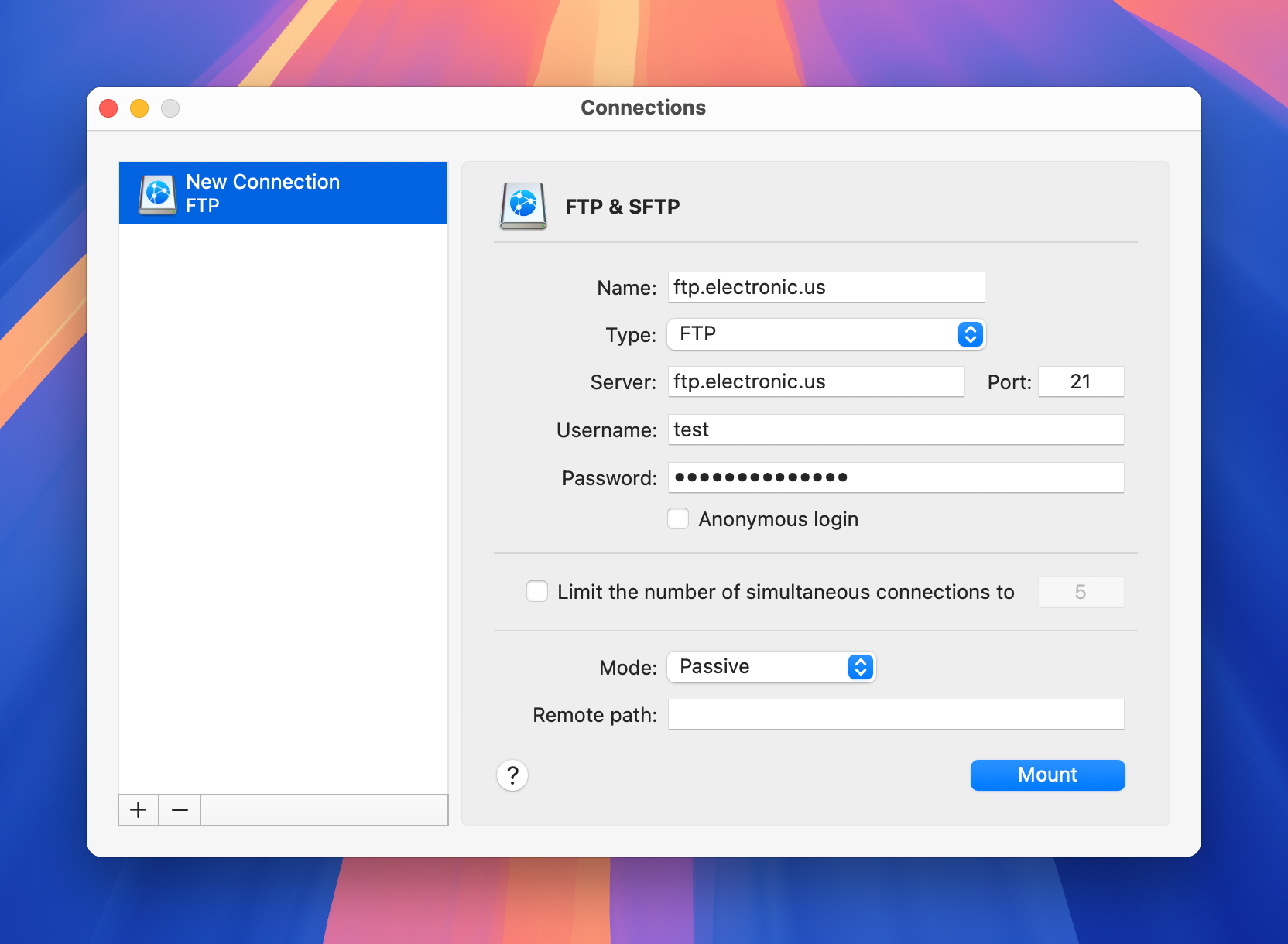
iWebFTP is a lightweight FTP server solution tailored for Mac users who want a simple yet powerful way to host files. It’s designed for personal use, small businesses, or anyone needing a quick and easy FTP setup. iWebFTP supports multiple protocols, including FTP, FTPS, and SFTP, and includes features like file encryption and user management. It’s particularly useful for those who want a hassle-free solution without the complexity of more advanced server software. The software is user-friendly and comes with detailed documentation to guide you through setup.
- Multi-Protocol Support: Supports FTP, FTPS, and SFTP protocols.
- File Encryption: Offers SSL/TLS encryption for secure file transfers.
- User and File Management: Allows for easy management of users and file permissions.
- Lightweight and Easy to Set Up: Simple installation and configuration process.
- Dedicated Documentation: Comprehensive guides and tutorials included.
6. SFTP Server by Cyberduck
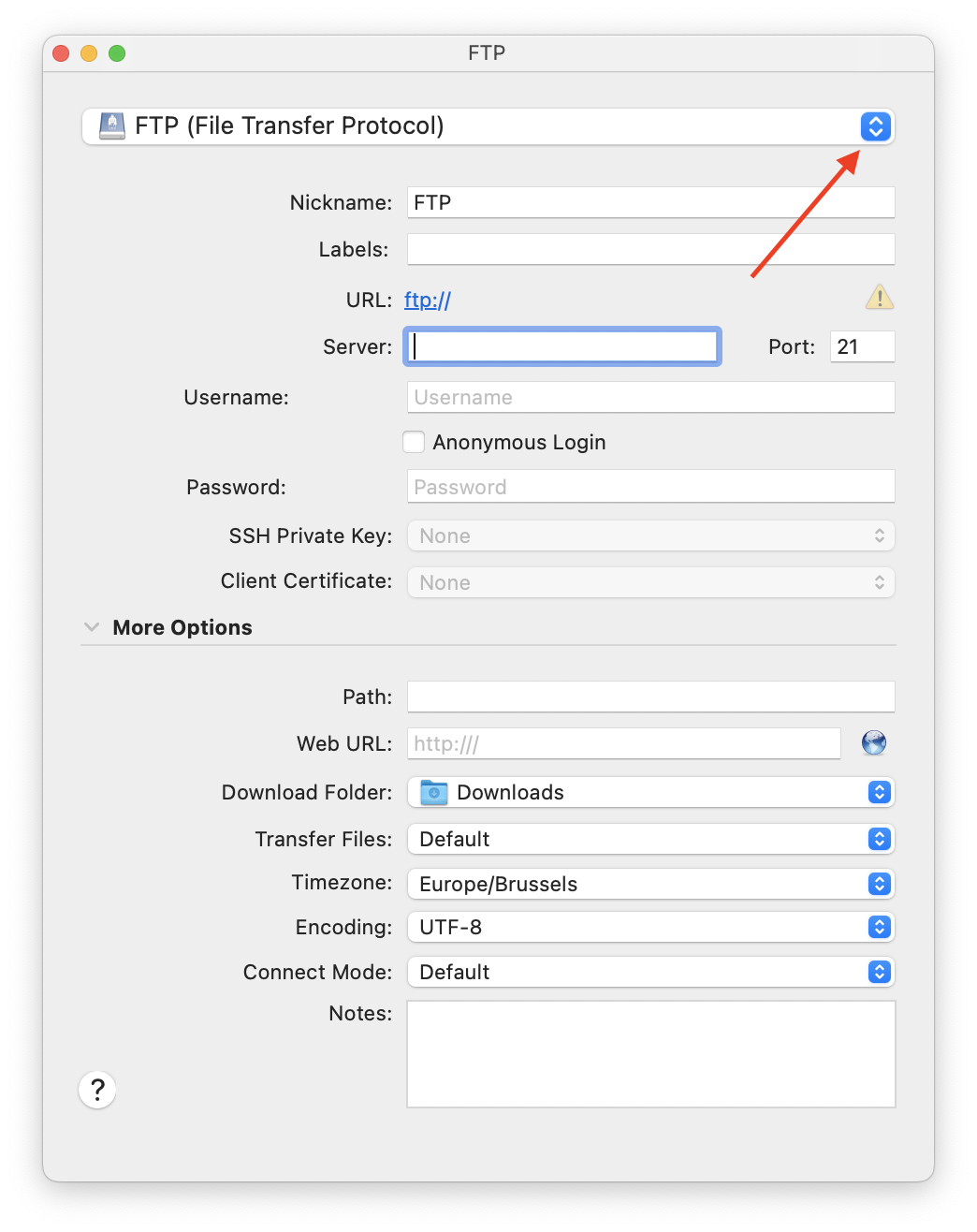
Cyberduck also offers an SFTP server solution, allowing Mac users to host their own SFTP server directly on their machine. This is ideal for developers or individuals who need secure, encrypted file transfers without relying on external services. The SFTP server in Cyberduck is easy to set up and includes features like password protection, file permissions, and logging. It’s particularly useful for those who want a seamless experience between their local environment and remote servers. The server is free to use and integrates well with Cyberduck’s existing client features.
- Secure File Transfers: Supports SFTP with SSL/TLS encryption for secure transfers.
- Password Protection: Allows for user authentication and password protection.
- File Permission Management: Enables granular control over file and directory permissions.
- Easy Integration: Works seamlessly with Cyberduck’s client interface.
- Free and User-Friendly: No cost and straightforward setup process.
7. WebDAV Server by Nextcloud
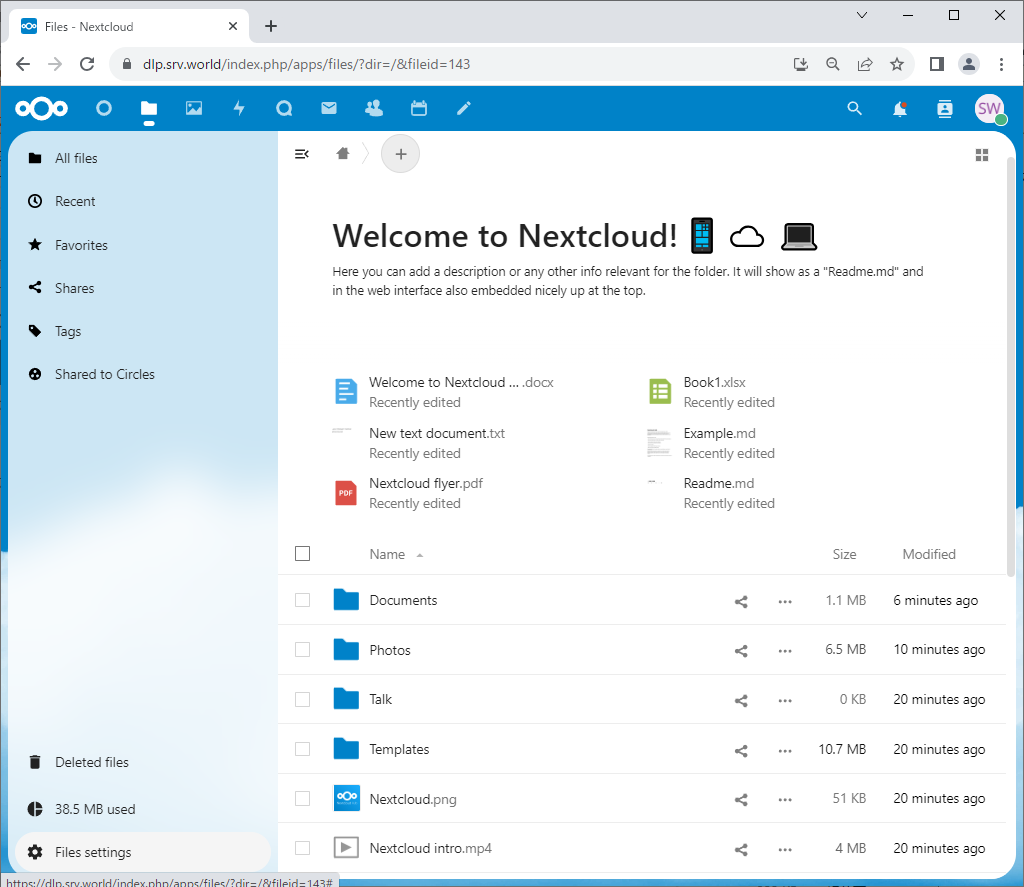
Nextcloud offers a WebDAV server solution that allows Mac users to create a private, self-hosted file-sharing platform. This is perfect for individuals or organizations looking to avoid third-party cloud services and maintain full control over their data. Nextcloud supports multiple protocols, including WebDAV, FTP, and SFTP, and includes features like user management, file encryption, and collaboration tools. It’s particularly useful for businesses or educators who need a secure, scalable, and feature-rich file-sharing solution. The software is open-source and can be installed on macOS via Docker or a virtual machine.
- Self-Hosted and Secure: Allows users to host their own file-sharing platform without relying on external services.
- Multi-Protocol Support: Supports WebDAV, FTP, SFTP, and more.
- User and File Management: Enables detailed user management and file permissions.
- Encryption and Security: Offers end-to-end encryption and secure authentication.
- Collaboration Tools: Includes features like file versioning, sharing, and real-time collaboration.
8. FTP Server by AOL Server Suite
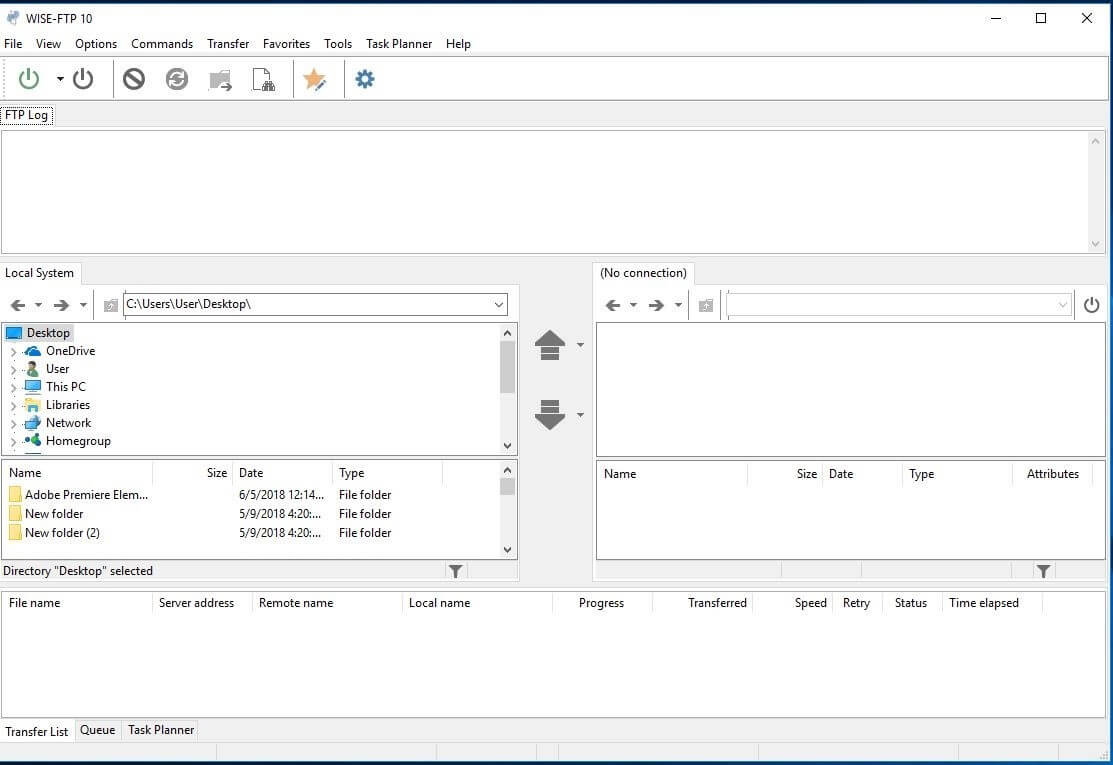
AOL Server Suite provides a comprehensive FTP server solution for Mac users, offering a range of features for both personal and professional use. This suite includes tools for managing FTP, email, and web hosting, making it a versatile option for those who need a unified server environment. While it’s not as widely known as other FTP solutions, it’s a solid choice for users who want a reliable and feature-rich server suite. The software includes advanced security features, user management tools, and integration with other AOL products. It’s particularly useful for small businesses or individuals who need a complete server solution in one package.
- Unified Server Suite: Combines FTP, email, and web hosting management in one package.
- Advanced Security Features: Supports SSL/TLS encryption, password authentication, and file permissions.
- User and Group Management: Allows for detailed user and group management.
- Integration with AOL Products: Works seamlessly with other AOL server products.
- Comprehensive Logging: Provides detailed logs for tracking and troubleshooting.
9. FTP Server by CyberPanel

CyberPanel is a lightweight yet powerful web hosting control panel that includes an integrated FTP server for Mac users. It’s designed for developers and webmasters who need a simple yet powerful way to manage file transfers alongside their web hosting needs. CyberPanel supports multiple protocols, including FTP, FTPS, and SFTP, and includes features like user management, file permissions, and SSL encryption. It’s particularly useful for those who want a streamlined solution for both file management and web hosting. The software is open-source and can be installed on macOS via Docker or a virtual machine, making it highly customizable.
- Web Hosting Integration: Integrates FTP server with web hosting control panel for seamless management.
- Multi-Protocol Support: Supports FTP, FTPS, SFTP, and more.
- User and File Management: Allows for detailed user and file permission management.
- SSL Encryption: Offers SSL/TLS encryption for secure file transfers.
- Open-Source and Customizable: Can be installed via Docker or a virtual machine for high flexibility.
10. FTP Server by Webmin
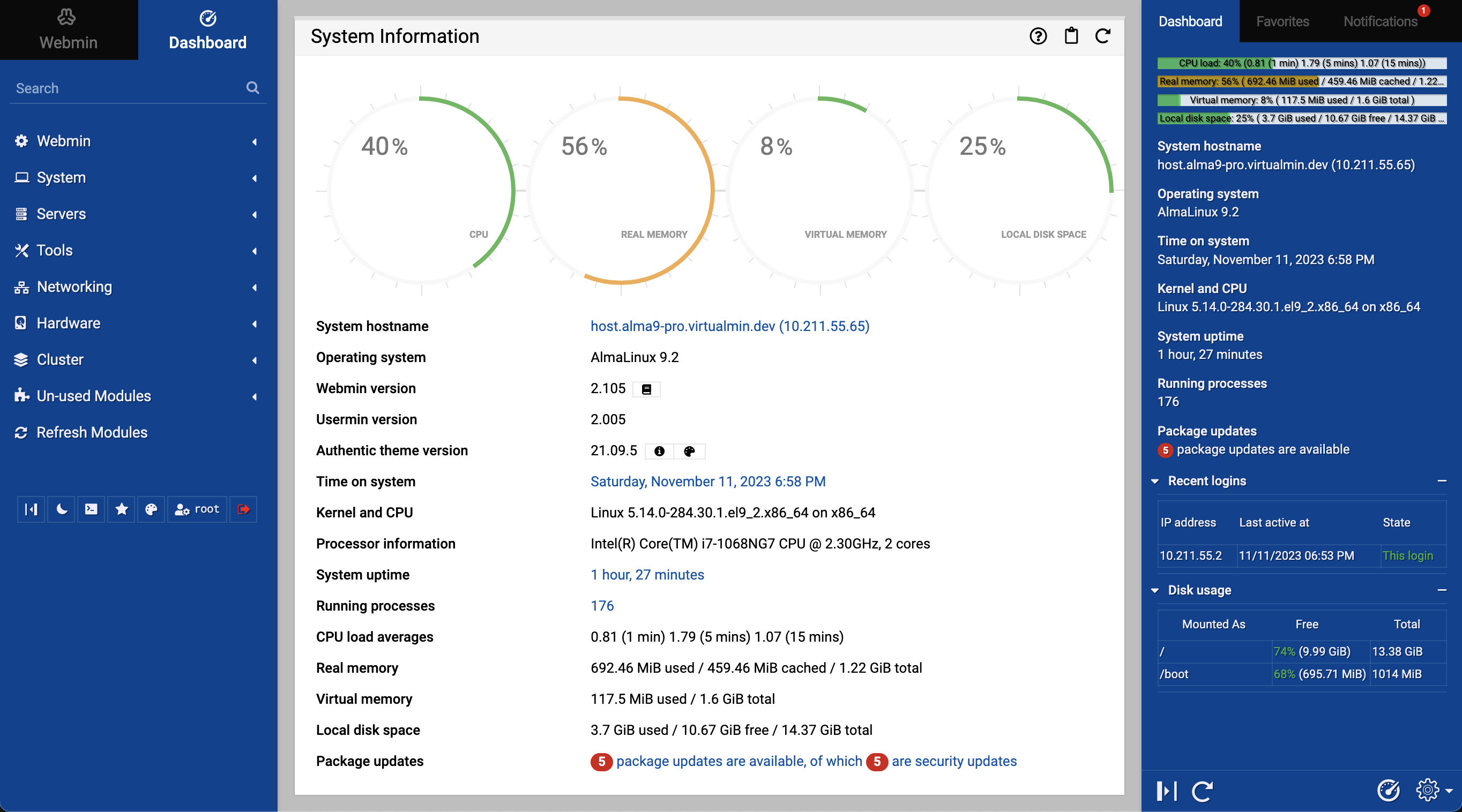
Webmin is a web-based server management interface that includes FTP server functionality for Mac users. It’s ideal for system administrators or users who need a comprehensive way to manage their server’s file system, users, and permissions. Webmin supports multiple protocols, including FTP, FTPS, and SFTP, and includes advanced features like user management, file permissions, and logging. It’s particularly useful for those who want a centralized platform for managing their entire server environment. Webmin is open-source and can be installed on macOS via a virtual machine or Docker, making it highly flexible for different use cases.
- Web-Based Management: Accessible via a web browser for easy management.
- Multi-Protocol Support: Supports FTP, FTPS, SFTP, and more.
- User and File Management: Allows for detailed user and file permission management.
- Advanced Logging: Provides comprehensive logs for tracking and troubleshooting.
- Open-Source and Customizable: Can be installed via a virtual machine or Docker for high flexibility.
Frequently Asked Questions
What are the best FTP servers for Mac users?
The best FTP servers for Mac users depend on your specific needs. If you’re looking for a client to manage transfers, Cyberduck and Transmit are excellent choices. For self-hosting, FileZilla Server, Nextcloud, and CyberPanel offer robust solutions. Each has its strengths, so consider factors like ease of use, security features, and scalability before choosing.
How do I choose the right FTP server for my needs?
Start by identifying whether you need a client to manage transfers or a server to host files. If you’re transferring files, Cyberduck or Transmit are great options. If you need to host files, consider FileZilla Server, Nextcloud, or CyberPanel. Evaluate features like security, user management, and scalability to match your requirements. Testing a few options can also help you determine which works best for your workflow.
Can I use an FTP server on my Mac for free?
Yes, several FTP servers for Mac are free to use. FileZilla Server, Cyberduck (for basic use), and Nextcloud offer free options. However, some advanced features or enterprise-level solutions may require a paid subscription. Always check the pricing and features of each option before committing.
What security features should I look for in an FTP server?
When selecting an FTP server, prioritize features like SSL/TLS encryption, password protection, and file permissions. These ensure that your files are secure during transfers and that only authorized users can access them. Look for servers that support multi-factor authentication or detailed logging to further enhance security.
Is Transmit better than Cyberduck for file transfers?
Transmit and Cyberduck both excel in file transfer management, but they cater to slightly different needs. Transmit is favored by developers and designers for its speed and advanced features, while Cyberduck is more user-friendly and versatile for cloud services. If you need high-speed transfers, Transmit may be the better choice. If you prefer simplicity and cloud integration, Cyberduck is a strong alternative.
How do I set up an FTP server on my Mac?
Setting up an FTP server on your Mac is straightforward with tools like FileZilla Server or Cyberduck. Start by downloading and installing the software. Follow the setup guide to configure your server settings, including user accounts, file permissions, and encryption. Once configured, you can access your FTP server through a client like Cyberduck or Transmit. Detailed guides are usually provided with each software package.
Can I use an FTP server for large file transfers?
Yes, many FTP servers are designed to handle large file transfers efficiently. Tools like Transmit, CyberPanel, and Nextcloud offer features such as batch operations, compression, and high-speed transfer modes. For very large files, ensure your server has sufficient resources to handle the transfer without lag or downtime.