best host for website


Choosing the right web host is the foundation for your website’s performance, security, and reliability. Without a solid foundation, even the best content can get buried in slow load times, frequent downtime, or constant maintenance. A good host ensures your site runs smoothly, keeps visitors engaged, and protects your online presence from threats. The right platform also scales with your needs—whether you’re testing a small blog or planning to grow into an e-commerce site.
The host you pick affects more than just uptime; it influences how users interact with your site. Slow speeds frustrate visitors, while poor security can expose your data to risks. Many businesses and creators overlook this step, assuming any hosting provider will do, but the differences between options can mean the difference between a seamless experience and one that fails under pressure. A well-chosen host also simplifies technical tasks, like backups and updates, so you can focus on what matters most—your content and audience. Below, I’ve assembled a list below of the best options for hosting a website.
📋 Table of Contents
1. Shared Hosting

Shared hosting is the most budget-friendly way to launch a website, ideal for beginners, small blogs, or startups with low traffic. It pools multiple websites on a single server, sharing resources like CPU, RAM, and storage. This setup keeps costs minimal, often starting at just a few dollars per month, making it perfect for those on a tight budget or just starting out. The trade-off is limited performance and scalability, as shared servers can slow down during peak traffic. However, many providers offer free domain registration and basic website builders, simplifying the setup process for new users.
- Low Cost: Typically starts at $2.99–$7.99/month, making it the most affordable option for beginners.
- Easy Setup: Includes free domain registration and user-friendly website builders for quick deployment.
- Beginner-Friendly: Designed for small websites, blogs, or portfolios with minimal traffic.
- Basic Security: Offers essential security features like SSL certificates and malware scanning.
- Limited Resources: Shared server means slower performance during traffic spikes, but sufficient for low-volume sites.
2. VPS Hosting
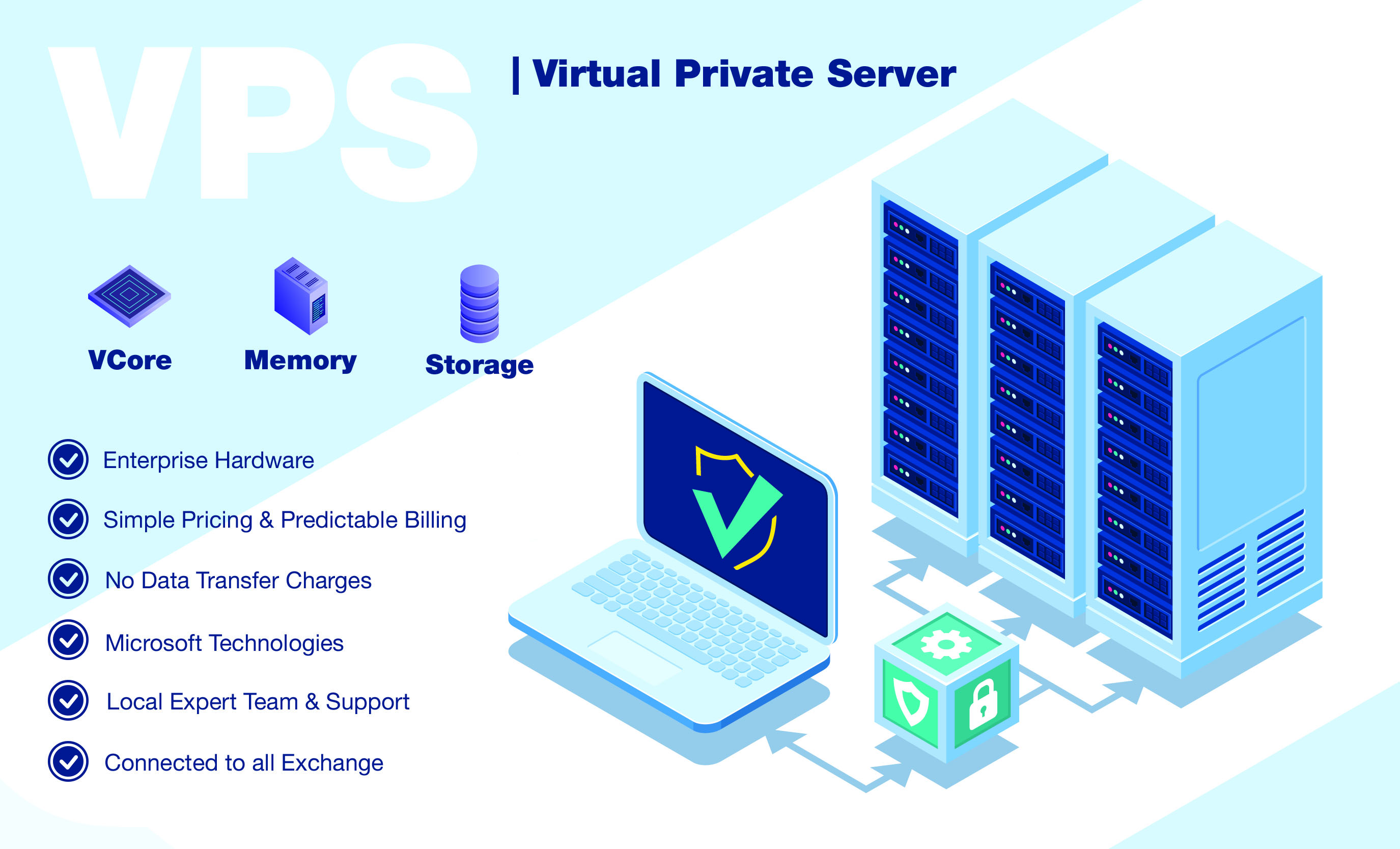
VPS hosting provides a virtual private server, offering dedicated resources like CPU, RAM, and storage while still being cost-effective. This setup is ideal for growing websites, developers, or businesses needing more control than shared hosting. Unlike shared servers, a VPS runs its own operating system and applications, allowing for better performance and customization. It’s a step up from shared hosting but remains affordable for mid-sized sites, with pricing starting around $10–$20 per month. The trade-off is slightly higher complexity, as users must manage their own security and backups.
- Dedicated Resources: Allocated CPU, RAM, and storage for consistent performance.
- Scalability: Easily upgrade resources as traffic grows, avoiding server overload.
- Root Access: Full control over server configurations and software installations.
- Cost-Effective: More affordable than dedicated servers, starting at $10–$20/month.
- Self-Managed: Requires technical knowledge for security, backups, and maintenance.
3. Cloud Hosting

Cloud hosting leverages distributed servers across multiple data centers, offering scalability, flexibility, and high availability. This model is perfect for high-traffic websites, e-commerce stores, or businesses requiring 24/7 uptime. Unlike traditional hosting, cloud hosting dynamically allocates resources based on demand, ensuring optimal performance even during spikes. It’s ideal for users who need reliability, security, and the ability to expand capacity without downtime. Pricing varies widely, often starting at $5–$15 per month for basic plans, but can escalate for enterprise-level needs.
- Scalability: Resources scale automatically with traffic, preventing performance drops.
- High Availability: Data centers worldwide ensure minimal downtime and global reach.
- Flexible Pricing: Pay-as-you-go model allows cost control for varying needs.
- Advanced Security: Enterprise-grade security and compliance features.
- Global Network: Low-latency connections via multiple data centers.
4. Dedicated Server Hosting

A dedicated server provides an entire physical server exclusively for your website, offering maximum control, performance, and security. This option is best for large businesses, enterprise websites, or developers needing full server access. While the most expensive hosting option, dedicated servers ensure no shared resources, leading to consistent speed and reliability. Pricing starts around $50–$100 per month, depending on hardware specifications and location. The downside is higher maintenance responsibility, as users must handle updates, security, and backups themselves.
- Full Server Control: Exclusive use of hardware, allowing custom configurations.
- High Performance: No shared resources mean faster load times and stability.
- Enterprise-Grade Security: Advanced security features and physical isolation.
- Scalability: Can upgrade hardware or add additional servers as needed.
- Self-Managed: Requires technical expertise for server administration.
5. Managed WordPress Hosting
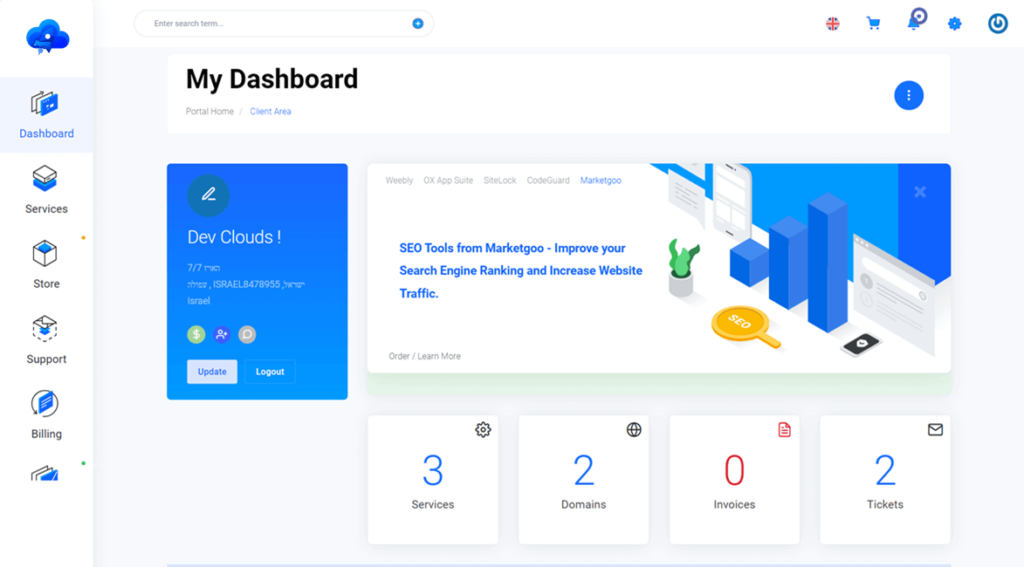
Managed WordPress hosting is optimized specifically for WordPress sites, offering automatic updates, security patches, and expert support. This option is ideal for bloggers, small business owners, or developers who want a hassle-free experience. Providers handle server maintenance, backups, and performance tuning, ensuring WordPress runs smoothly with minimal effort. Pricing typically ranges from $12–$25 per month, with many offering free migrations and daily backups. The best choice for users who prioritize ease of use and WordPress-specific optimizations.
- WordPress-Optimized: Server configurations tailored for WordPress speed and compatibility.
- Automated Backups: Daily or hourly backups with point-in-time recovery.
- Expert Support: Dedicated support team for WordPress-related issues.
- Security Features: Built-in malware scanning, DDoS protection, and SSL.
- Easy Migration: Free migration from other hosts or self-hosted WordPress.
6. Managed WooCommerce Hosting
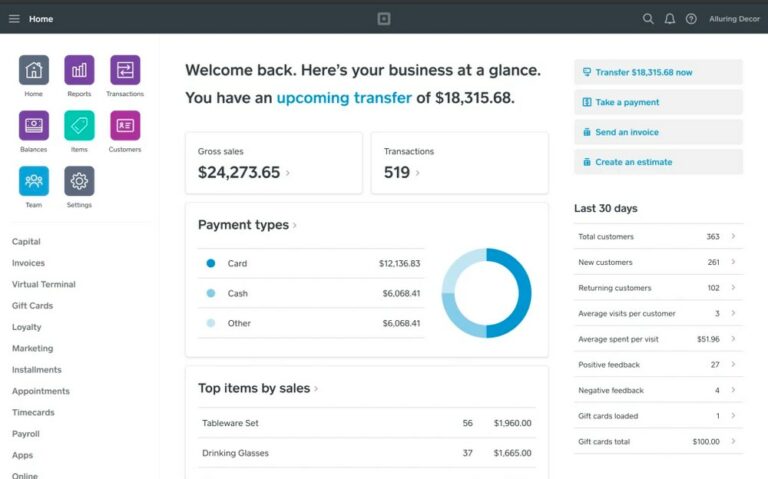
Managed WooCommerce hosting is designed specifically for e-commerce stores running WooCommerce. It includes features like secure payment gateways, inventory management tools, and seamless plugin support. This option is ideal for online store owners who want a hassle-free experience with built-in security, performance optimizations, and dedicated support. Pricing starts around $20–$40 per month, with many providers offering free SSL certificates, daily backups, and staging environments for testing. The best choice for businesses focusing on online sales and customer experience.
- E-Commerce Optimized: Specialized tools for payment processing, inventory, and order management.
- Security Features: PCI compliance, fraud detection, and regular security audits.
- Performance Enhancements: Caching, CDN integration, and server-level optimizations.
- Dedicated Support: Expert support for WooCommerce-specific issues.
- Free Staging: Test new plugins or updates in a staging environment.
7. Green Hosting

Green hosting focuses on sustainability by using renewable energy sources, energy-efficient hardware, and carbon-neutral operations. This option appeals to environmentally conscious businesses and individuals who want to reduce their carbon footprint. While not as common as traditional hosting, green hosting providers often offer similar performance and security features while emphasizing eco-friendly practices. Pricing typically ranges from $10–$30 per month, with some providers bundling green hosting with carbon offset programs. The best choice for users who prioritize sustainability alongside reliable hosting.
- Renewable Energy: Powered by solar, wind, or other clean energy sources.
- Energy Efficiency: Hardware designed to minimize energy consumption.
- Carbon-Neutral Operations: Offsets carbon emissions through verified programs.
- Performance Guarantees: Maintains standard hosting performance while being eco-friendly.
- Transparency: Publicly reports sustainability metrics and certifications.
8. Kubernetes-Based Hosting

Kubernetes-based hosting uses container orchestration to manage and scale applications across multiple servers. This advanced option is ideal for developers, startups, or enterprises needing high scalability, flexibility, and automated deployments. Kubernetes automates tasks like load balancing, scaling, and failover, making it perfect for dynamic websites or applications with unpredictable traffic. While more complex than traditional hosting, Kubernetes-based solutions offer unmatched performance and reliability. Pricing varies widely, often starting at $20–$50 per month for basic plans, with enterprise options costing significantly more.
- Container Orchestration: Automates deployment, scaling, and management of containers.
- High Scalability: Easily scales resources up or down based on demand.
- Automated Failover: Ensures applications remain available during server failures.
- Microservices Support: Optimized for microservices architecture and cloud-native apps.
- Advanced Security: Built-in security policies and compliance features.
9. Serverless Hosting
Serverless hosting automatically manages server infrastructure, allowing developers to focus on code without worrying about server maintenance. This model is ideal for developers, startups, or businesses with variable workloads. Serverless hosting scales resources dynamically, eliminating the need for manual server management. It’s particularly useful for APIs, microservices, or event-driven applications. Pricing is often pay-as-you-go, with costs based on usage, making it cost-effective for low-to-moderate traffic sites. The best choice for developers prioritizing efficiency and scalability without server management.
- No Server Management: Automatically scales and maintains servers behind the scenes.
- Pay-as-You-Go: Costs are based on usage, reducing wasteful spending.
- High Scalability: Instantly scales resources to handle traffic spikes.
- Event-Driven Architecture: Triggers actions based on events (e.g., user actions).
- Developer-Friendly: Simplifies deployment and scaling for modern apps.
Frequently Asked Questions
What factors should I consider when choosing a hosting provider?
When selecting a hosting provider, consider your website’s traffic expectations, technical expertise, budget, and specific needs like security, scalability, or sustainability. Shared hosting is best for beginners, while dedicated or cloud hosting suits high-traffic sites. If you’re using WordPress or WooCommerce, managed hosting simplifies maintenance. Evaluate pricing, support quality, and any hidden fees to ensure a good fit.
How do I know if my website needs dedicated server hosting?
Dedicated server hosting is necessary if you run a large enterprise website, handle high volumes of traffic, or require full control over server configurations. It’s also ideal for businesses with strict security or compliance needs. If your site doesn’t experience significant downtime or performance issues, shared or cloud hosting may suffice.
What’s the difference between managed and unmanaged hosting?
Managed hosting includes server maintenance, security updates, and technical support, making it easier for non-technical users. Unmanaged hosting requires you to handle updates, backups, and security yourself. Managed hosting is best for beginners or businesses prioritizing convenience, while unmanaged hosting appeals to developers or advanced users who want full control.
Can I switch hosting providers without downtime?
Most providers offer free migration services, but downtime can occur during the transition. Choose a provider with a good migration process or use tools like All-In-One Migration Plugin for WordPress. Test the migration in a staging environment first to minimize risks.
How important is uptime guarantee in hosting?
A high uptime guarantee (99.9% or higher) is critical for websites that rely on constant accessibility. Look for providers that offer SLA-backed uptime, as this ensures reliability during traffic spikes or server issues. Many shared and managed hosts guarantee 99.9% uptime, but dedicated or cloud hosting often exceeds this.
What security features should I look for in a hosting provider?
Key security features include SSL certificates, malware scanning, DDoS protection, regular backups, and firewall settings. Managed WordPress or WooCommerce hosting often includes these features by default. For dedicated servers, ensure the provider offers robust security protocols and compliance certifications like ISO 27001.
Is green hosting worth the extra cost?
Green hosting is worth considering if sustainability is a priority for your business. While it may cost slightly more than traditional hosting, the environmental benefits align with corporate social responsibility goals. Many providers offer transparent sustainability metrics, helping you assess the true impact.