best hosting for node js


If you’re running a Node.js application, choosing the right hosting provider can make or break your project. Performance, scalability, and ease of deployment matter—especially if you’re dealing with traffic spikes or need reliable uptime. Not all hosting platforms are built the same, and some are far better suited for Node.js than others. The best options balance cost, flexibility, and support for modern JavaScript runtimes without forcing you into unnecessary complexity.
You don’t want to waste time wrestling with server configurations or dealing with slow response times when your app starts gaining traction. Some providers offer managed solutions that handle the heavy lifting for you, while others give you full control if you prefer to fine-tune every detail. The key is finding a host that aligns with your technical needs and budget without locking you into rigid plans.
I’ve assembled a list below of the best options for Node.js hosting. These are the providers that consistently deliver on performance, reliability, and developer-friendly features.
📋 Table of Contents
1. Heroku

Heroku is one of the most popular cloud platforms for deploying Node.js applications, especially among developers who value simplicity and ease of use. It offers a fully managed environment where you can deploy, scale, and manage your apps without worrying about infrastructure. Heroku supports a wide range of programming languages, but it’s particularly well-suited for Node.js due to its seamless integration with npm and Git. The platform is ideal for startups, small businesses, and individual developers who want to get their apps up and running quickly without dealing with server management. Heroku’s free tier is generous, making it a great choice for hobby projects or early-stage startups. However, as your app grows, you might need to upgrade to paid plans for better performance and reliability.
- Ease of Use: Heroku’s intuitive dashboard and CLI make deployment as simple as pushing code to a Git repository. No complex configurations are needed.
- Add-ons Marketplace: Access to a vast ecosystem of third-party services like databases, monitoring tools, and caching solutions with just a few clicks.
- Scalability: Easily scale your app horizontally or vertically with dynos (Heroku’s lightweight containers) to handle increased traffic.
- Free Tier: Offers a free tier with limited resources, perfect for testing and small projects.
- CI/CD Integration: Built-in support for continuous integration and deployment pipelines, making it easy to automate your workflow.
2. AWS Elastic Beanstalk
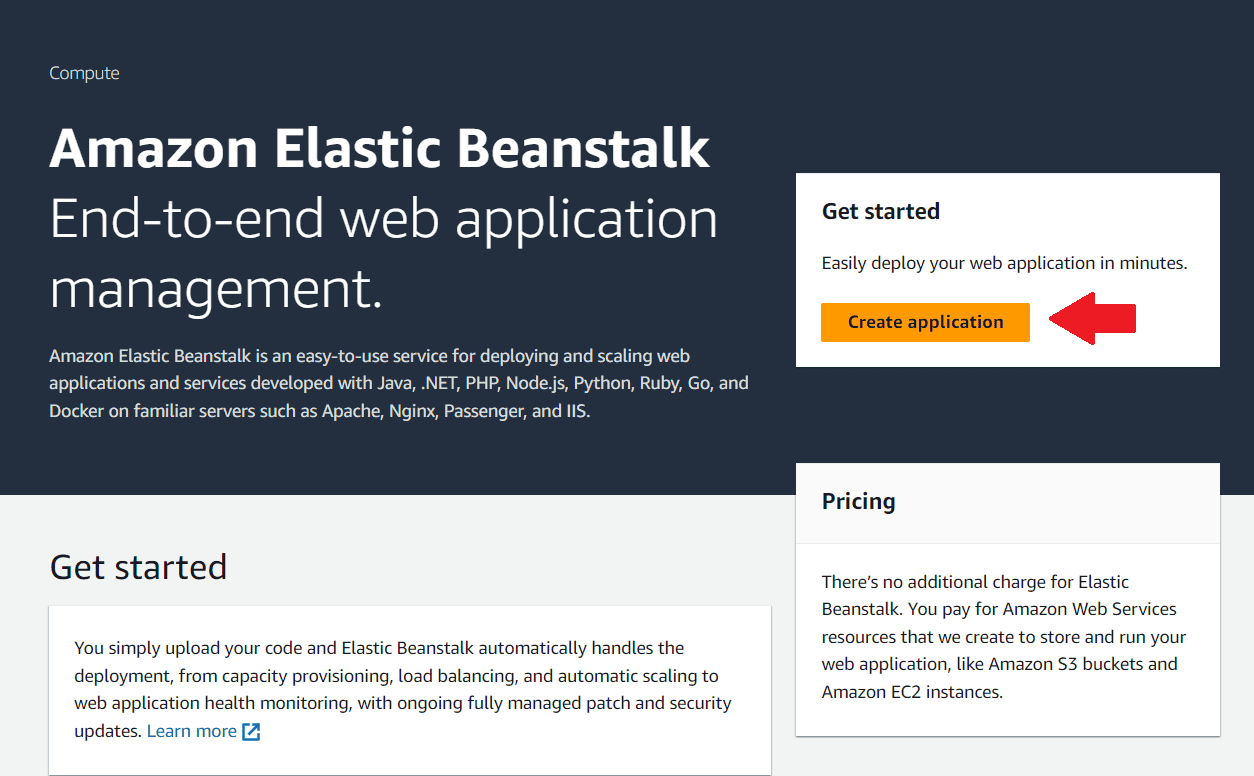
AWS Elastic Beanstalk is a fully managed service from Amazon Web Services that simplifies the deployment and scaling of Node.js applications. It abstracts away the complexity of AWS infrastructure, allowing developers to focus on writing code rather than managing servers. Elastic Beanstalk automatically handles load balancing, scaling, and monitoring, making it a powerful choice for businesses that need reliability and scalability. It’s particularly well-suited for enterprises or developers already using AWS services, as it integrates seamlessly with other AWS tools like RDS, S3, and CloudWatch. While it offers a free tier, costs can add up as your app scales, so it’s important to monitor usage to avoid unexpected bills.
- Fully Managed: AWS handles infrastructure management, including capacity provisioning, load balancing, and auto-scaling.
- Multi-Language Support: Supports Node.js, Python, Java, Ruby, and more, making it versatile for different projects.
- Integration with AWS Services: Seamlessly connects with other AWS services like RDS, S3, and Lambda for a complete cloud solution.
- Customization: Allows deep customization of the underlying AWS resources if needed, giving you full control over your environment.
- Free Tier: AWS offers a free tier with limited resources, ideal for small projects or testing.
3. DigitalOcean App Platform
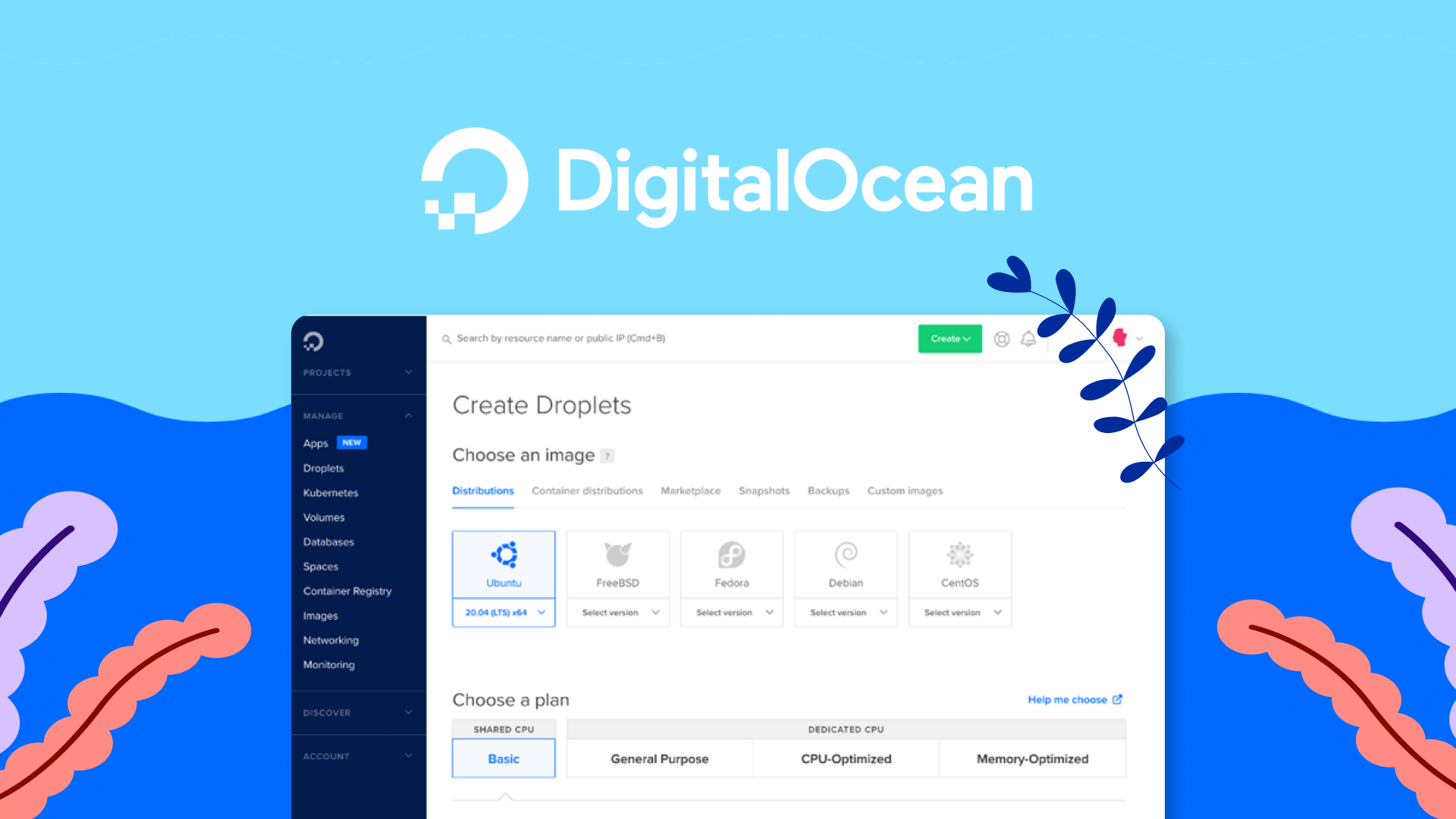
DigitalOcean App Platform is a modern, fully managed platform designed to simplify the deployment and scaling of Node.js applications. It’s a great choice for developers who want a balance between simplicity and control, offering a user-friendly interface without sacrificing flexibility. The platform supports automatic deployments from GitHub, GitLab, or Bitbucket, making it easy to set up continuous deployment. DigitalOcean is known for its transparent pricing and developer-friendly approach, making it a favorite among startups and small to medium-sized businesses. The App Platform also includes built-in monitoring, logging, and scaling features, so you can focus on building your app rather than managing infrastructure.
- Fully Managed: Handles infrastructure, scaling, and updates automatically, so you don’t have to.
- Git Integration: Automatically deploys your app from Git repositories, making CI/CD a breeze.
- Transparent Pricing: Simple, predictable pricing with no hidden fees, starting at just $5/month.
- Built-in Monitoring: Includes real-time logs, metrics, and alerts to help you keep track of your app’s performance.
- Scalability: Easily scale your app vertically or horizontally to handle increased traffic.
4. Google Cloud Run

Google Cloud Run is a serverless platform that allows you to run Node.js applications in fully managed containers without worrying about infrastructure. It’s ideal for developers who want to focus on writing code and let Google handle the rest. Cloud Run automatically scales your app based on traffic, from zero to thousands of requests per second, and you only pay for the resources you use. This makes it a cost-effective choice for apps with variable traffic patterns. It integrates seamlessly with other Google Cloud services like Cloud Build, Cloud Storage, and Firestore, making it a powerful option for businesses already using Google’s ecosystem. Cloud Run is particularly well-suited for microservices and event-driven architectures.
- Serverless: No need to manage servers or infrastructure; Google handles everything for you.
- Auto-Scaling: Scales automatically based on traffic, from zero to thousands of requests per second.
- Pay-per-Use Pricing: You only pay for the resources you use, making it cost-effective for variable workloads.
- Integration with Google Cloud: Works seamlessly with other Google Cloud services like Cloud Build, Storage, and Firestore.
- Container Support: Runs any containerized application, giving you flexibility in how you deploy your Node.js app.
5. Vercel
Vercel is a cloud platform designed specifically for frontend developers and Node.js applications, particularly those built with frameworks like Next.js, Nuxt.js, and Express. It offers a seamless deployment experience with automatic scaling, global CDN, and serverless functions. Vercel is known for its speed and simplicity, making it a top choice for developers who want to deploy their apps in minutes. The platform is optimized for performance, with edge functions that run your code closer to users for faster response times. Vercel’s free tier is generous, making it ideal for personal projects, startups, and small businesses. It also integrates well with GitHub, GitLab, and Bitbucket for continuous deployment.
- Optimized for Frontend: Built for modern frontend frameworks like Next.js, making it ideal for full-stack Node.js apps.
- Global CDN: Deploys your app to a global network of servers for faster load times worldwide.
- Serverless Functions: Run backend logic with serverless functions that scale automatically.
- Instant Deployments: Deploy your app in seconds with a simple Git push.
- Free Tier: Offers a generous free tier with unlimited static sites and serverless functions.
6. Render

Render is a modern cloud platform that simplifies the deployment and scaling of Node.js applications. It offers a fully managed environment with automatic scaling, zero-downtime deployments, and built-in monitoring. Render is designed to be developer-friendly, with a focus on simplicity and performance. It supports a wide range of technologies, including Node.js, Python, Ruby, and Go, making it a versatile choice for different types of projects. Render’s pricing is transparent and predictable, with no hidden fees, making it a great option for startups and small businesses. The platform also includes features like free SSL certificates, custom domains, and automatic backups, so you can focus on building your app without worrying about infrastructure.
- Fully Managed: Handles infrastructure, scaling, and updates automatically, so you don’t have to.
- Zero-Downtime Deployments: Updates your app without any downtime, ensuring a seamless experience for users.
- Built-in Monitoring: Includes real-time logs, metrics, and alerts to help you monitor your app’s performance.
- Free SSL Certificates: Automatically provisions and renews SSL certificates for your custom domains.
- Transparent Pricing: Simple, predictable pricing with no hidden fees, starting at $7/month.
7. Microsoft Azure App Service
Microsoft Azure App Service is a fully managed platform for building, deploying, and scaling Node.js applications. It’s a great choice for enterprises and developers who are already using Microsoft’s ecosystem, as it integrates seamlessly with other Azure services like Azure SQL Database, Cosmos DB, and Active Directory. Azure App Service offers built-in auto-scaling, load balancing, and continuous deployment, making it a powerful option for businesses that need reliability and scalability. The platform supports a wide range of programming languages, including Node.js, .NET, Java, and Python, making it versatile for different types of projects. While Azure’s pricing can be complex, it offers a free tier for small projects and startups.
- Fully Managed: Handles infrastructure, scaling, and updates automatically, so you can focus on your app.
- Integration with Azure Services: Seamlessly connects with other Azure services like SQL Database, Cosmos DB, and Active Directory.
- Auto-Scaling: Scales your app automatically based on traffic, ensuring optimal performance.
- Continuous Deployment: Supports CI/CD pipelines for automatic deployments from GitHub, Azure DevOps, and more.
- Free Tier: Offers a free tier with limited resources, ideal for small projects or testing.
8. Railway

Railway is a modern cloud platform designed to make deploying and scaling Node.js applications as simple as possible. It offers a fully managed environment with automatic scaling, zero-downtime deployments, and built-in monitoring. Railway is particularly well-suited for developers who want a hassle-free experience, as it handles all the infrastructure management for you. The platform supports a wide range of technologies, including Node.js, Python, Ruby, and Go, making it versatile for different types of projects. Railway’s pricing is transparent and predictable, with no hidden fees, making it a great option for startups and small businesses. It also includes features like free SSL certificates, custom domains, and automatic backups.
- Fully Managed: Handles infrastructure, scaling, and updates automatically, so you don’t have to.
- Zero-Downtime Deployments: Updates your app without any downtime, ensuring a seamless experience for users.
- Built-in Monitoring: Includes real-time logs, metrics, and alerts to help you monitor your app’s performance.
- Free SSL Certificates: Automatically provisions and renews SSL certificates for your custom domains.
- Transparent Pricing: Simple, predictable pricing with no hidden fees, starting at $5/month.
9. Fly.io

Fly.io is a unique cloud platform that allows you to deploy Node.js applications close to your users by running them on a global network of servers. This makes it an excellent choice for apps that require low latency and high performance worldwide. Fly.io is particularly well-suited for developers who want to deploy full-stack applications, including databases and backend services, in a single environment. The platform supports Docker containers, making it flexible for different types of projects. Fly.io’s pricing is based on usage, so you only pay for the resources you consume, making it cost-effective for small to medium-sized apps. It also includes features like automatic scaling, built-in monitoring, and free SSL certificates.
- Global Network: Deploys your app to a global network of servers, ensuring low latency for users worldwide.
- Docker Support: Runs any Docker container, giving you flexibility in how you deploy your Node.js app.
- Built-in Monitoring: Includes real-time logs, metrics, and alerts to help you monitor your app’s performance.
- Auto-Scaling: Scales your app automatically based on traffic, ensuring optimal performance.
- Free SSL Certificates: Automatically provisions and renews SSL certificates for your custom domains.
10. NodeChef
NodeChef is a specialized cloud platform designed specifically for Node.js applications. It offers a fully managed environment with automatic scaling, zero-downtime deployments, and built-in monitoring. NodeChef is ideal for developers who want a platform tailored to Node.js, as it includes features like automatic npm dependency management, built-in database support, and seamless integration with popular Node.js frameworks. The platform is particularly well-suited for startups and small businesses that need a reliable and scalable hosting solution without the complexity of managing infrastructure. NodeChef’s pricing is transparent and predictable, with no hidden fees, making it a cost-effective choice for growing apps.
- Node.js Optimized: Designed specifically for Node.js applications, with built-in support for npm and popular frameworks.
- Fully Managed: Handles infrastructure, scaling, and updates automatically, so you don’t have to.
- Built-in Database Support: Includes managed databases like MongoDB, PostgreSQL, and Redis for a complete backend solution.
- Zero-Downtime Deployments: Updates your app without any downtime, ensuring a seamless experience for users.
- Transparent Pricing: Simple, predictable pricing with no hidden fees, starting at $9/month.
Frequently Asked Questions
What is the best hosting for Node.js for beginners?
For beginners, the best hosting for Node.js is one that offers simplicity, ease of use, and a generous free tier. Heroku is a great choice because it allows you to deploy your app with just a few clicks and doesn’t require any server management. DigitalOcean App Platform and Render are also excellent options, as they provide a balance between simplicity and control. These platforms offer intuitive dashboards, automatic deployments from Git, and built-in monitoring, making them ideal for developers who are just starting out.
Is Node.js hosting expensive?
The cost of Node.js hosting can vary widely depending on your needs. Many platforms offer free tiers or low-cost plans for small projects, making it affordable for beginners and startups. For example, Heroku, Vercel, and Railway all offer free tiers with limited resources. However, as your app grows and requires more resources, costs can increase. Platforms like AWS Elastic Beanstalk and Google Cloud Run use pay-as-you-go pricing, which can be cost-effective for variable workloads but may become expensive if not monitored. It’s important to choose a hosting provider that fits your budget and offers transparent pricing.
Can I host a Node.js app for free?
Yes, you can host a Node.js app for free on several platforms. Heroku offers a free tier that’s great for small projects and testing. Vercel also provides a generous free tier for static sites and serverless functions. Other platforms like Railway, Render, and Fly.io offer free tiers with limited resources, making them suitable for hobby projects or early-stage startups. However, keep in mind that free tiers often come with limitations, such as reduced performance, limited storage, or no custom domains. If your app grows, you may need to upgrade to a paid plan.
What is the best hosting for high-traffic Node.js apps?
For high-traffic Node.js apps, you need a hosting provider that offers scalability, reliability, and performance. AWS Elastic Beanstalk and Google Cloud Run are excellent choices because they automatically scale your app based on traffic and integrate with other cloud services for a complete solution. Microsoft Azure App Service is another great option, especially if you’re already using Microsoft’s ecosystem. Fly.io is also worth considering for its global network of servers, which ensures low latency for users worldwide. These platforms are designed to handle large-scale applications and provide the tools you need to monitor and optimize performance.
Do I need a VPS for Node.js hosting?
You don’t necessarily need a VPS (Virtual Private Server) for Node.js hosting, especially if you’re using a fully managed platform like Heroku, DigitalOcean App Platform, or Render. These platforms handle all the infrastructure management for you, so you don’t have to worry about server configuration, scaling, or maintenance. However, if you need more control over your environment or have specific requirements, a VPS like DigitalOcean Droplets or AWS EC2 might be a better choice. VPS hosting gives you root access to the server, allowing you to customize it to your needs, but it also requires more technical expertise to manage.
How do I choose the right Node.js hosting provider?
Choosing the right Node.js hosting provider depends on your specific needs and priorities. Here are some factors to consider: 1) Ease of Use: If you’re a beginner, look for a platform with a simple interface and automatic deployments. 2) Scalability: If your app is expected to grow, choose a provider that offers auto-scaling and can handle increased traffic. 3) Pricing: Consider your budget and look for transparent pricing with no hidden fees. 4) Features: Think about the features you need, such as built-in databases, monitoring, or CI/CD integration. 5) Support: Check if the provider offers good customer support, especially if you’re new to hosting. 6) Integration: If you’re already using other services (e.g., AWS, Google Cloud, or Azure), choose a provider that integrates well with them.
What are the advantages of using a managed Node.js hosting service?
Using a managed Node.js hosting service offers several advantages, especially for developers who want to focus on building their apps rather than managing infrastructure. Here are some key benefits: 1) Time Savings: Managed services handle server configuration, scaling, and maintenance, so you don’t have to. 2) Reliability: These platforms are designed to be highly available and reliable, with built-in redundancy and failover mechanisms. 3) Scalability: Managed services automatically scale your app based on traffic, ensuring optimal performance. 4) Security: They include built-in security features like SSL certificates, firewalls, and DDoS protection. 5) Monitoring: Managed services provide real-time logs, metrics, and alerts to help you monitor your app’s performance. 6) Cost-Effective: While managed services may have higher upfront costs, they can save you money in the long run by reducing the need for dedicated DevOps teams.