best vps hosting for wordpress


WordPress sites need reliable hosting to run smoothly, especially as traffic grows. A shared server might work for small blogs, but as your site scales, performance and security become critical. Shared hosting often struggles with resource limits, leading to slow load times or crashes during traffic spikes. That’s why many WordPress users upgrade to a VPS—it gives them full control over server resources, ensuring consistent speed and uptime.
For WordPress, a VPS isn’t just about raw power; it’s about flexibility. Unlike shared plans, you can customize storage, RAM, and CPU allocation to match your site’s needs. This means no unexpected throttling when a post goes viral or when you add new plugins. Plus, you get root access, which lets you install security tools, back up data automatically, and optimize server configurations without waiting for support. Without a VPS, small businesses and growing blogs risk downtime or poor user experience, which can hurt conversions and rankings.
Here’s what we’ve found as the best VPS hosting options for WordPress.
📋 Table of Contents
- 1. A2 Hosting VPS for WordPress
- 2. DigitalOcean Droplets for WordPress
- 3. InMotion Hosting VPS for WordPress
- 4. Hetzner Cloud VPS for WordPress
- 5. Vultr VPS for WordPress
- 6. Linode VPS for WordPress
- 7. Scaleway VPS for WordPress
- 8. AWS Lightsail VPS for WordPress
- 9. Oracle Cloud VPS for WordPress
- 10. DigitalOcean WordPress Managed VPS
1. A2 Hosting VPS for WordPress
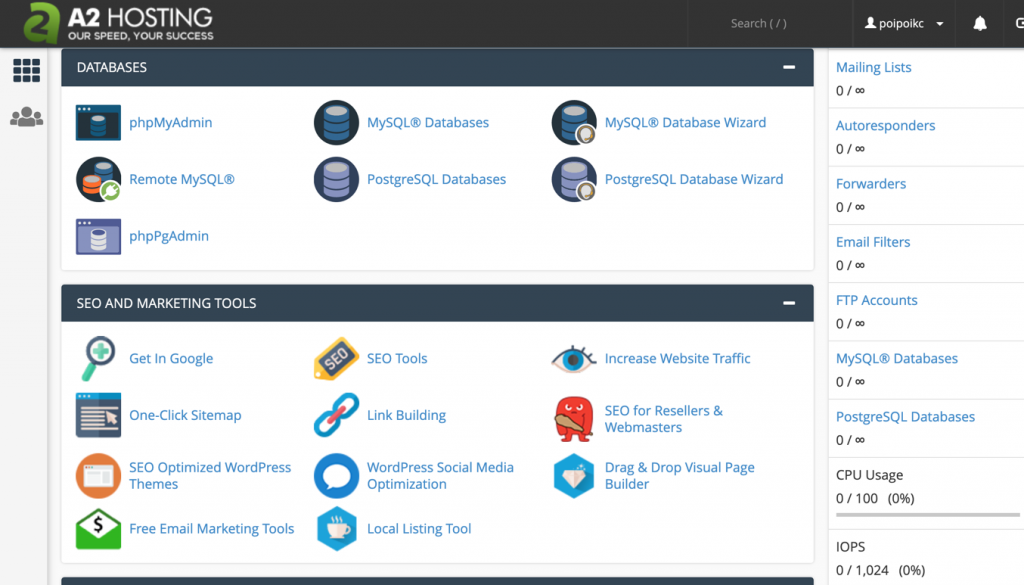
A2 Hosting’s VPS plans are renowned for their speed and reliability, making them ideal for WordPress sites that need dedicated resources without the complexity of managing a full server. Their optimized WordPress environments include pre-installed cPanel and LiteSpeed servers, which significantly reduce load times and improve security. This setup is perfect for growing businesses and developers who want to avoid common WordPress bottlenecks like slow page loads or server crashes. The plans also come with free daily backups and a 30-day money-back guarantee, ensuring peace of mind.
- Optimized WordPress Environment: Pre-installed LiteSpeed servers and cPanel for faster performance and easier management.
- Free Daily Backups: Automated backups to prevent data loss and simplify recovery.
- Dedicated Resources: Customizable CPU, RAM, and storage options for scalability.
- Free SSL Certificates: Enhanced security for user trust and SEO rankings.
- 24/7 Support: Round-the-clock technical assistance via live chat, phone, and ticketing.
2. DigitalOcean Droplets for WordPress
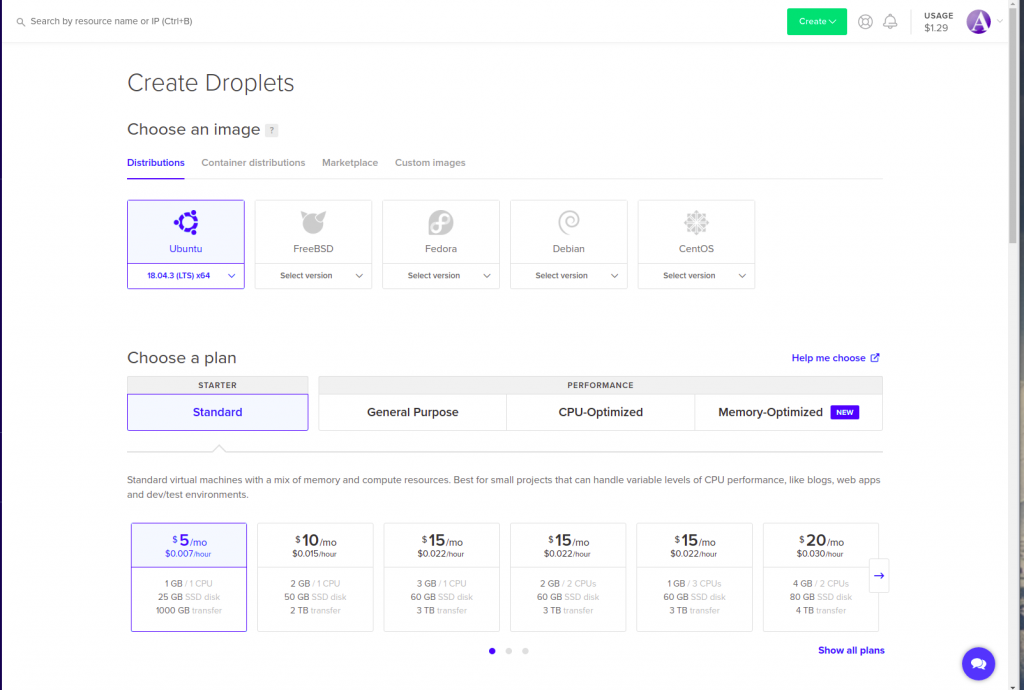
DigitalOcean’s Droplets are a budget-friendly choice for WordPress hosting, offering simplicity and reliability at a low cost. Their pre-configured WordPress images make setup quick and straightforward, while their scalable infrastructure ensures your site can handle traffic spikes without performance drops. The platform also integrates seamlessly with popular WordPress tools like WP Engine’s staging environments. This makes it a great option for small businesses and freelancers who need a hassle-free hosting solution with room to grow.
- Pre-Configured WordPress Images: Easy setup with pre-installed WordPress and essential plugins.
- Scalable Resources: Adjustable CPU, RAM, and storage to match your site’s needs.
- Free Backups: Automated daily snapshots included with all plans.
- Global Network: Low-latency data centers in multiple regions for faster loading.
- Free SSL: Automatic SSL certificate setup for secure connections.
3. InMotion Hosting VPS for WordPress

InMotion Hosting’s VPS plans are designed for WordPress users who prioritize security and performance. Their servers run on Linux and include free WordPress optimizations like caching and database tuning. The company also offers a 90-day money-back guarantee and 24/7 support, ensuring you can get help quickly if issues arise. This plan is ideal for developers and mid-sized businesses that need a balance of power and reliability without the overhead of self-managed hosting.
- WordPress Optimized Servers: Pre-optimized configurations for faster page loads.
- Free SSD Storage: High-speed storage for quicker data access.
- Dedicated IP Address: Improves email deliverability and security.
- Free Daily Backups: Automated backups to protect your site’s data.
- 24/7 Technical Support: Round-the-clock assistance via phone and chat.
4. Hetzner Cloud VPS for WordPress

Hetzner Cloud offers some of the most affordable VPS plans for WordPress, backed by a reputation for reliability and performance. Their servers are based in Germany, which can be advantageous for European-based businesses or users who prioritize data privacy. The platform provides full root access, allowing you to customize your server environment to your exact needs. This makes it a solid choice for developers and tech-savvy users who want full control over their hosting setup.
- Low-Cost Pricing: One of the most budget-friendly VPS options available.
- Full Root Access: Customize your server environment to your needs.
- High Availability: Redundant infrastructure for uptime reliability.
- Free SSL Certificates: Enhanced security for user trust.
- 24/7 Support: Technical assistance available around the clock.
5. Vultr VPS for WordPress

Vultr’s VPS hosting is known for its speed and global network, making it a top choice for WordPress sites that need to perform well across different regions. Their pre-configured WordPress images simplify setup, and their scalable infrastructure ensures your site can handle traffic surges without performance issues. Vultr also offers free backups and a 30-day money-back guarantee, adding to its appeal for new users. This plan is ideal for businesses and developers who want a fast, reliable, and easy-to-manage hosting solution.
- Global Data Centers: Low-latency locations worldwide for faster loading.
- Pre-Configured WordPress Images: Quick setup with essential plugins and optimizations.
- Free Backups: Automated daily snapshots included with all plans.
- Dedicated IP Options: Improves email deliverability and security.
- 24/7 Support: Round-the-clock technical assistance.
6. Linode VPS for WordPress
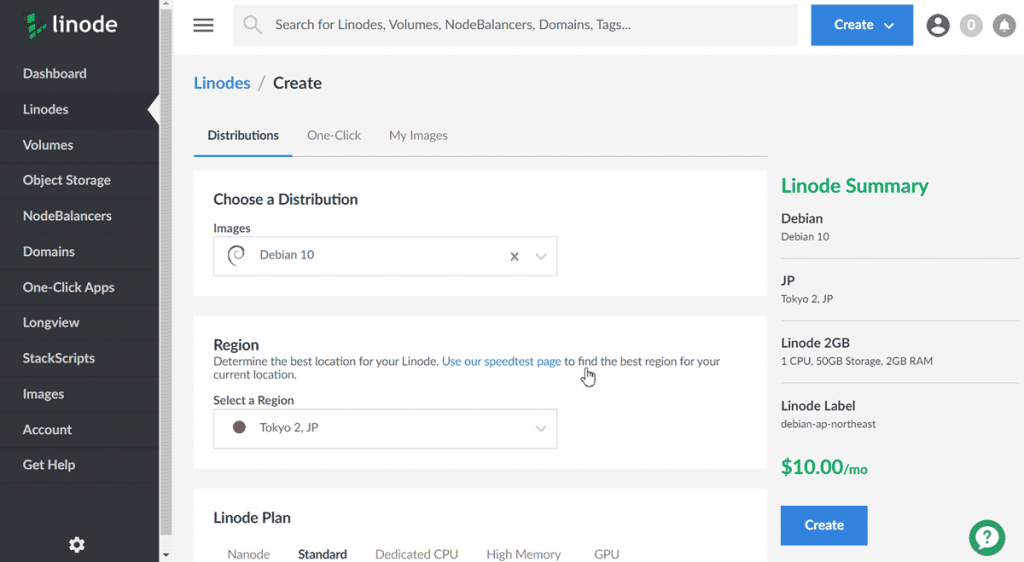
Linode’s VPS hosting is a favorite among developers and WordPress users who value control and performance. Their servers are based on Linux and offer full root access, allowing you to fine-tune your hosting environment. Linode’s pre-configured WordPress images simplify setup, and their scalable infrastructure ensures your site can grow with your needs. This plan is perfect for users who want a balance of power, flexibility, and reliability.
- Full Root Access: Customize your server environment to your specifications.
- Pre-Configured WordPress Images: Quick setup with optimized configurations.
- Global Network: Low-latency data centers in multiple regions.
- Free Backups: Automated daily snapshots included with all plans.
- 24/7 Support: Technical assistance available around the clock.
7. Scaleway VPS for WordPress

Scaleway’s VPS hosting is a modern, cloud-based solution that offers flexibility and scalability for WordPress sites. Their servers are based on Linux and include pre-configured WordPress images, making setup straightforward. Scaleway’s infrastructure is designed to handle traffic spikes, ensuring your site remains fast and reliable even during peak periods. This plan is ideal for businesses and developers who want a cloud-based hosting solution with a focus on performance and ease of use.
- Cloud-Based Infrastructure: Scalable resources that adapt to your site’s needs.
- Pre-Configured WordPress Images: Quick setup with optimized configurations.
- Global Network: Low-latency data centers in multiple regions.
- Free Backups: Automated daily snapshots included with all plans.
- 24/7 Support: Technical assistance available around the clock.
8. AWS Lightsail VPS for WordPress
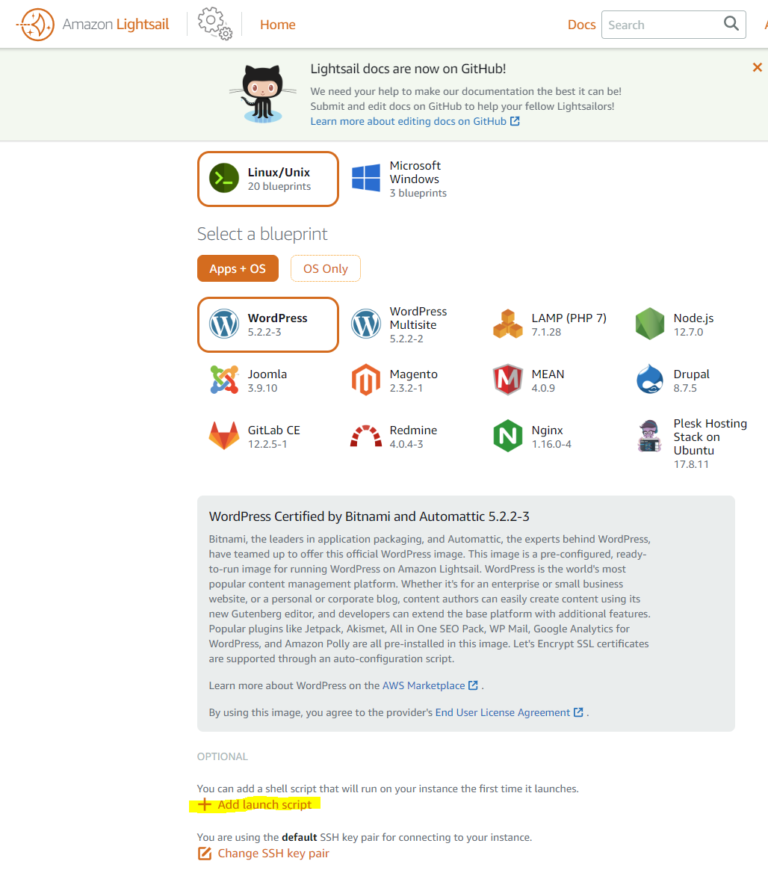
AWS Lightsail is a simplified VPS option from Amazon Web Services, designed for users who want the power of AWS without the complexity. Their pre-configured WordPress instances make setup easy, and the scalable infrastructure ensures your site can handle growth. AWS Lightsail also includes free backups and a money-back guarantee, making it a solid choice for users who want reliability and ease of use. This plan is ideal for businesses and developers who are already familiar with AWS or want to leverage its global network.
- AWS Infrastructure: Reliable, scalable, and globally distributed servers.
- Pre-Configured WordPress Instances: Quick setup with optimized configurations.
- Free Backups: Automated daily snapshots included with all plans.
- Global Network: Low-latency data centers worldwide.
- 24/7 Support: Technical assistance available around the clock.
9. Oracle Cloud VPS for WordPress

Oracle Cloud offers VPS hosting with a focus on performance and cost efficiency, making it a great option for WordPress users who want a modern, cloud-based solution. Their pre-configured WordPress images simplify setup, and the infrastructure is designed to handle high traffic with ease. Oracle Cloud also provides free backups and a generous free tier, making it accessible for startups and small businesses. This plan is ideal for users who want a reliable, scalable, and cost-effective hosting solution.
- Oracle Cloud Infrastructure: High-performance, scalable servers with global reach.
- Pre-Configured WordPress Images: Quick setup with optimized configurations.
- Free Backups: Automated daily snapshots included with all plans.
- Free Tier Available: Generous free resources for testing and development.
- 24/7 Support: Technical assistance available around the clock.
10. DigitalOcean WordPress Managed VPS
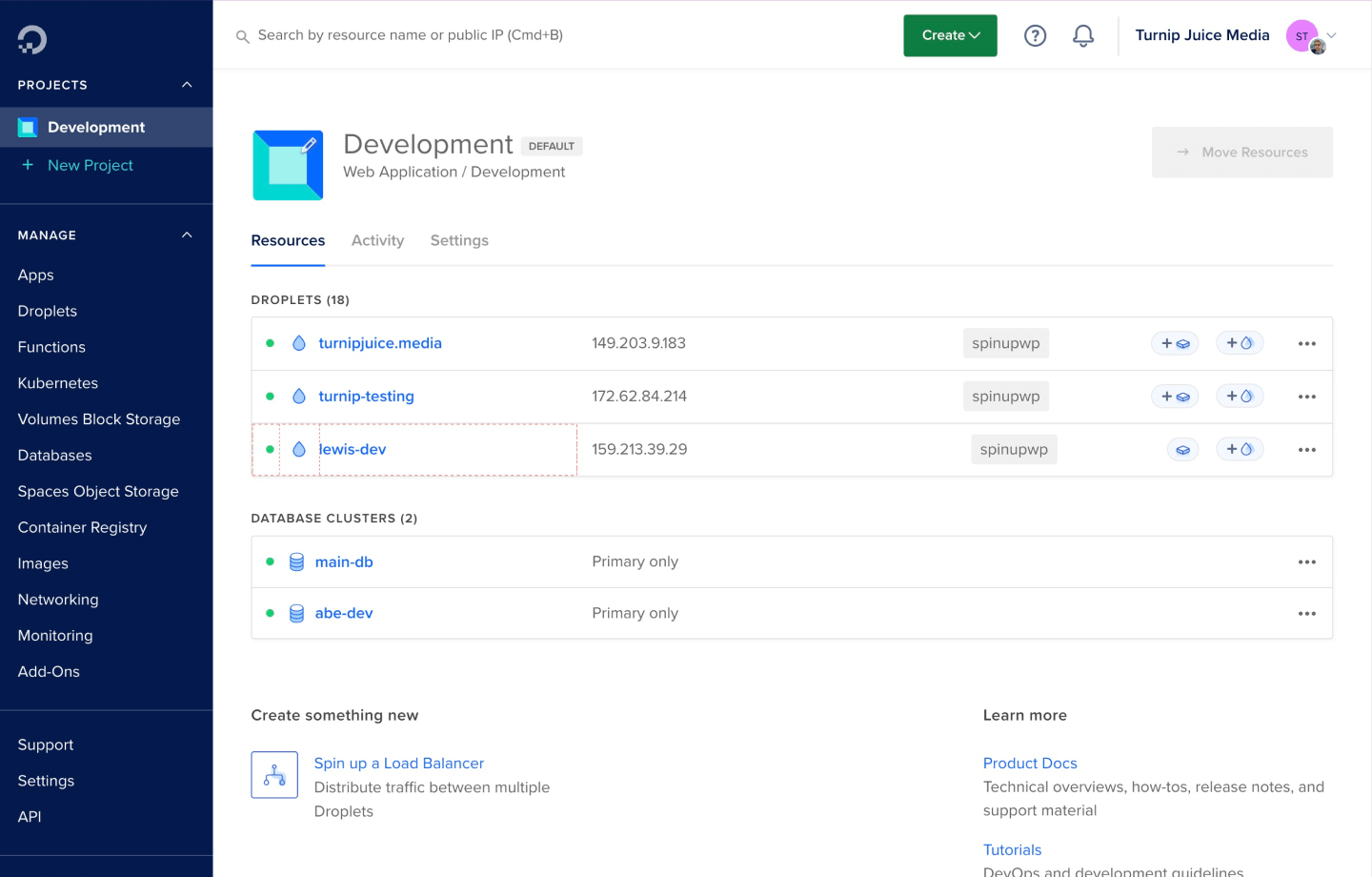
DigitalOcean’s Managed WordPress VPS plans take the hassle out of hosting by handling updates, backups, and security for you. This fully managed service ensures your WordPress site runs smoothly with minimal effort, making it ideal for users who want a hassle-free experience. Their infrastructure is optimized for WordPress, with automatic backups, security patches, and performance monitoring included. This plan is perfect for businesses and individuals who prioritize ease of use and reliability over manual management.
- Fully Managed Service: Automated updates, backups, and security patches.
- Optimized for WordPress: Pre-configured environments for faster performance.
- Automatic Backups: Daily backups with point-in-time recovery.
- Dedicated Resources: Scalable CPU, RAM, and storage options.
- 24/7 Support: Round-the-clock technical assistance.
Frequently Asked Questions
What are the key differences between shared hosting and VPS hosting for WordPress?
Shared hosting shares server resources with multiple sites, which can lead to slower performance and limited control. VPS hosting, on the other hand, provides dedicated resources, ensuring your WordPress site runs faster and more reliably. With VPS, you have full control over server configurations, security settings, and backups, making it ideal for growing sites that need more power and flexibility.
How do I choose the right VPS plan for my WordPress site?
Consider your site’s current traffic, resource needs, and future growth. Start with a plan that offers enough CPU, RAM, and storage to handle your site’s demands. If you’re unsure, opt for a scalable plan that allows you to upgrade resources as needed. Additionally, look for plans with free backups, SSL certificates, and 24/7 support to ensure reliability and security.
What should I look for in a VPS provider’s support?
Choose a provider that offers 24/7 support via multiple channels, such as live chat, phone, and ticketing. Quick response times and knowledgeable support staff are crucial for resolving issues promptly. Look for providers that also offer documentation and community forums for self-help resources.
Is it necessary to back up my WordPress site on a VPS?
Yes, automated backups are essential for protecting your site’s data. Without regular backups, you risk losing important files or content if something goes wrong. Most VPS providers offer free daily backups, but it’s also a good idea to test your backup restoration process to ensure it works correctly.
How can I optimize my WordPress site for better performance on a VPS?
Start by enabling caching plugins like WP Rocket or W3 Total Cache to reduce page load times. Optimize your database with tools like WP-Optimize, and consider using a content delivery network (CDN) like Cloudflare to distribute your site’s content globally. Regularly update your WordPress core, plugins, and themes to ensure compatibility and performance improvements.
What are the best practices for securing my WordPress site on a VPS?
Enable two-factor authentication for your WordPress admin panel, and use strong, unique passwords for all accounts. Regularly update your plugins, themes, and WordPress core to patch security vulnerabilities. Install security plugins like Wordfence or Sucuri to monitor and protect your site from threats. Additionally, keep your VPS server updated with the latest security patches and firewall rules.
Can I migrate my existing WordPress site to a VPS easily?
Yes, most VPS providers offer migration services or tools to help you transfer your site. You can also use plugins like All-in-One WP Migration to export your site from your current host and import it to your new VPS. Ensure you back up your site before migration and test the new setup thoroughly to avoid downtime or data loss.