
best hosting for laravel


When it comes to hosting a Laravel application, performance, scalability, and ease of deployment matter more than anything else. Laravel has specific server requirements—PHP versions, extensions like BCMath and OpenSSL, and tools like Composer—that not all hosting providers handle well. Shared hosting often falls short, forcing you to deal with slow load times, missing dependencies, or manual configuration headaches. The best options are those that either specialize in PHP environments or offer flexible cloud infrastructure where you can fine-tune the setup yourself.
You don’t want a host that treats Laravel like an afterthought. Look for providers with one-click Laravel installations, built-in support for queues and scheduled tasks, and environments optimized for PHP 8.x. Managed services can save you time on server maintenance, while unmanaged VPS or cloud options give you more control if you’re comfortable handling the technical details. Either way, the right host should make deployment straightforward and keep your app running smoothly under traffic.
I’ve put together a list below of the best hosting options for Laravel, covering managed solutions, cloud platforms, and budget-friendly alternatives that still meet the framework’s needs.
📋 Table of Contents
1. Forge (by Laravel)
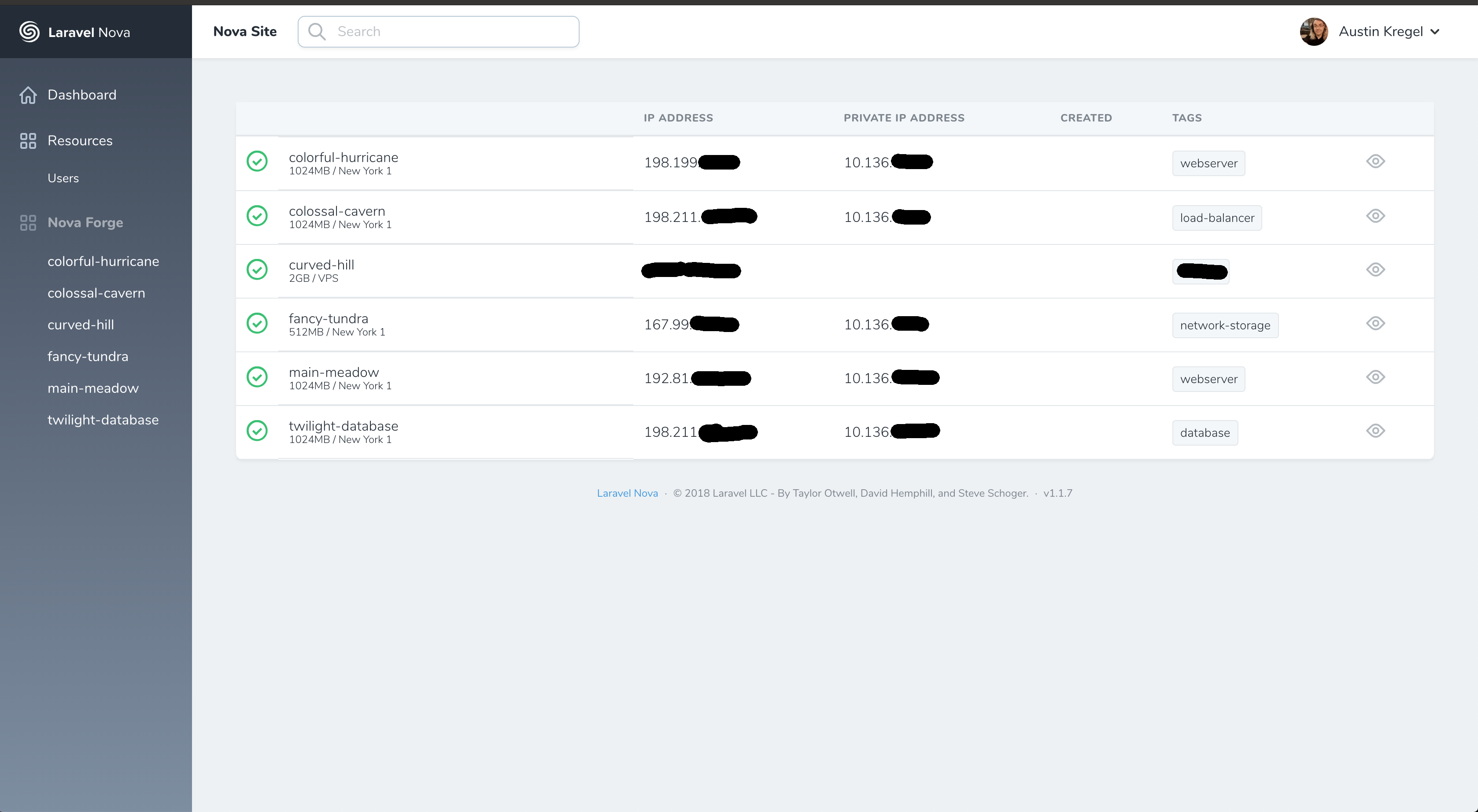
Laravel Forge is a server management tool created by the same team behind Laravel, making it a natural choice for developers who want seamless integration with their Laravel applications. Forge simplifies the process of provisioning and managing servers on popular cloud providers like DigitalOcean, Linode, AWS, and Vultr. It automates tasks such as setting up Nginx, PHP, MySQL, and other essential services, allowing developers to focus on building their applications rather than managing infrastructure. Forge is particularly well-suited for developers who need a hassle-free way to deploy and scale Laravel applications without diving deep into server administration. It also includes features like zero-downtime deployments, SSL certificate management, and database backups, making it a robust solution for both small projects and large-scale applications.
- Server Provisioning: Easily provision servers on DigitalOcean, Linode, AWS, and Vultr with just a few clicks. Forge handles the setup of Nginx, PHP, MySQL, and other necessary services automatically.
- Zero-Downtime Deployments: Deploy your Laravel applications without any downtime. Forge ensures that your users experience seamless updates by managing the deployment process efficiently.
- SSL Certificate Management: Automatically generate and renew Let’s Encrypt SSL certificates for your domains, ensuring your applications are always secure.
- Database Backups: Schedule automatic backups for your MySQL or PostgreSQL databases, with options to store backups on external services like Amazon S3.
- Collaboration Tools: Invite team members to collaborate on your projects, with customizable permissions to control access to servers and sites.
2. DigitalOcean App Platform

DigitalOcean App Platform is a fully managed platform-as-a-service (PaaS) that simplifies the deployment and scaling of Laravel applications. It supports automatic deployments from GitHub, GitLab, and Bitbucket repositories, making it easy to set up continuous integration and delivery (CI/CD) pipelines. The platform handles infrastructure management, including load balancing, scaling, and monitoring, so you can focus on writing code. DigitalOcean App Platform is an excellent choice for developers who want a balance between simplicity and control, as it offers both managed and unmanaged options. It also integrates seamlessly with other DigitalOcean services like databases and object storage, providing a cohesive ecosystem for your Laravel projects.
- Automatic Deployments: Deploy your Laravel applications directly from your Git repository with automatic updates whenever you push new code.
- Scalability: Easily scale your application horizontally or vertically to handle increased traffic without manual intervention.
- Built-in Monitoring: Monitor your application’s performance with built-in metrics and alerts, ensuring you can quickly identify and resolve issues.
- Managed Databases: Integrate with DigitalOcean’s managed database services, including PostgreSQL and MySQL, for reliable and scalable data storage.
- Custom Domains and SSL: Add custom domains to your applications and automatically provision SSL certificates for secure connections.
3. Vultr
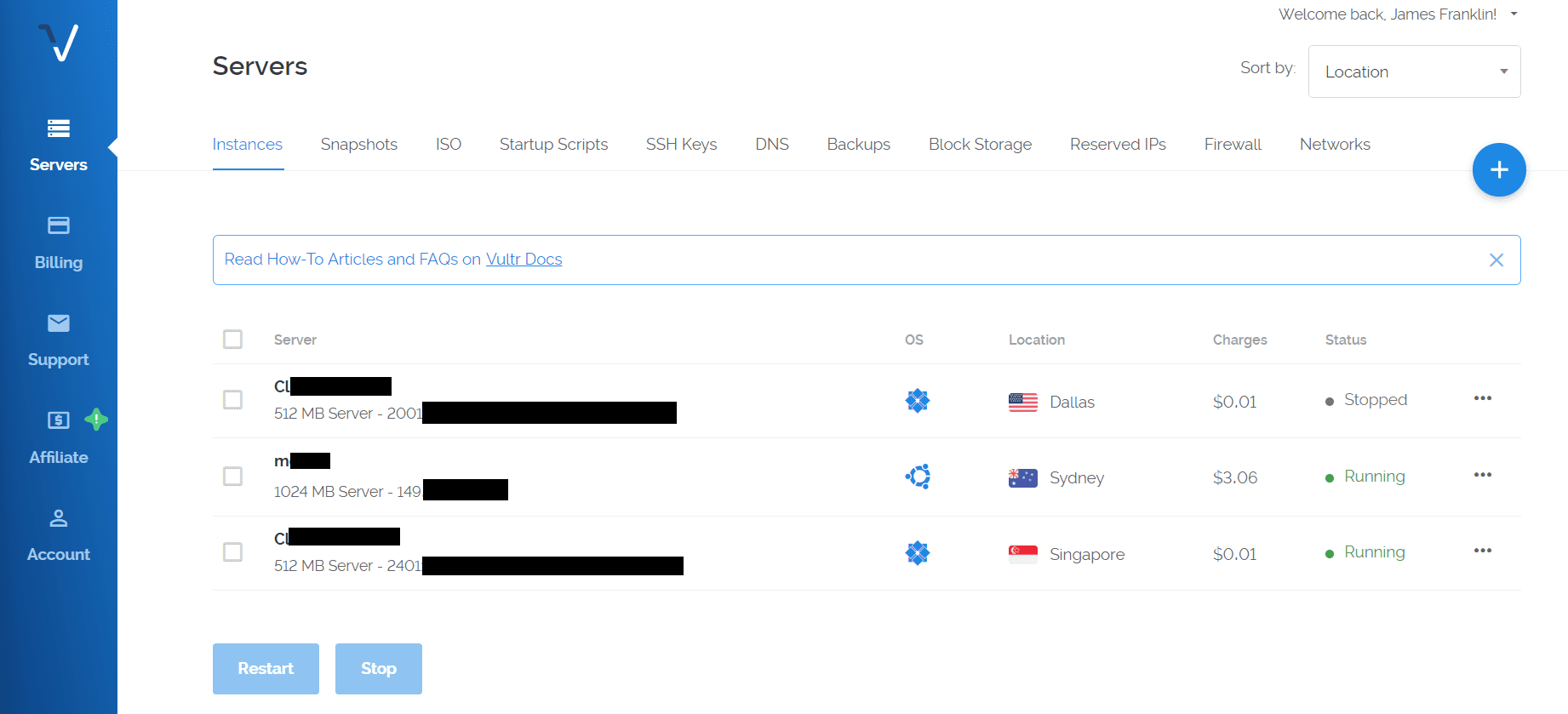
Vultr is a cloud hosting provider known for its high-performance infrastructure and global reach. It offers a range of hosting solutions, including cloud instances, bare metal servers, and managed Kubernetes, making it a versatile choice for Laravel applications. Vultr’s cloud instances are particularly well-suited for Laravel, as they provide full root access, allowing developers to configure their servers exactly how they need them. The platform also offers one-click deployments for popular applications, including Laravel, which simplifies the setup process. Vultr is ideal for developers who need a balance between affordability and performance, with data centers located around the world to ensure low latency for users.
- High-Performance SSD Storage: Vultr uses NVMe SSD storage for all its cloud instances, ensuring fast read and write speeds for your Laravel applications.
- Global Data Centers: Choose from 30+ data centers worldwide to deploy your applications close to your users, reducing latency and improving performance.
- One-Click Laravel Deployments: Deploy a Laravel application with just one click, with Vultr handling the initial setup and configuration.
- Full Root Access: Gain complete control over your server with root access, allowing you to customize your environment to meet your specific needs.
- DDoS Protection: Vultr includes free DDoS protection for all its cloud instances, helping to keep your applications secure from attacks.
4. Linode
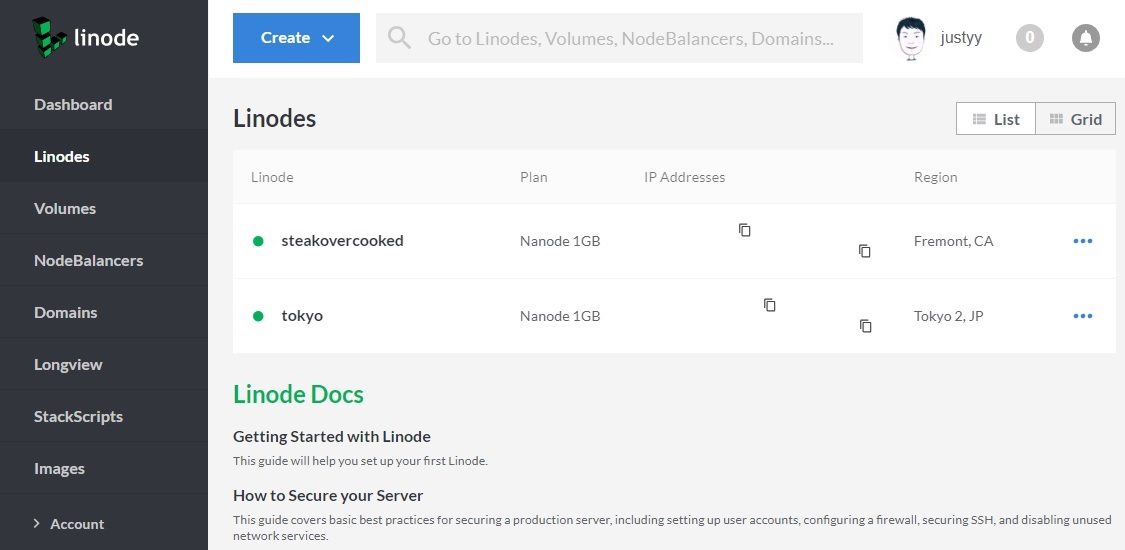
Linode is a cloud hosting provider that offers a range of services, including virtual private servers (VPS), managed Kubernetes, and object storage. It is a popular choice for Laravel developers due to its affordability, reliability, and ease of use. Linode provides full root access to its cloud instances, allowing developers to configure their servers to meet the specific needs of their Laravel applications. The platform also offers a variety of one-click apps, including Laravel, which simplifies the deployment process. Linode is particularly well-suited for developers who need a cost-effective hosting solution without sacrificing performance or control. With data centers located around the world, Linode ensures low latency and high availability for your applications.
- Affordable Cloud Instances: Linode offers competitively priced cloud instances, making it an excellent choice for developers on a budget.
- One-Click Laravel Deployments: Deploy a Laravel application with just one click, with Linode handling the initial setup and configuration.
- Global Data Centers: Choose from 11 data centers worldwide to deploy your applications close to your users, ensuring low latency and high performance.
- Full Root Access: Gain complete control over your server with root access, allowing you to customize your environment to meet your specific needs.
- Managed Databases: Linode offers managed database services, including PostgreSQL and MySQL, for reliable and scalable data storage.
5. AWS (Amazon Web Services) with Laravel Vapor
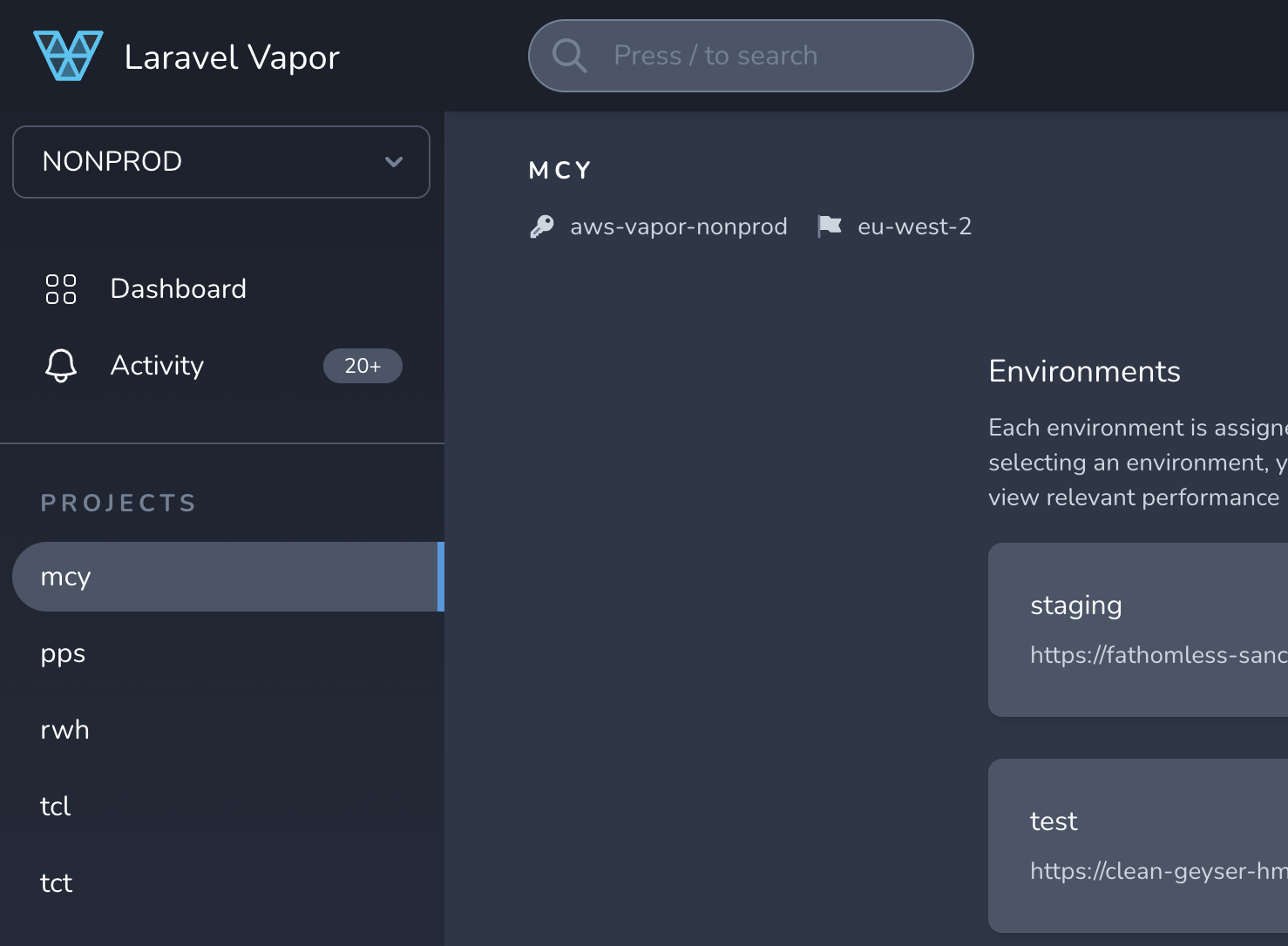
AWS is the leading cloud computing platform, offering a vast array of services for hosting, scaling, and managing applications. For Laravel developers, AWS can be paired with Laravel Vapor, a serverless deployment platform specifically designed for Laravel. Vapor simplifies the process of deploying Laravel applications on AWS by handling infrastructure management, including load balancing, auto-scaling, and database management. This combination is ideal for developers who need a highly scalable and reliable hosting solution for their Laravel applications. AWS offers unparalleled flexibility and global reach, with data centers located in multiple regions around the world. While AWS can be complex to set up, Laravel Vapor makes it accessible for Laravel developers by abstracting much of the complexity.
- Serverless Deployment with Laravel Vapor: Deploy your Laravel applications on AWS without managing servers, with Vapor handling infrastructure, scaling, and load balancing.
- Auto-Scaling: Automatically scale your application to handle increased traffic, ensuring optimal performance and cost efficiency.
- Global Infrastructure: Deploy your applications in multiple regions worldwide, ensuring low latency and high availability for your users.
- Managed Databases: Use AWS’s managed database services, including Amazon RDS and Aurora, for reliable and scalable data storage.
- Cost Optimization: AWS offers a pay-as-you-go pricing model, allowing you to optimize costs based on your application’s usage and traffic.
6. Heroku

Heroku is a cloud platform-as-a-service (PaaS) that simplifies the deployment and management of web applications. It is a popular choice for Laravel developers due to its ease of use and seamless integration with Git. Heroku supports automatic deployments from GitHub, GitLab, and Bitbucket repositories, making it easy to set up continuous integration and delivery (CI/CD) pipelines. The platform handles infrastructure management, including scaling, load balancing, and monitoring, allowing developers to focus on building their applications. Heroku is particularly well-suited for small to medium-sized Laravel projects, as it offers a free tier for experimentation and low-traffic applications. However, it can become expensive as your application grows, so it may not be the best choice for large-scale projects.
- Automatic Deployments: Deploy your Laravel applications directly from your Git repository with automatic updates whenever you push new code.
- Scalability: Easily scale your application horizontally or vertically to handle increased traffic without manual intervention.
- Add-Ons Marketplace: Enhance your application with a wide range of add-ons, including databases, monitoring tools, and caching services.
- Managed Databases: Integrate with Heroku’s managed database services, including PostgreSQL and Redis, for reliable and scalable data storage.
- Free Tier: Heroku offers a free tier for low-traffic applications, making it an excellent choice for experimentation and small projects.
7. Cloudways

Cloudways is a managed cloud hosting platform that simplifies the process of deploying and managing Laravel applications. It offers a user-friendly interface for provisioning servers on popular cloud providers like DigitalOcean, Linode, AWS, and Google Cloud. Cloudways handles server management tasks, including security updates, backups, and monitoring, allowing developers to focus on building their applications. The platform also includes features like one-click Laravel deployments, staging environments, and team collaboration tools. Cloudways is an excellent choice for developers who want the flexibility of cloud hosting without the complexity of managing servers themselves. It is particularly well-suited for small to medium-sized Laravel projects that require a balance between performance and ease of use.
- Managed Cloud Hosting: Deploy your Laravel applications on popular cloud providers like DigitalOcean, Linode, AWS, and Google Cloud with ease.
- One-Click Laravel Deployments: Deploy a Laravel application with just one click, with Cloudways handling the initial setup and configuration.
- Staging Environments: Create staging environments to test changes before deploying them to production, ensuring a smooth and error-free release process.
- Automated Backups: Schedule automatic backups for your applications and databases, with options to store backups on external services like Amazon S3.
- Team Collaboration: Invite team members to collaborate on your projects, with customizable permissions to control access to servers and applications.
8. A2 Hosting
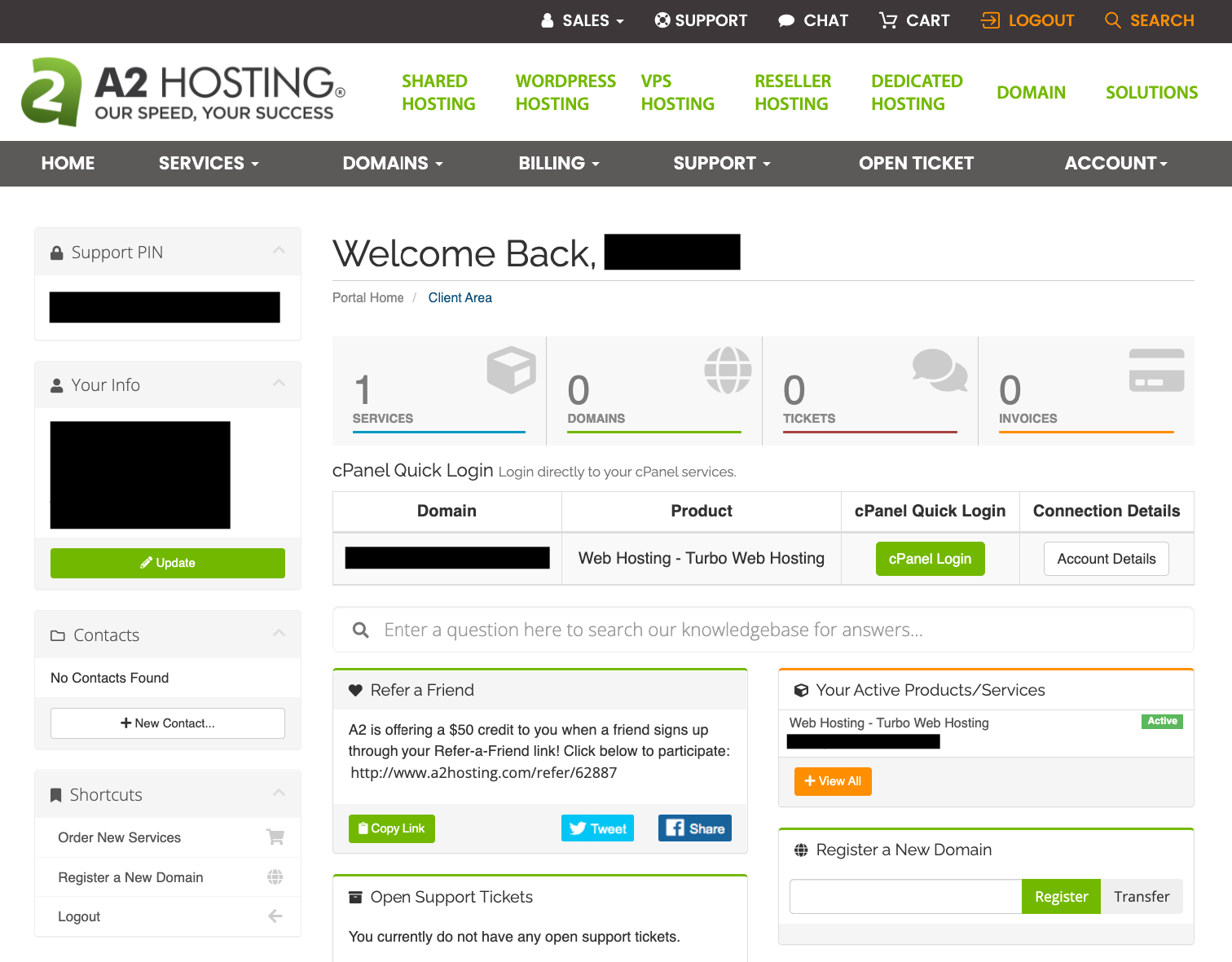
A2 Hosting is a web hosting provider known for its high-performance servers and developer-friendly features. It offers a range of hosting solutions, including shared hosting, VPS, and dedicated servers, making it a versatile choice for Laravel applications. A2 Hosting is particularly well-suited for developers who need a fast and reliable hosting environment, as it uses Turbo Servers that can deliver up to 20x faster page loads compared to standard hosting. The platform also includes features like free SSL certificates, automated backups, and a user-friendly control panel. A2 Hosting is an excellent choice for small to medium-sized Laravel projects that require a balance between affordability and performance.
- Turbo Servers: A2 Hosting’s Turbo Servers deliver up to 20x faster page loads compared to standard hosting, ensuring optimal performance for your Laravel applications.
- Free SSL Certificates: Automatically generate and renew Let’s Encrypt SSL certificates for your domains, ensuring your applications are always secure.
- Automated Backups: Schedule automatic backups for your applications and databases, with options to restore backups with just one click.
- Developer-Friendly Features: A2 Hosting includes a range of developer-friendly features, such as SSH access, Git integration, and support for multiple PHP versions.
- Anytime Money-Back Guarantee: A2 Hosting offers an anytime money-back guarantee, allowing you to try their services risk-free.
9. Kinsta
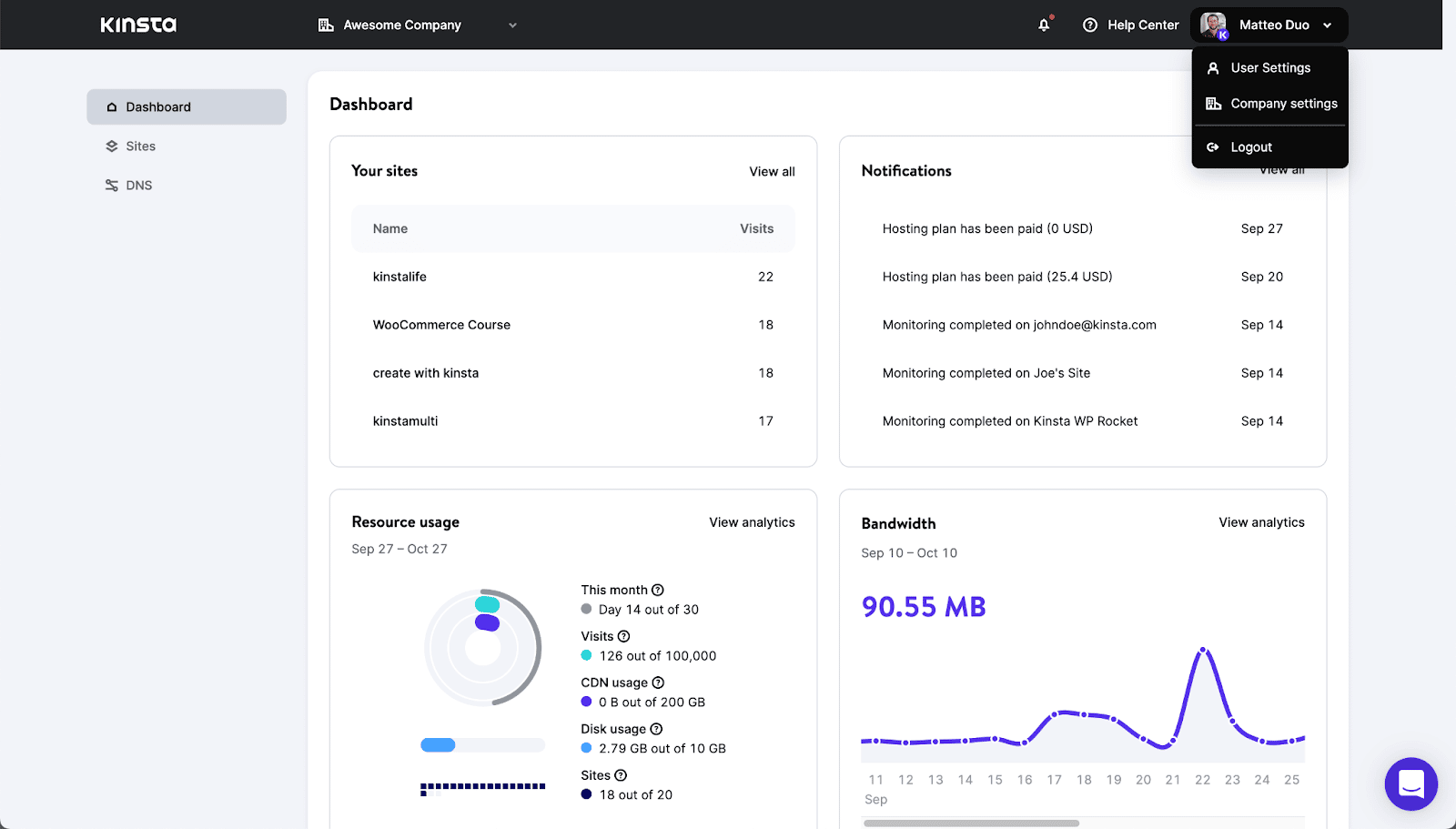
Kinsta is a managed WordPress hosting provider that also offers excellent support for Laravel applications. It is built on the Google Cloud Platform, ensuring high performance, reliability, and scalability. Kinsta’s infrastructure is optimized for speed, with features like HTTP/2, PHP 8.1, and automatic scaling to handle traffic spikes. The platform also includes a user-friendly dashboard for managing your applications, with features like one-click staging environments, automated backups, and security monitoring. Kinsta is an excellent choice for developers who want a managed hosting solution that offers the flexibility and performance needed for Laravel applications. While it is primarily known for WordPress, Kinsta’s support for custom PHP applications makes it a great option for Laravel developers as well.
- Google Cloud Platform: Kinsta is built on the Google Cloud Platform, ensuring high performance, reliability, and scalability for your Laravel applications.
- Automatic Scaling: Kinsta automatically scales your application to handle traffic spikes, ensuring optimal performance and availability.
- One-Click Staging Environments: Create staging environments to test changes before deploying them to production, ensuring a smooth and error-free release process.
- Automated Backups: Schedule automatic backups for your applications and databases, with options to restore backups with just one click.
- Security Monitoring: Kinsta includes security monitoring and malware scanning to keep your applications safe from threats.
10. RunCloud

RunCloud is a server management platform that simplifies the process of deploying and managing Laravel applications on cloud providers like DigitalOcean, Linode, and AWS. It offers a user-friendly interface for provisioning servers, configuring web servers (Nginx or Apache), and managing databases. RunCloud also includes features like one-click Laravel deployments, automated backups, and team collaboration tools. The platform is particularly well-suited for developers who want a cost-effective way to manage their Laravel applications without sacrificing control or performance. RunCloud is an excellent choice for small to medium-sized projects that require a balance between ease of use and flexibility.
- Server Management: Provision and manage servers on popular cloud providers like DigitalOcean, Linode, and AWS with ease.
- One-Click Laravel Deployments: Deploy a Laravel application with just one click, with RunCloud handling the initial setup and configuration.
- Automated Backups: Schedule automatic backups for your applications and databases, with options to store backups on external services like Amazon S3.
- Team Collaboration: Invite team members to collaborate on your projects, with customizable permissions to control access to servers and applications.
- Web Server Configuration: Choose between Nginx and Apache for your web server, with RunCloud handling the configuration and optimization.
Frequently Asked Questions
What is the best hosting for Laravel for beginners?
For beginners, the best hosting for Laravel is one that offers ease of use, automated deployments, and good support. Platforms like DigitalOcean App Platform, Heroku, and Cloudways are excellent choices because they simplify the deployment process and handle much of the infrastructure management for you. These platforms offer one-click Laravel deployments, automated backups, and user-friendly dashboards, making them ideal for developers who are new to Laravel or hosting in general.
Is shared hosting suitable for Laravel applications?
Shared hosting can be suitable for small Laravel applications with low traffic, but it is generally not recommended for larger or more complex projects. Shared hosting environments often have limited resources, restricted server configurations, and potential security risks due to shared resources with other users. For Laravel applications, it is better to use a VPS, cloud hosting, or a managed hosting solution that offers more control, better performance, and enhanced security. Platforms like DigitalOcean, Linode, and Cloudways are better suited for hosting Laravel applications.
How do I choose the right hosting for my Laravel application?
Choosing the right hosting for your Laravel application depends on several factors, including your budget, technical expertise, and the specific needs of your project. Here are some key considerations to help you make the right choice: 1) Performance: Look for hosting providers that offer fast servers, SSD storage, and global data centers to ensure low latency. 2) Scalability: Choose a hosting solution that can scale with your application as it grows, whether through vertical scaling (upgrading resources) or horizontal scaling (adding more servers). 3) Ease of Use: If you are a beginner, opt for a managed hosting solution or a platform with one-click Laravel deployments. 4) Support: Ensure the hosting provider offers good customer support, especially if you are not familiar with server management. 5) Cost: Consider your budget and choose a hosting solution that offers the best value for your needs.
Can I host a Laravel application on AWS?
Yes, you can host a Laravel application on AWS, and it is a popular choice for developers who need a highly scalable and reliable hosting solution. AWS offers a vast array of services, including EC2 for virtual servers, RDS for managed databases, and S3 for object storage. To simplify the deployment process, you can use Laravel Vapor, a serverless deployment platform designed specifically for Laravel. Vapor handles infrastructure management, including load balancing, auto-scaling, and database management, making it easier to deploy and manage Laravel applications on AWS. While AWS can be complex to set up, Laravel Vapor abstracts much of the complexity, making it accessible for Laravel developers.
What are the benefits of using managed hosting for Laravel?
Managed hosting for Laravel offers several benefits, including: 1) Ease of Use: Managed hosting providers handle server management tasks, such as security updates, backups, and monitoring, allowing you to focus on building your application. 2) Performance: Managed hosting providers often use high-performance infrastructure, such as SSD storage and global data centers, to ensure fast and reliable performance for your Laravel applications. 3) Security: Managed hosting providers include security features like firewalls, malware scanning, and DDoS protection to keep your applications safe from threats. 4) Scalability: Managed hosting solutions can scale with your application as it grows, ensuring optimal performance and availability. 5) Support: Managed hosting providers offer dedicated customer support to help you resolve any issues quickly and efficiently. Platforms like Cloudways, Kinsta, and Laravel Forge are excellent choices for managed hosting for Laravel applications.
How do I deploy a Laravel application to a hosting provider?
Deploying a Laravel application to a hosting provider involves several steps, but the process can vary depending on the hosting solution you choose. Here is a general outline of the steps involved: 1) Choose a Hosting Provider: Select a hosting provider that meets your needs, such as DigitalOcean, Linode, or AWS. 2) Set Up a Server: Provision a server with the necessary resources (CPU, RAM, storage) and configure it with the required software (PHP, Nginx/Apache, MySQL). 3) Configure the Environment: Set up environment variables, configure the web server, and ensure all dependencies are installed. 4) Deploy Your Code: Upload your Laravel application code to the server using Git, FTP, or a deployment tool like Laravel Forge or Envoyer. 5) Run Migrations and Seeders: Execute database migrations and seeders to set up your database schema and initial data. 6) Configure Cron Jobs: Set up any necessary cron jobs for scheduled tasks, such as queue workers or scheduled commands. 7) Test Your Application: Thoroughly test your application to ensure everything is working as expected. Many hosting providers offer one-click Laravel deployments or managed services that simplify this process, so be sure to check their documentation for specific instructions.
What is the difference between shared hosting and VPS hosting for Laravel?
Shared hosting and VPS (Virtual Private Server) hosting are two different types of hosting solutions, each with its own advantages and disadvantages for Laravel applications. Shared Hosting: In shared hosting, multiple websites share the same server resources, including CPU, RAM, and storage. This makes shared hosting an affordable option, but it also means that your application’s performance can be affected by other websites on the same server. Shared hosting environments often have limited resources and restricted server configurations, making them less suitable for larger or more complex Laravel applications. VPS Hosting: In VPS hosting, you get a dedicated portion of a server’s resources, providing better performance, security, and control compared to shared hosting. VPS hosting offers full root access, allowing you to customize your server environment to meet the specific needs of your Laravel application. VPS hosting is more scalable and reliable than shared hosting, making it a better choice for medium to large Laravel applications. However, VPS hosting requires more technical expertise to manage and configure.

