best domain and hosting


Choosing the right domain name and hosting provider is the first step toward building a site that works reliably and professionally. A domain acts as your online address, so picking one that’s clear, memorable, and easy to spell is essential. It should reflect your brand or purpose without unnecessary complexity, and ideally, it should be available at a reasonable cost. Many people overlook the importance of this choice until they realize later that a confusing name leads to lost traffic or confusion among visitors.
Beyond the domain, your hosting service determines how smoothly your site loads, how secure it stays, and how well it scales as your audience grows. Slow or unreliable hosting can frustrate users, hurt your search rankings, and even cause your site to go offline. The best options offer fast server speeds, robust support, and flexible plans that grow with your needs. Skipping this step or choosing a provider based solely on price can lead to long-term headaches, so it’s worth investing time in researching what’s right for your project.
Below is a list of the best options for domain and hosting.
📋 Table of Contents
- 1. Choosing the Right Domain Name
- 2. Shared Hosting for Small Businesses
- 3. VPS Hosting for Growing Businesses
- 4. Dedicated Server Hosting for High-Traffic Sites
- 5. Cloud Hosting with Google Cloud Platform
- 6. Managed WordPress Hosting
- 7. Green Hosting for Eco-Conscious Businesses
- 8. Local Hosting for Small Businesses
- 9. Cloud-Based Backup Services
1. Choosing the Right Domain Name
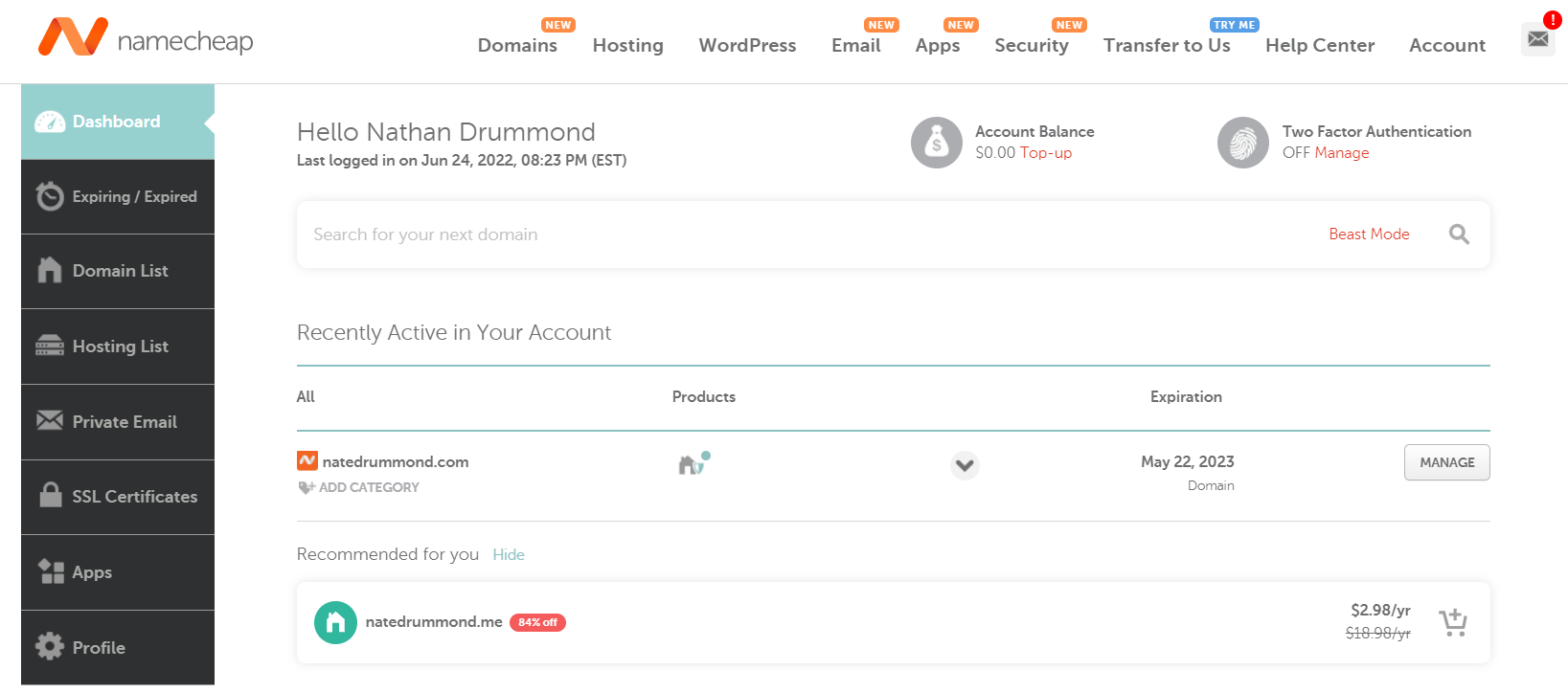
Your domain name is the digital address that defines your online presence. It’s the first thing visitors notice, so picking one that’s memorable, easy to spell, and relevant to your brand is crucial. A short, brandable name with a .com extension tends to perform best because it’s the most recognizable and trusted. Avoid numbers or hyphens, which can confuse users or make your site harder to find. If you’re starting a business, consider whether your name aligns with your industry—whether it’s tech-focused, creative, or service-based. Once you’ve settled on a name, check its availability through registrars like Namecheap or GoDaddy to ensure no one else is using it. If you’re unsure, brainstorm a few options and test them by typing them into a search bar to see how they feel in real life.
- Memorability: Short, brandable names stick in visitors’ minds more than long or complex ones.
- Relevance: A name tied to your industry or purpose makes your site feel more authentic and trustworthy.
- Availability: Check domain availability early to avoid conflicts with existing brands.
- Extension Flexibility: While .com is ideal, newer extensions like .io or .co can work for niche audiences.
- Searchability: Avoid numbers and hyphens—they can hurt your SEO and user experience.
2. Shared Hosting for Small Businesses
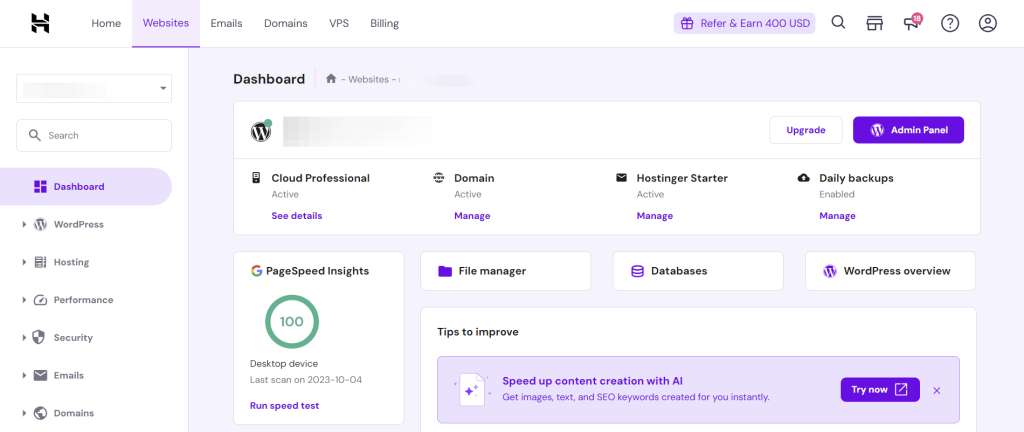
Shared hosting is the simplest and most affordable way to launch a website, ideal for small businesses, bloggers, or startups with low traffic. It involves multiple websites sharing a single server, which keeps costs low but may limit performance for high-demand sites. Shared hosting is perfect if you’re on a budget or just starting out, as it offers basic hosting features like unlimited bandwidth and storage for a low monthly fee. However, expect slower load times and potential downtime if the server gets overloaded. Popular providers like Hostinger and Bluehost offer user-friendly control panels and 24/7 support, making it easy to manage your site even if you’re new to web hosting. Just be aware that shared hosting isn’t ideal for large-scale operations or sites with heavy traffic.
- Affordable: Costs as little as $2–$5 per month, making it budget-friendly for beginners.
- Easy Setup: User-friendly interfaces simplify website creation and management.
- Basic Features: Unlimited bandwidth and storage for small to medium traffic.
- Reliable Support: 24/7 customer support is available for troubleshooting.
- Limited Performance: Shared resources may cause slower speeds or downtime during peak times.
3. VPS Hosting for Growing Businesses
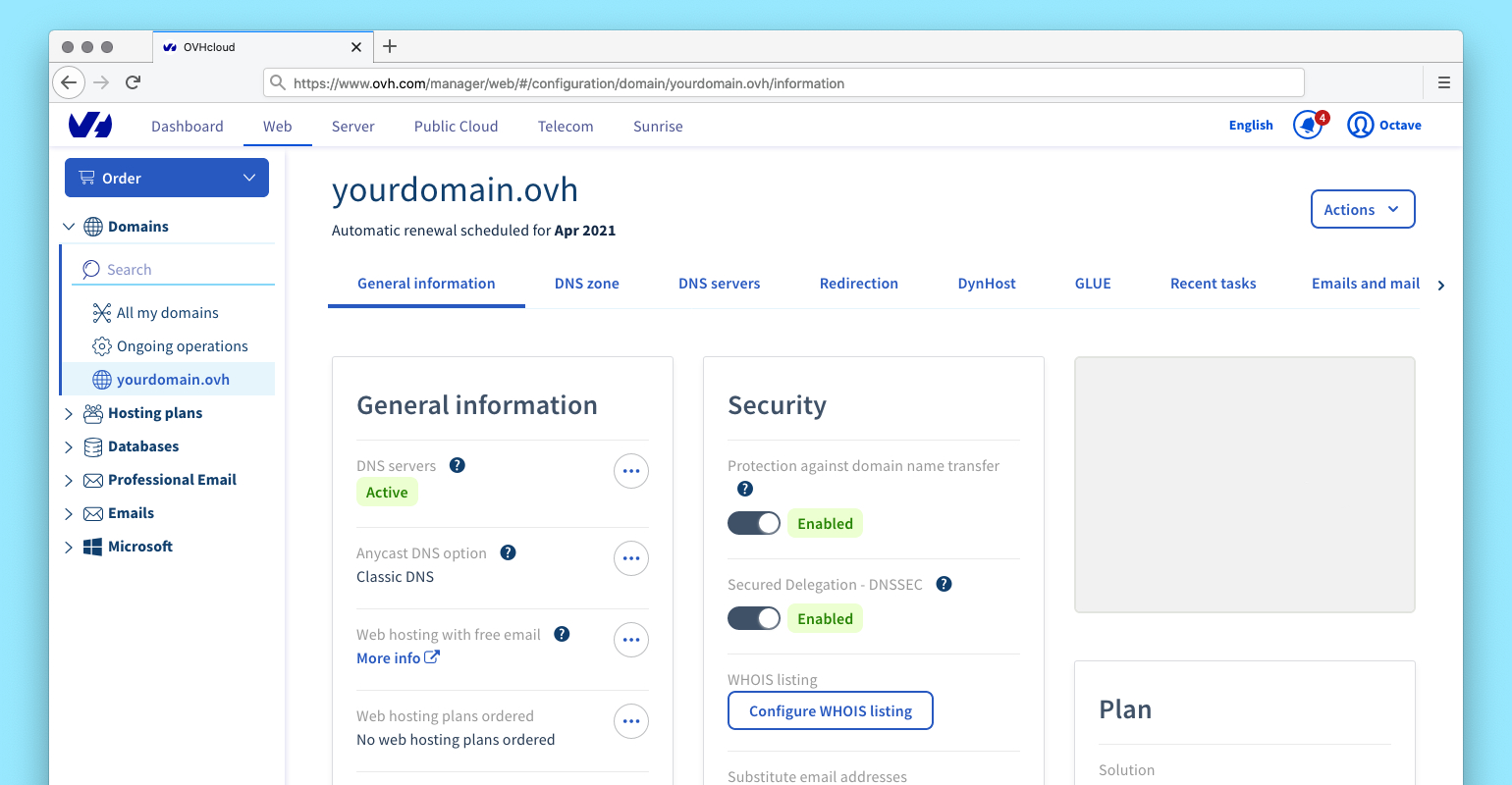
A virtual private server (VPS) hosting plan offers a middle ground between shared and dedicated hosting. It provides dedicated resources on a virtual server, giving you more control, security, and performance than shared hosting while keeping costs manageable. VPS hosting is ideal for businesses experiencing moderate growth, developers testing applications, or those needing custom software installations. Unlike shared hosting, you’ll have root access, allowing you to optimize your server for speed and reliability. Providers like OVH and DigitalOcean offer scalable plans, so you can upgrade as your needs change. However, managing a VPS requires some technical knowledge, so consider hiring a developer if you’re not comfortable with server administration.
- Dedicated Resources: Each VPS gets its own CPU, RAM, and storage for consistent performance.
- Root Access: Full control over server settings and software installations.
- Scalability: Easily upgrade resources as your traffic grows.
- Security: Isolated environment reduces risk of security breaches from other users.
- Cost-Effective: More affordable than dedicated hosting for moderate workloads.
4. Dedicated Server Hosting for High-Traffic Sites

For websites with high traffic, heavy usage, or specific compliance needs, a dedicated server provides full control over a physical server. This option is best for established businesses, enterprises, or developers who require maximum performance, security, and customization. A dedicated server ensures no shared resources, so your site runs smoothly even during peak traffic. Verizon Cloud and SiteGround offer dedicated server plans with 24/7 support, customizable configurations, and advanced security features. However, this is the most expensive hosting option, making it suitable only for large-scale operations. If you’re unsure whether dedicated hosting is right for you, start with a VPS and scale up as needed.
- Full Server Control: Exclusive use of a physical server with no shared resources.
- High Performance: Optimized for maximum speed and reliability under heavy loads.
- Advanced Security: Enhanced protection against cyber threats and data breaches.
- Customizable: Tailor server specs to match your exact needs.
- 24/7 Support: Dedicated technical assistance for troubleshooting and maintenance.
5. Cloud Hosting with Google Cloud Platform
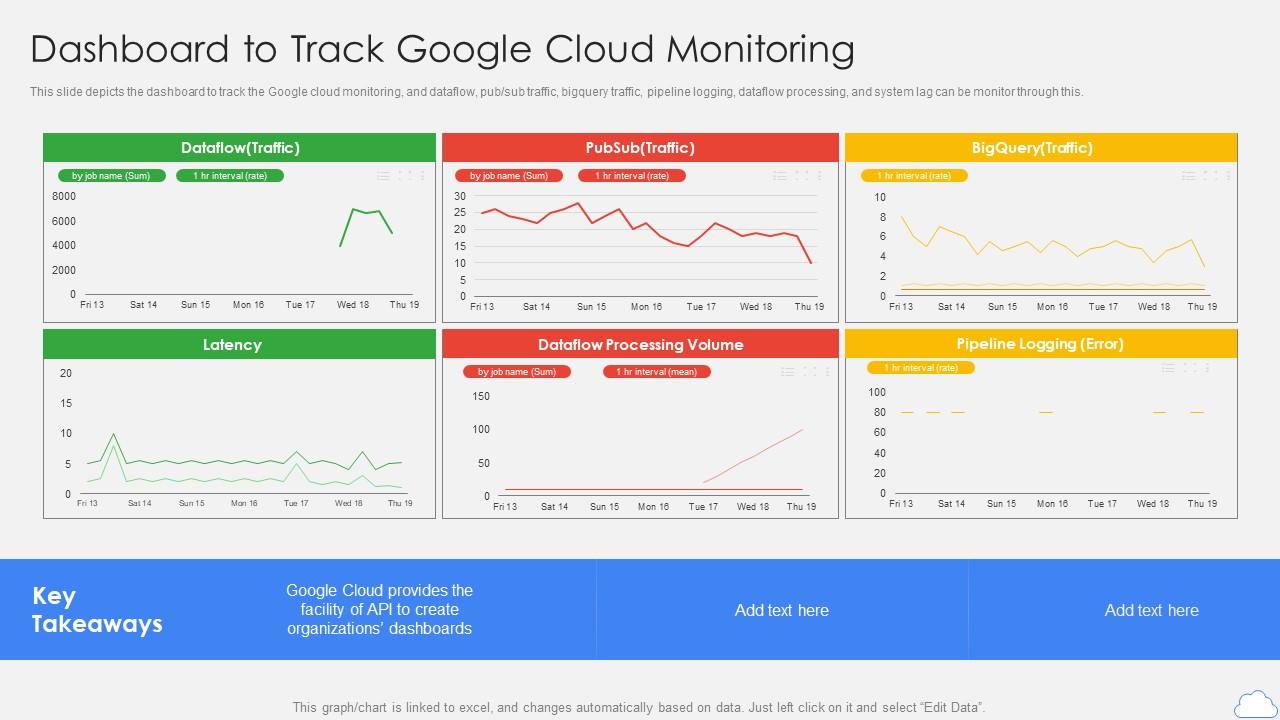
Cloud hosting leverages distributed servers across multiple data centers, offering scalability, flexibility, and redundancy. Google Cloud Platform (GCP) is a leading cloud provider that allows you to choose between different hosting models, including managed services for databases, storage, and compute. This option is ideal for businesses that need to handle unpredictable traffic spikes, such as e-commerce sites or SaaS platforms. GCP’s auto-scaling feature automatically adjusts resources based on demand, ensuring your site remains fast and available. It also integrates seamlessly with other Google services, like Google Analytics and Ads, making it a powerful choice for tech-savvy users. However, setting up and managing cloud hosting requires technical expertise, so consider using managed services if you’re not comfortable with infrastructure.
- Auto-Scaling: Resources adjust automatically to match traffic demand.
- Global Reach: Servers spread across multiple regions for low latency and high availability.
- Flexible Pricing: Pay only for the resources you use, with no long-term contracts.
- Advanced Security: Enterprise-grade security and compliance features.
- Integration with Google Ecosystem: Seamless connection to Google Analytics, Ads, and more.
6. Managed WordPress Hosting
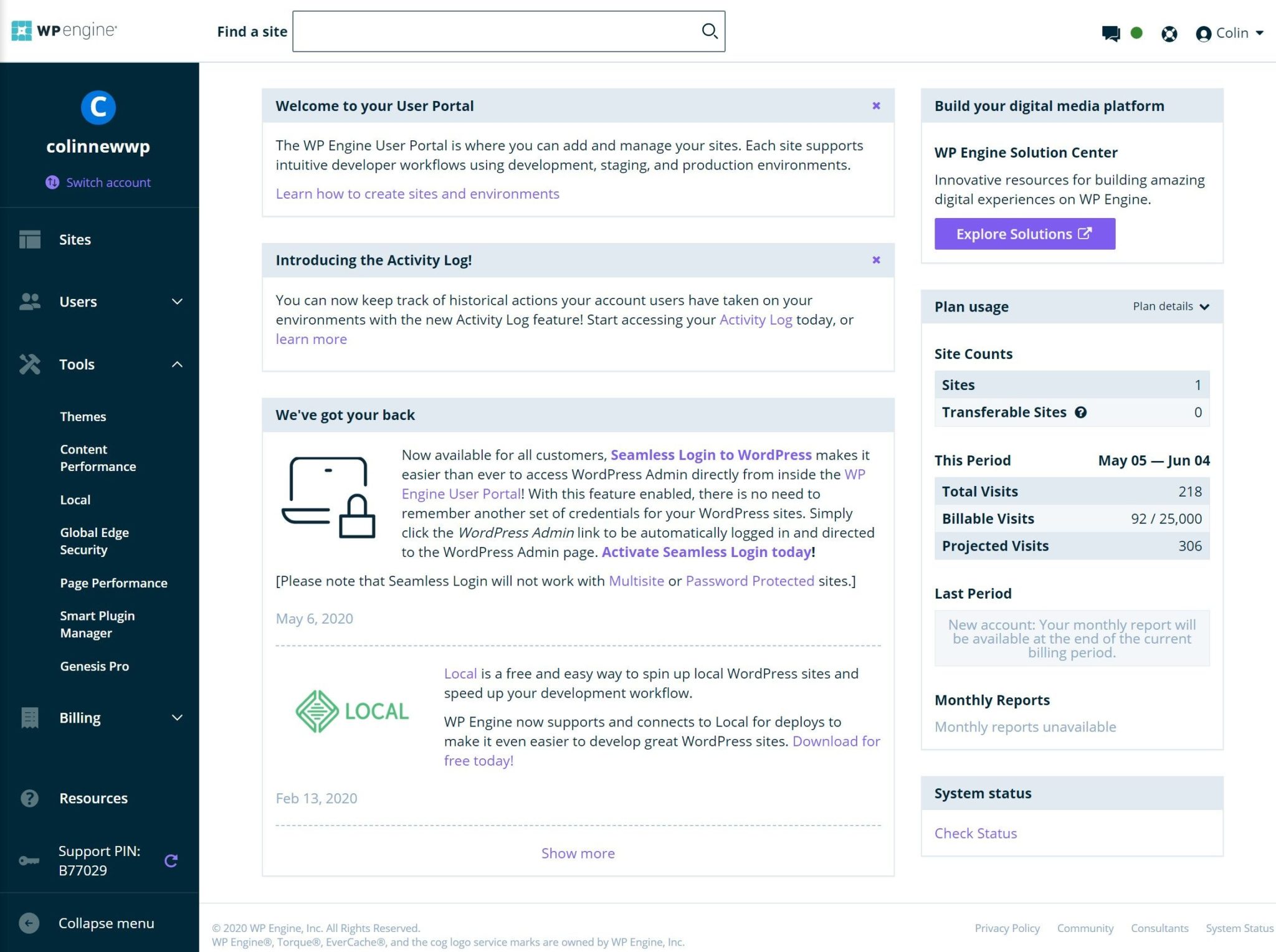
For WordPress users who want a hassle-free hosting experience, managed WordPress hosting is designed specifically for the platform. Providers like WP Engine and Kinsta offer optimized servers, automatic updates, daily backups, and expert support to ensure your site runs smoothly. This option is perfect for bloggers, small business owners, or developers who prioritize speed, security, and ease of use. Managed hosting eliminates the need to worry about server maintenance, security patches, or performance tuning. However, it comes at a premium price compared to shared hosting, making it best suited for businesses with a budget for premium features. If you’re running a WordPress site, managed hosting is a smart investment for long-term reliability.
- Optimized for WordPress: Caching, CDN integration, and database tuning for faster load times.
- Automatic Backups: Daily backups and point-in-time recovery to prevent data loss.
- Expert Support: Dedicated support team for troubleshooting and optimization.
- Security Features: Advanced protection against malware, DDoS attacks, and breaches.
- Easy Management: User-friendly control panel for quick updates and migrations.
7. Green Hosting for Eco-Conscious Businesses

Green hosting is a niche but growing category of hosting that prioritizes environmental sustainability. These providers use renewable energy sources, energy-efficient data centers, and carbon-neutral operations to reduce their carbon footprint. If you’re a business committed to sustainability, green hosting aligns with your values while offering similar performance to traditional hosting. Companies like GreenGeeks and HostPapa provide eco-friendly hosting plans with transparent reporting on their environmental impact. While green hosting may not be as widely recognized as traditional providers, it’s an increasingly popular choice for conscious consumers. Just be aware that some green hosting plans may have slightly higher costs or limited features compared to conventional options.
- Renewable Energy: Powered by solar, wind, or other clean energy sources.
- Carbon-Neutral Operations: Offsets emissions to achieve net-zero carbon impact.
- Energy-Efficient Data Centers: Uses advanced cooling and hardware to minimize energy waste.
- Transparency: Provides detailed reports on environmental efforts and impact.
- Performance Similarity: Offers comparable speed and reliability to traditional hosting.
8. Local Hosting for Small Businesses
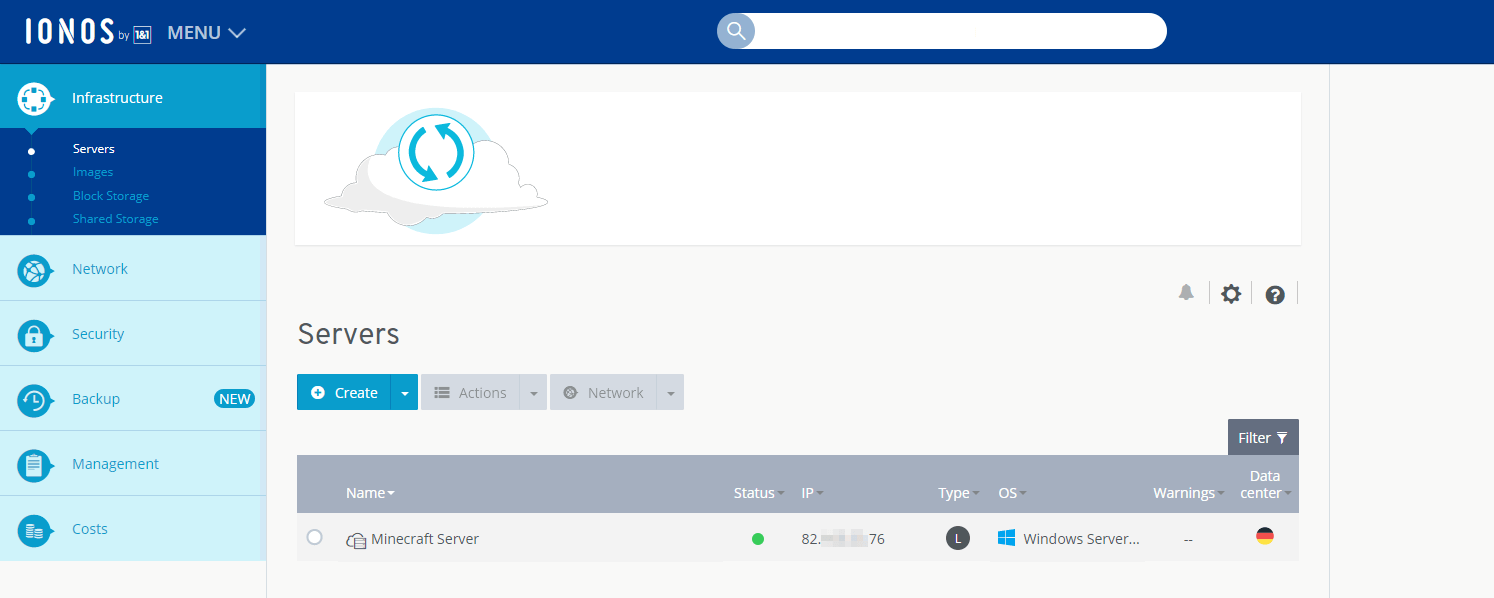
For businesses that prioritize data privacy, security, and control over their hosting infrastructure, local hosting (or on-premise hosting) involves running your website on servers physically located within your organization. This option is ideal for small businesses with strict compliance requirements, such as healthcare providers or legal firms handling sensitive data. Local hosting offers full control over server configurations, security settings, and data storage, eliminating reliance on third-party providers. However, it requires significant upfront investment in hardware, maintenance, and technical expertise. If you’re a small business with limited resources, local hosting may not be practical, but it’s a viable option for those who need absolute security and compliance control.
- Full Data Control: No third-party access to your servers or data.
- Enhanced Security: Customizable security measures tailored to your business needs.
- No Dependency on Third Parties: Eliminates risks associated with hosting providers.
- Offline Capability: Your site remains accessible even if internet connectivity is lost.
- High Costs and Maintenance: Requires significant investment in hardware and staff for upkeep.
9. Cloud-Based Backup Services
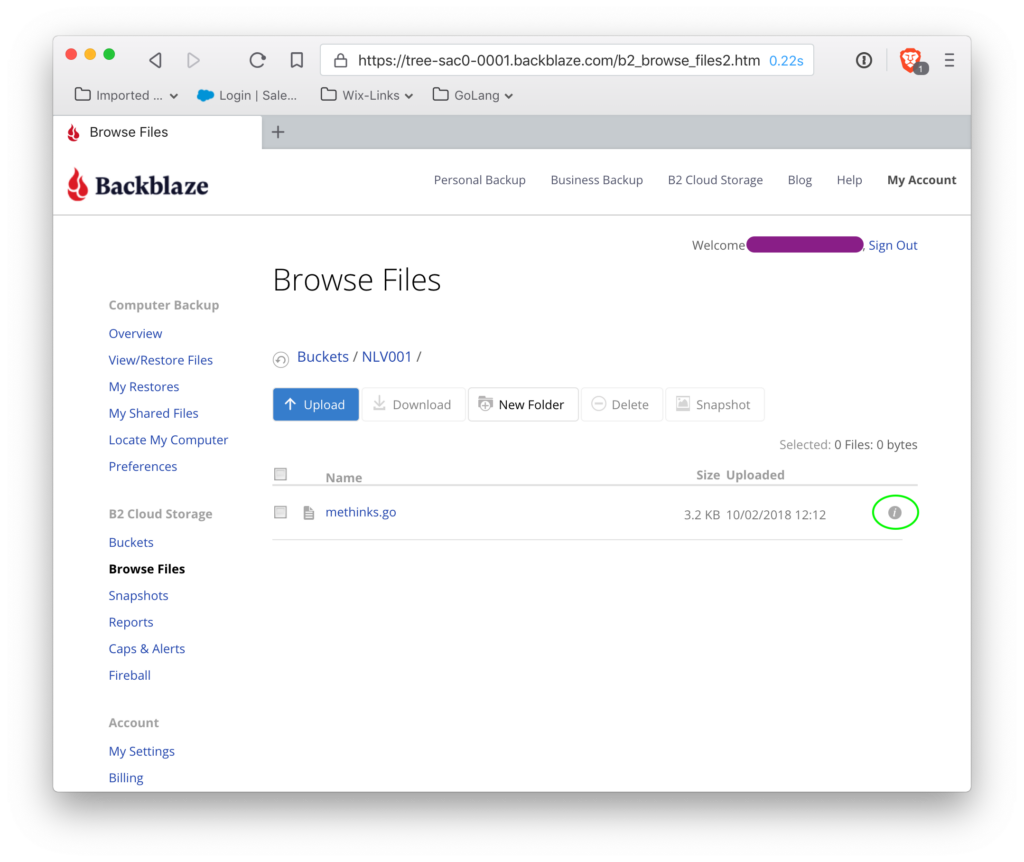
In addition to hosting, reliable backup services ensure your website data is protected against loss due to accidents, cyberattacks, or hardware failure. Cloud-based backup services like Backblaze and AWS Backup automatically sync your site files, databases, and media to secure offsite storage. These services offer incremental backups, which only store changes since the last backup, saving time and storage space. Many hosting providers include basic backups as part of their plans, but dedicated backup services provide additional layers of protection. If you’re running a critical website, investing in a robust backup solution is essential to prevent data loss and minimize downtime. Always test your backups to ensure they’re recoverable in case of an emergency.
- Automated Backups: Scheduled backups ensure data is consistently protected.
- Offsite Storage: Files are stored remotely, safeguarding against local disasters.
- Incremental Backups: Only new or changed files are stored, saving space.
- Fast Recovery: Quickly restore data to any point in time.
- Security and Encryption: Data is encrypted and protected against unauthorized access.
Frequently Asked Questions
How do I choose the right hosting plan for my website?
Start by assessing your current and projected traffic. Shared hosting is ideal for low-traffic sites, while VPS or dedicated hosting works better for growing businesses. If you’re using WordPress, managed hosting simplifies maintenance. Consider your technical comfort level—shared hosting is beginner-friendly, while cloud or dedicated hosting requires more expertise. Always check reviews and support quality before committing.
What should I look for in a domain registrar?
Prioritize domain registrars with good customer support, secure payment methods, and easy renewal processes. Avoid registrars with hidden fees or poor reviews. Look for features like domain privacy (to protect your personal info), automatic renewals, and easy transfers. Some registrars also offer free SSL certificates, which boost your site’s security and SEO.
Is green hosting worth the extra cost?
If sustainability is a priority for your business, green hosting aligns with your values while offering comparable performance. However, it may cost slightly more than traditional hosting. The real value lies in the environmental impact—many green providers offset their emissions, making it a transparent choice for eco-conscious businesses. If budget isn’t an issue, the added cost is justified by your commitment to sustainability.
Can I switch hosting providers without downtime?
Yes, most modern hosting providers offer migration services to minimize downtime. During the transition, your site will typically remain accessible, though some temporary slowdowns may occur. Always choose a provider with a migration tool or hire a professional to ensure a smooth transfer. Test your new hosting setup before going live to catch any issues.
What’s the difference between shared and managed WordPress hosting?
Shared hosting is cheaper and easier to set up but lacks dedicated support and optimizations. Managed WordPress hosting, on the other hand, includes automatic updates, backups, and expert support tailored to WordPress. While it costs more, it’s designed to handle WordPress-specific needs, like caching and security patches, making it ideal for bloggers and business owners who want hassle-free management.
How often should I update my domain and hosting plans?
Review your domain and hosting plans annually to ensure they still meet your needs. If your traffic grows, upgrade to a higher-tier hosting plan. For domains, check renewal dates and consider switching registrars if you find better rates or features. Staying proactive helps avoid surprises like unexpected fees or downtime.
What security measures should I implement on my hosting account?
Enable SSL certificates to secure your site, use strong passwords and two-factor authentication, and regularly update your hosting software. Monitor your server logs for suspicious activity, and consider using firewalls or security plugins if you’re using WordPress. Many hosting providers offer built-in security tools, so take advantage of them to protect your data.