
best online email hosting


Online email hosting has become essential for both personal and professional use, offering features like spam protection, secure storage, and easy access from multiple devices. The right provider can make managing messages smoother, reducing frustration with cluttered inboxes and slow servers. Many people rely on free services, but they often come with limitations—like limited storage or ads—that can interfere with productivity. A reliable paid plan ensures privacy, performance, and customization tailored to your needs.
Choosing the wrong host can lead to downtime, data loss, or security vulnerabilities. Whether you’re a small business owner or a freelancer, the right email service should keep your communications efficient and protected. Some providers prioritize ease of use, while others focus on advanced features like integration with other tools or strong encryption. The best option depends on your priorities—whether it’s cost, scalability, or security.
Below, I’ve assembled a list below of the best options for online email hosting.
📋 Table of Contents
1. Gmail by Google
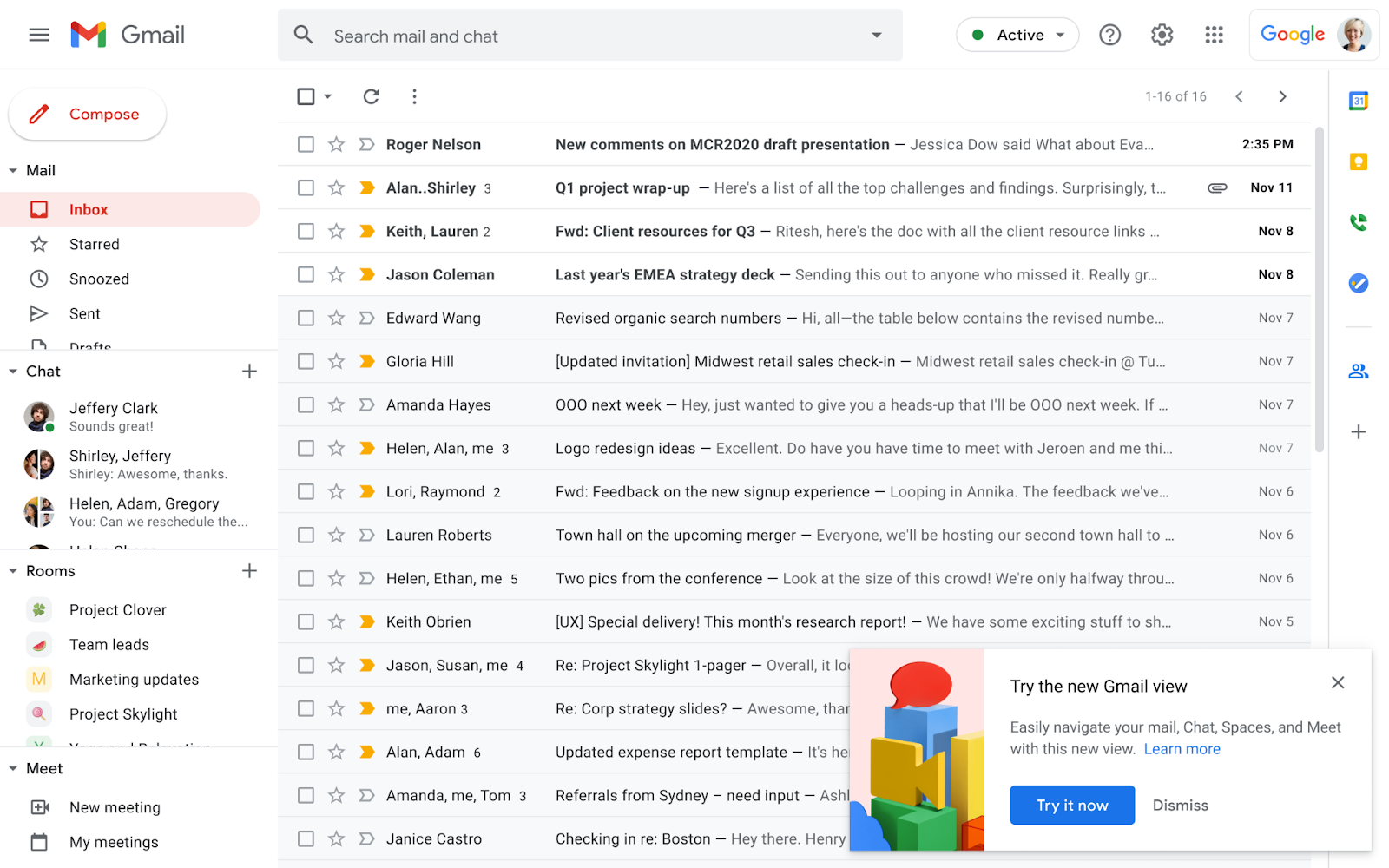
Gmail is the most widely recognized online email hosting service, offering a free tier with generous storage and robust security features. It’s ideal for individuals and small businesses looking for a seamless, all-in-one solution that integrates with Google’s suite of tools. The platform’s user-friendly interface and advanced spam filters make it a top choice for everyday email needs, while its mobile app ensures you stay connected on the go. Gmail’s free plan includes 15 GB of storage, which is more than enough for most users, and its collaboration features simplify team communication.
- 15 GB Free Storage: Generous storage capacity for emails, files, and photos, easily expandable with Google Drive integration.
- Advanced Security: End-to-end encryption, two-factor authentication, and Google’s robust spam protection to keep your inbox safe.
- Seamless Integration: Works perfectly with Google Workspace tools like Docs, Drive, and Meet for a unified workflow.
- User-Friendly Interface: Intuitive design that’s easy to navigate, even for first-time users.
- Mobile Accessibility: Highly rated mobile app with smooth performance across iOS and Android devices.
2. Outlook by Microsoft

Outlook is a powerful email hosting solution that’s deeply integrated with Microsoft’s ecosystem, making it a favorite among professionals and businesses. It offers a free version with 50 GB of storage and advanced features like calendar syncing, task management, and seamless integration with Microsoft 365. Outlook’s strong security features, including automatic malware scanning and phishing protection, ensure your communications remain secure. The service is particularly well-suited for users who rely on Microsoft Office products or need robust organizational tools.
- 50 GB Free Storage: More than enough space for emails, attachments, and cloud storage.
- Microsoft 365 Integration: Works flawlessly with Word, Excel, and Teams for a cohesive productivity experience.
- Advanced Security: Built-in malware scanning, phishing protection, and encryption for enhanced safety.
- Calendar and Task Management: Syncs with Outlook Calendar and To-Do lists for better time organization.
- Cross-Platform Support: Available on desktop, web, and mobile, ensuring accessibility anywhere.
3. Proton Mail
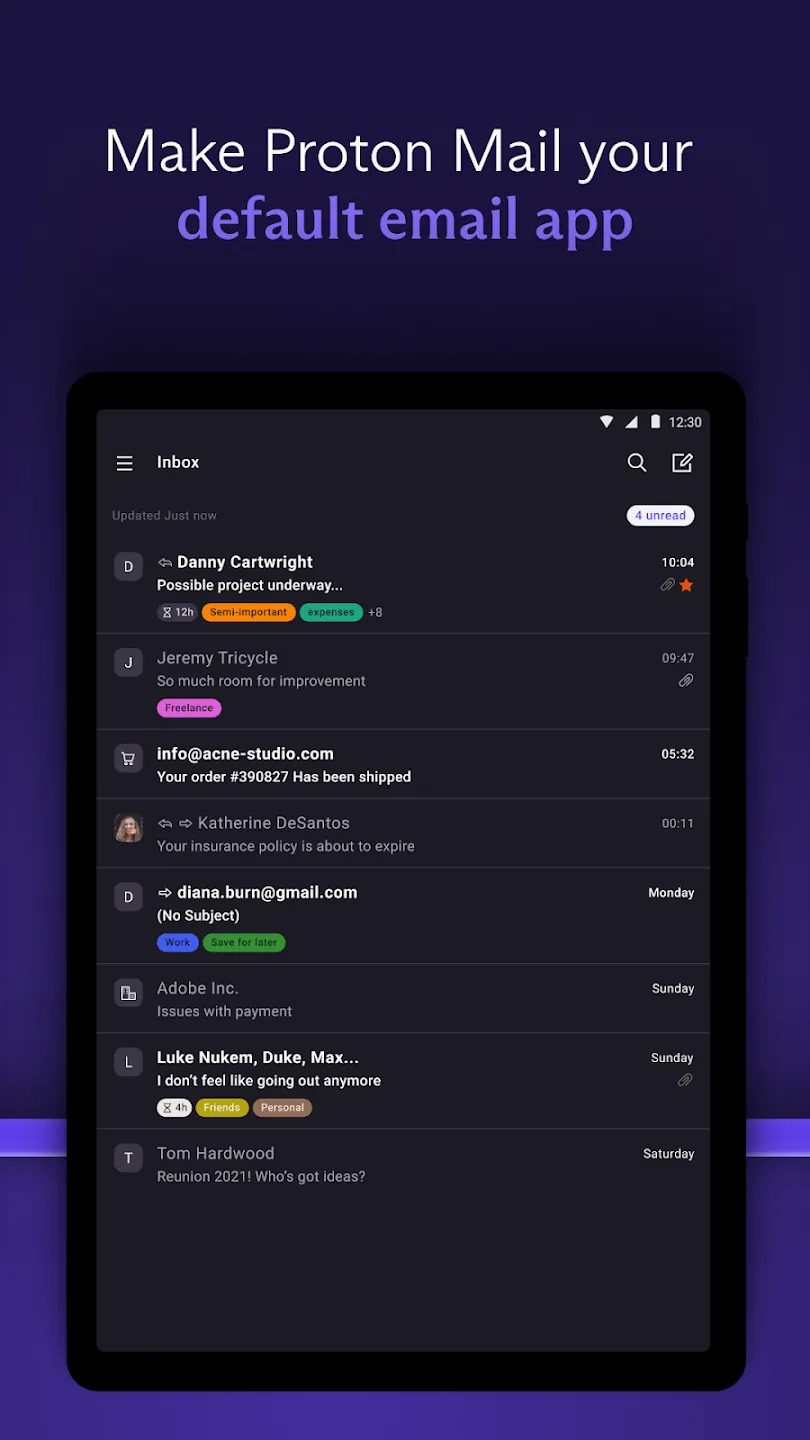
Proton Mail stands out as a privacy-focused email service, designed for users who prioritize security and anonymity. Unlike traditional email providers, Proton Mail encrypts emails by default, ensuring your communications remain private even from the provider. It’s ideal for journalists, activists, or anyone concerned about data leaks. The free plan offers 500 MB of storage, while premium plans provide more space and additional features like end-to-end encryption for group chats. Its clean, minimalist interface makes it easy to use while maintaining high security standards.
- End-to-End Encryption: All emails are encrypted by default, protecting your privacy from the provider.
- Free Plan Available: 500 MB storage with a focus on privacy and security for free users.
- Multi-Layered Security: Additional layers like two-factor authentication and secure password management.
- Cross-Platform Access: Works on desktop, web, and mobile devices with a consistent experience.
- No Ads or Tracking: No third-party ads or data collection to maintain user privacy.
4. Zoho Mail
Zoho Mail is a cost-effective email hosting solution tailored for small businesses and entrepreneurs. It offers a free plan with 5 GB of storage and a paid plan that scales up to 50 GB, making it a budget-friendly option for growing teams. Zoho Mail integrates seamlessly with Zoho’s suite of business tools, including CRM, project management, and invoicing, creating a unified workspace. Its user-friendly interface and robust security features, such as spam filtering and two-factor authentication, ensure a reliable and efficient email experience.
- Zoho CRM Integration: Syncs with Zoho’s customer relationship management tools for streamlined business operations.
- Scalable Storage: Free plan includes 5 GB, with options up to 50 GB for small businesses.
- Advanced Security: Spam protection, two-factor authentication, and data encryption for secure communications.
- Mobile-Friendly Interface: Optimized for mobile use with a responsive design and intuitive navigation.
- Free Domain Email: Allows users to create professional email addresses using their own domain name.
- undefined: undefined
- undefined: undefined
5. FastMail

FastMail is a modern email hosting service that emphasizes simplicity and efficiency, making it a great choice for users who want a clutter-free inbox. It offers a free plan with 1 GB of storage and a paid plan that increases storage to 10 GB while adding features like advanced search and AI-powered organization. FastMail’s clean design and focus on usability make it stand out, particularly for those who dislike the clutter of traditional email clients. Its strong security measures, including end-to-end encryption and two-factor authentication, ensure your emails remain safe.
- 1 GB Free Storage: Enough space for essential emails and files, with options to upgrade for more.
- AI-Powered Organization: AI helps categorize and prioritize emails for better productivity.
- End-to-End Encryption: All emails are encrypted by default, protecting your privacy.
- Clean, Minimalist Interface: Designed to be intuitive and free of unnecessary clutter.
- Cross-Platform Access: Available on desktop, web, and mobile devices with consistent performance.
6. iCloud Mail
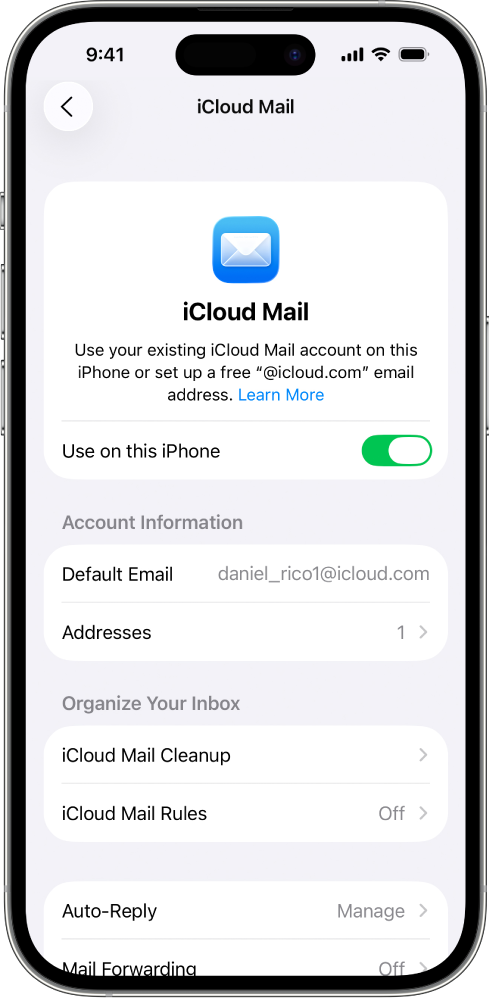
iCloud Mail is a seamless email solution for Apple users, offering a smooth integration with the iCloud ecosystem. It provides 5 GB of free storage and syncs effortlessly with devices running iOS or macOS, ensuring your emails, contacts, and calendars stay in sync across all your Apple devices. The service is particularly convenient for those who already use Apple products, as it simplifies managing emails and other data. While its storage is limited compared to competitors, its reliability and integration make it a solid choice for Apple enthusiasts.
- 5 GB Free Storage: Enough for basic email needs, with options to expand storage via iCloud Plus.
- Seamless iCloud Integration: Syncs with iPhone, iPad, Mac, and Apple Watch for a unified experience.
- Advanced Security: End-to-end encryption and two-factor authentication for enhanced security.
- Cross-Device Access: Easily access your emails from any Apple device with iCloud Mail.
- Automatic Organization: Uses iCloud’s built-in features to automatically sort and prioritize emails.
7. Yandex Mail
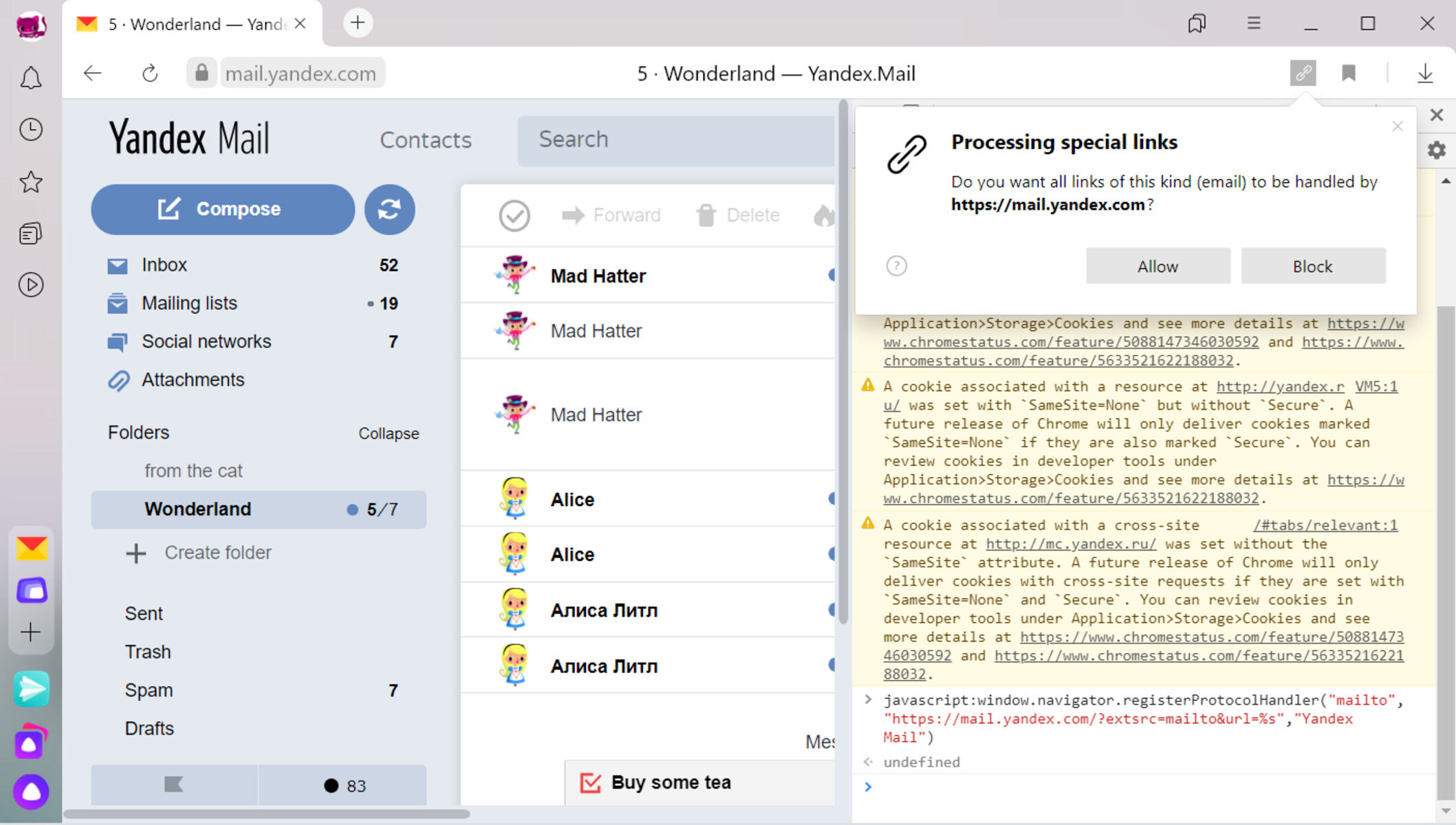
Yandex Mail is a popular email service in Russia and Eastern Europe, known for its advanced features and user-friendly interface. It offers a free plan with 10 GB of storage and a range of tools designed to enhance productivity, such as smart inbox organization, spam filtering, and integration with Yandex’s suite of services. Yandex Mail is particularly appealing for users who value customization and advanced search capabilities. Its strong security features, including encryption and two-factor authentication, ensure your emails remain secure.
- 10 GB Free Storage: More than enough space for most users, with options to upgrade for additional storage.
- Smart Inbox Organization: Uses AI to categorize and prioritize emails for better productivity.
- Advanced Search: Powerful search tools to quickly find emails by sender, subject, or keywords.
- Yandex Services Integration: Works seamlessly with Yandex Drive, Maps, and other services.
- Strong Security: End-to-end encryption and two-factor authentication for enhanced security.
8. Mail.com
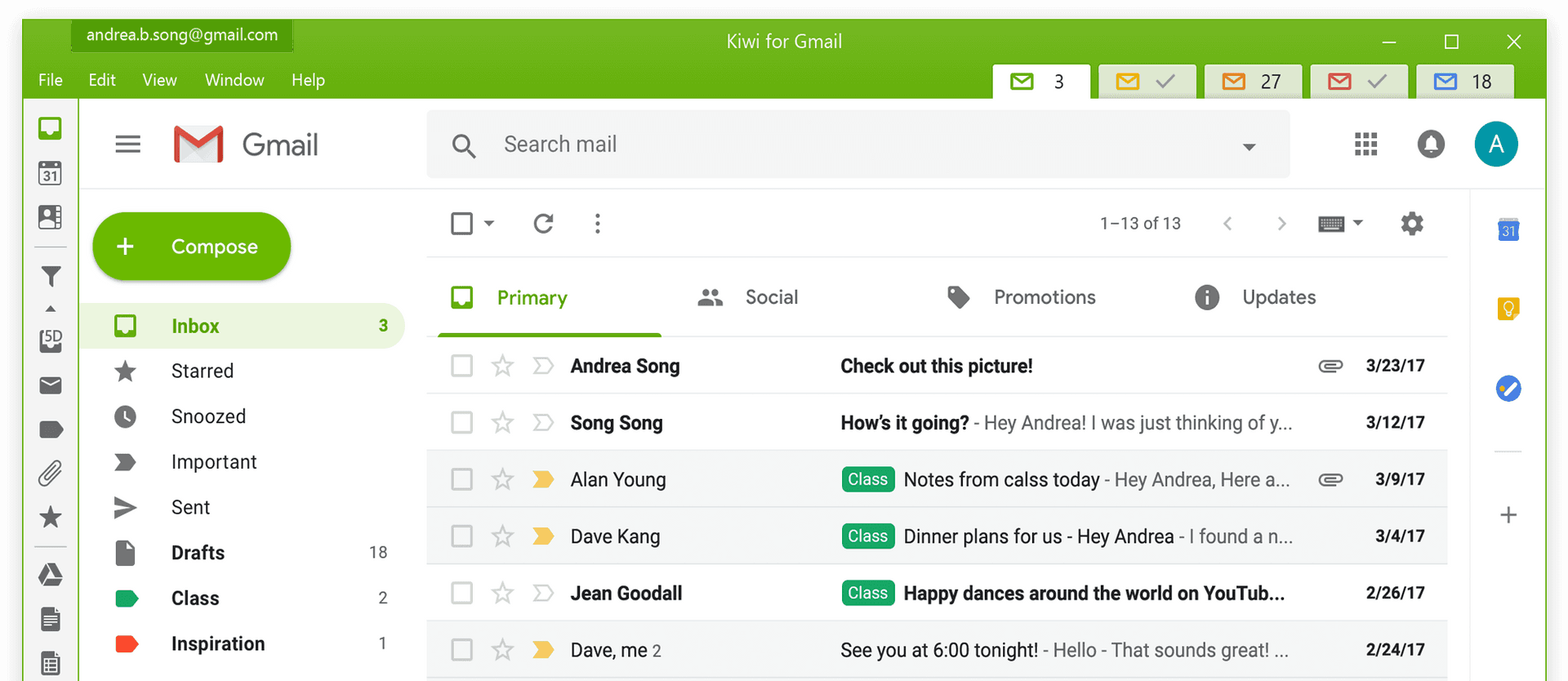
Mail.com is a free email hosting service that focuses on simplicity and privacy, making it an excellent option for users who want a no-frills email experience. It offers unlimited storage for emails and attachments, which is a standout feature compared to many competitors. Mail.com’s clean interface and strong security measures, including end-to-end encryption and two-factor authentication, ensure your emails remain private. The service is particularly well-suited for individuals and small businesses looking for a reliable and cost-effective solution.
- Unlimited Email Storage: No storage limits for emails or attachments, making it ideal for large files.
- End-to-End Encryption: All emails are encrypted by default, protecting your privacy.
- Free and No Ads: Completely free with no third-party ads or tracking.
- Simple and Clean Interface: Easy to navigate with a focus on usability.
- Cross-Platform Access: Available on desktop, web, and mobile devices.
9. AOL Mail
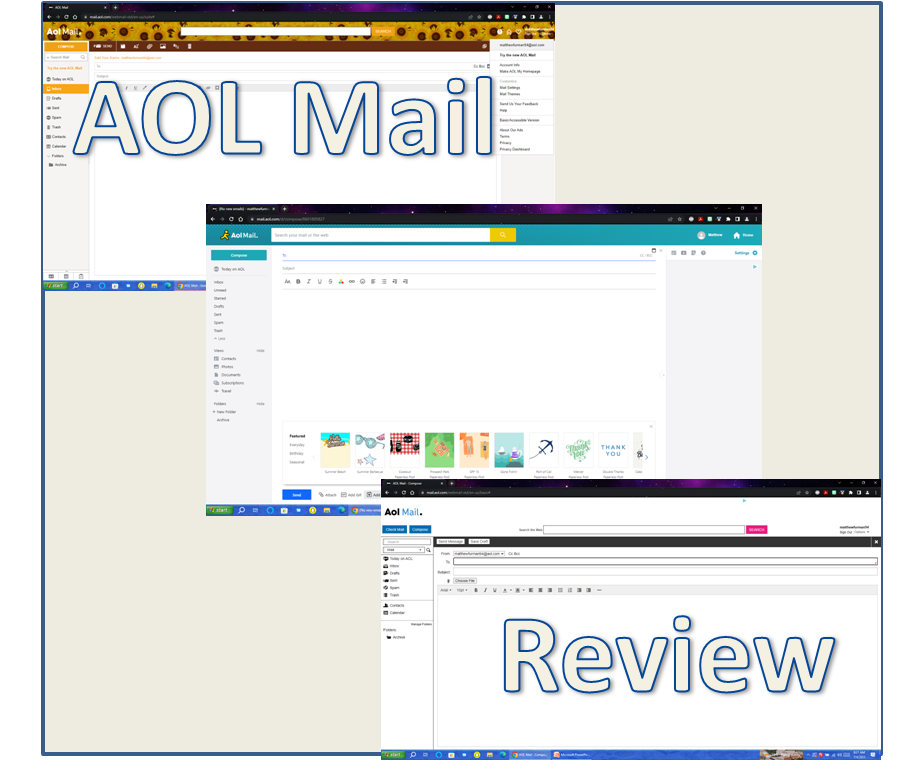
AOL Mail is a classic email service that has been around for decades, offering a reliable and straightforward solution for everyday email needs. It provides 10 GB of free storage and a range of features designed to keep your inbox organized and secure. AOL Mail’s user-friendly interface and strong spam protection make it a great choice for those who want a simple yet effective email experience. While it may not have the latest features, it remains a trusted option for many users.
- 10 GB Free Storage: Enough space for most users, with options to upgrade for additional storage.
- Spam Protection: Advanced filters to keep unwanted emails out of your inbox.
- Simple Interface: Easy to use with a focus on usability and accessibility.
- Cross-Platform Access: Works on desktop, web, and mobile devices.
- Free Domain Email: Allows users to create professional email addresses using their own domain name.
- undefined: undefined
10. Tutanota
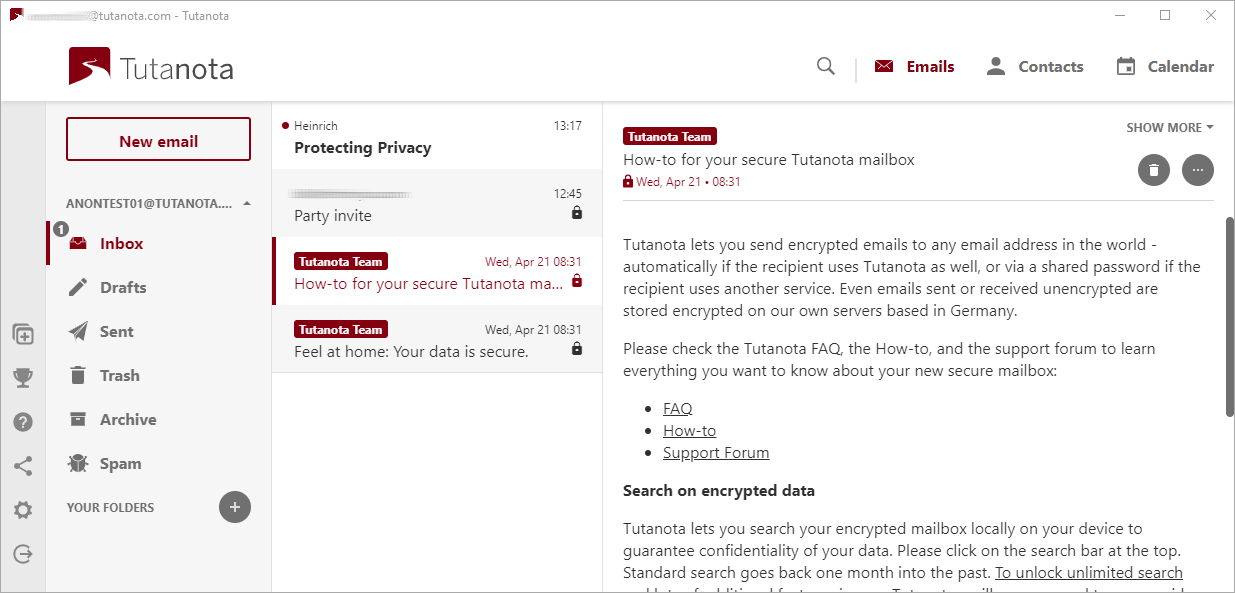
Tutanota is a privacy-focused email service that prioritizes end-to-end encryption and user anonymity. It offers a free plan with 1 GB of storage and a paid plan that increases storage to 5 GB while adding features like encrypted file storage and group chats. Tutanota’s commitment to privacy makes it an ideal choice for users who are concerned about data leaks or surveillance. The service’s clean interface and strong security features ensure a seamless and secure email experience.
- End-to-End Encryption: All emails and files are encrypted by default, protecting your privacy.
- 1 GB Free Storage: Enough for basic email needs, with options to upgrade for more storage.
- Encrypted File Storage: Secure storage for files with end-to-end encryption.
- Two-Factor Authentication: Adds an extra layer of security to your account.
- No Ads or Tracking: Completely free with no third-party ads or data collection.
- undefined: undefined
Frequently Asked Questions
What factors should I consider when choosing an online email hosting service?
When selecting an email hosting service, consider factors like storage capacity, security features, ease of use, integration with other tools, and pricing. Storage needs vary depending on how much data you send and receive, so choose a plan that fits your usage. Security is critical, so look for services with end-to-end encryption, two-factor authentication, and strong spam protection. Ease of use is also important, especially if you’re not tech-savvy. Integration with other services, such as calendars, CRM tools, or project management software, can enhance productivity. Finally, compare pricing to ensure the service fits within your budget.
How can I ensure my emails are secure with an online email hosting service?
To ensure your emails are secure, opt for a service that offers end-to-end encryption, two-factor authentication, and regular security updates. End-to-end encryption protects your emails from being read by the provider or intercepted during transit. Two-factor authentication adds an extra layer of security by requiring a second form of verification, such as a code sent to your phone. Regularly update your password and avoid sharing it with anyone. Additionally, be cautious of phishing attempts and verify the sender’s email address before responding to any suspicious messages.
What is the difference between free and paid email hosting services?
Free email hosting services typically offer limited storage, fewer advanced features, and may include ads or tracking. They are ideal for basic email needs but lack the security, storage, and integration options found in paid plans. Paid services usually provide more storage, enhanced security features like end-to-end encryption, better spam protection, and seamless integration with other tools. They are better suited for businesses, professionals, or users who require more robust functionality and reliability.
Can I use my own domain name with an online email hosting service?
Yes, many online email hosting services allow you to use your own domain name for professional email addresses. This feature is particularly useful for small businesses or individuals who want to create a more professional image. Services like Gmail, Outlook, Zoho Mail, and AOL Mail offer domain email options, making it easy to set up custom email addresses like [email protected].
How do I set up email forwarding with an online email hosting service?
Setting up email forwarding is usually straightforward and can be done within the email hosting service’s settings. Log in to your account, navigate to the email forwarding section, and follow the prompts to add a forwarding address. You can typically choose to forward all incoming emails or select specific folders or email addresses. Some services also allow you to set up auto-replies or filters to manage incoming emails more efficiently.
What should I do if I suspect my email account has been hacked?
If you suspect your email account has been hacked, act quickly to secure it. First, change your password immediately and enable two-factor authentication if it’s not already active. Review your account activity for any unauthorized logins or suspicious emails. Contact the email hosting service’s support team to report the issue and request assistance in recovering your account. Consider creating a new email address and transferring important contacts or files to the new account to minimize further damage.
Are there any limitations to using free email hosting services?
Free email hosting services often come with limitations such as limited storage, fewer advanced features, and potential ads or tracking. Storage can be restricted, meaning you might not be able to store large files or have many attachments. Free plans may also lack advanced security features like end-to-end encryption or two-factor authentication. Additionally, some services may impose restrictions on customization or branding. While these limitations can be inconvenient, free services are often sufficient for basic email needs and personal use.

