best email hosting sites


Email hosting services are a critical part of modern business and personal communication, offering features like security, scalability, and integration with other tools. The right provider can streamline workflows, protect sensitive data, and ensure reliable access to messages—especially important for teams, freelancers, or anyone managing multiple accounts. Many options exist, each tailored to different needs, from basic email management to advanced collaboration tools. Choosing the wrong service can lead to slow performance, security risks, or limited functionality, so it’s worth comparing features before committing.
For professionals and organizations, email hosting isn’t just about sending messages—it’s about maintaining control over your digital footprint. Whether you’re handling customer inquiries, managing a small team, or overseeing a large enterprise, the right platform should meet your technical and operational demands. Some providers offer built-in spam filters, encryption, and mobile access, while others focus on seamless integration with software like CRM systems or project management tools. The best choice depends on your priorities: cost efficiency, security, ease of use, or scalability.
Below, I’ve assembled a list below of the best options for email hosting sites.
📋 Table of Contents
1. Google Workspace
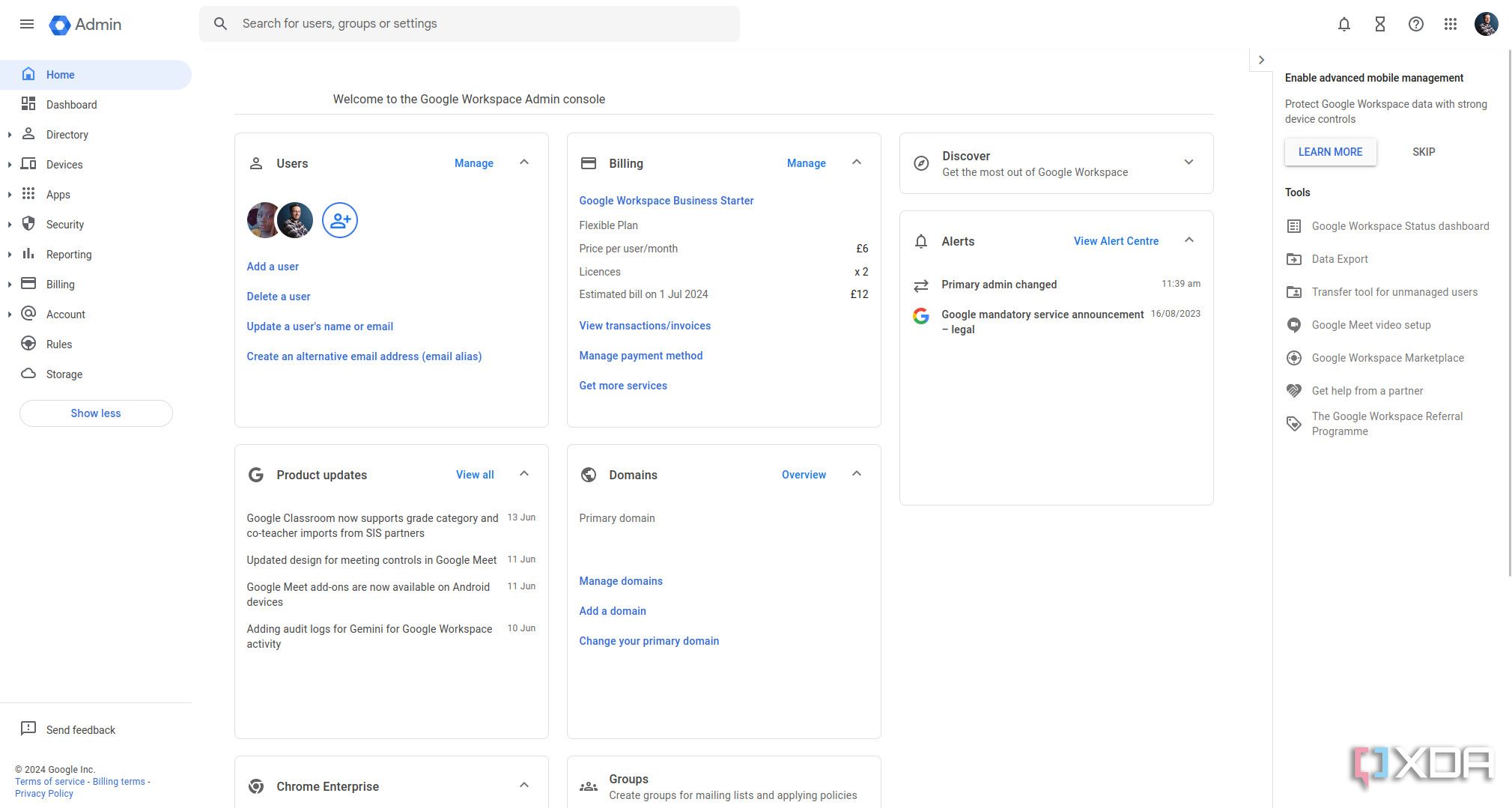
Google Workspace is a leading email hosting solution that seamlessly integrates with the broader Google ecosystem. It offers professional-grade email services with robust security features, making it ideal for businesses and individuals who prioritize reliability and collaboration. Google Workspace provides customizable email addresses, advanced spam filtering, and seamless access to Google’s suite of productivity tools like Docs, Sheets, and Meet. This makes it particularly appealing to teams that already use Google’s services, as it enhances workflow efficiency without requiring a steep learning curve.
- Enterprise-Grade Security: Comprehensive security protocols, including two-factor authentication, data encryption, and advanced threat detection to protect sensitive communications.
- Seamless Collaboration Tools: Integration with Google Drive, Meet, and other productivity tools for real-time collaboration and file sharing.
- Customizable Email Addresses: Create professional email addresses (e.g., [email protected]) that align with your business or personal branding.
- Scalable Plans: Offers flexible pricing tiers to accommodate small businesses, startups, and large enterprises, ensuring cost-effectiveness as your needs grow.
- User-Friendly Interface: Intuitive webmail interface and mobile apps that simplify email management and enhance accessibility across devices.
2. Microsoft 365 Business
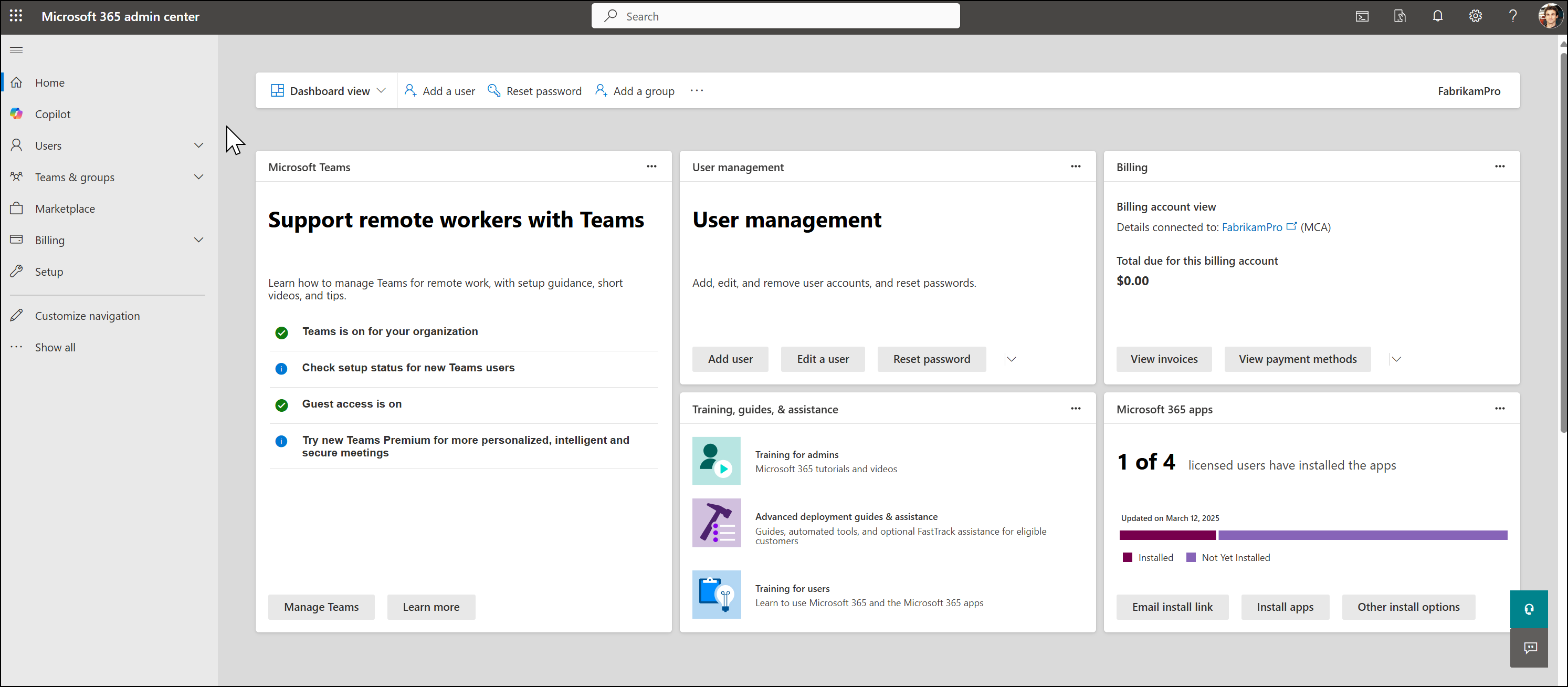
Microsoft 365 Business is a powerful email hosting solution designed for businesses seeking a cohesive suite of productivity tools. It combines robust email hosting with Microsoft’s suite of applications, including Outlook, Word, Excel, and Teams. This platform excels in offering advanced features like calendar integration, shared contacts, and robust security measures, making it a top choice for organizations that rely on Microsoft’s ecosystem. It’s particularly beneficial for teams that already use Windows, Office, or other Microsoft products, as it enhances productivity and streamlines workflows.
- Outlook Email Integration: Professional email hosting with Outlook’s advanced features, including calendar management, task lists, and email organization tools.
- Enterprise Security: Comprehensive security features such as advanced threat protection, data loss prevention, and compliance tools to safeguard sensitive information.
- Seamless Collaboration: Integration with Microsoft Teams for real-time collaboration, file sharing, and video conferencing.
- Custom Domain Support: Set up professional email addresses using your own domain, enhancing brand credibility and professionalism.
- Cloud-Based Storage: Includes 1TB of OneDrive cloud storage per user, ensuring easy access to files from anywhere.
3. Zoho Mail
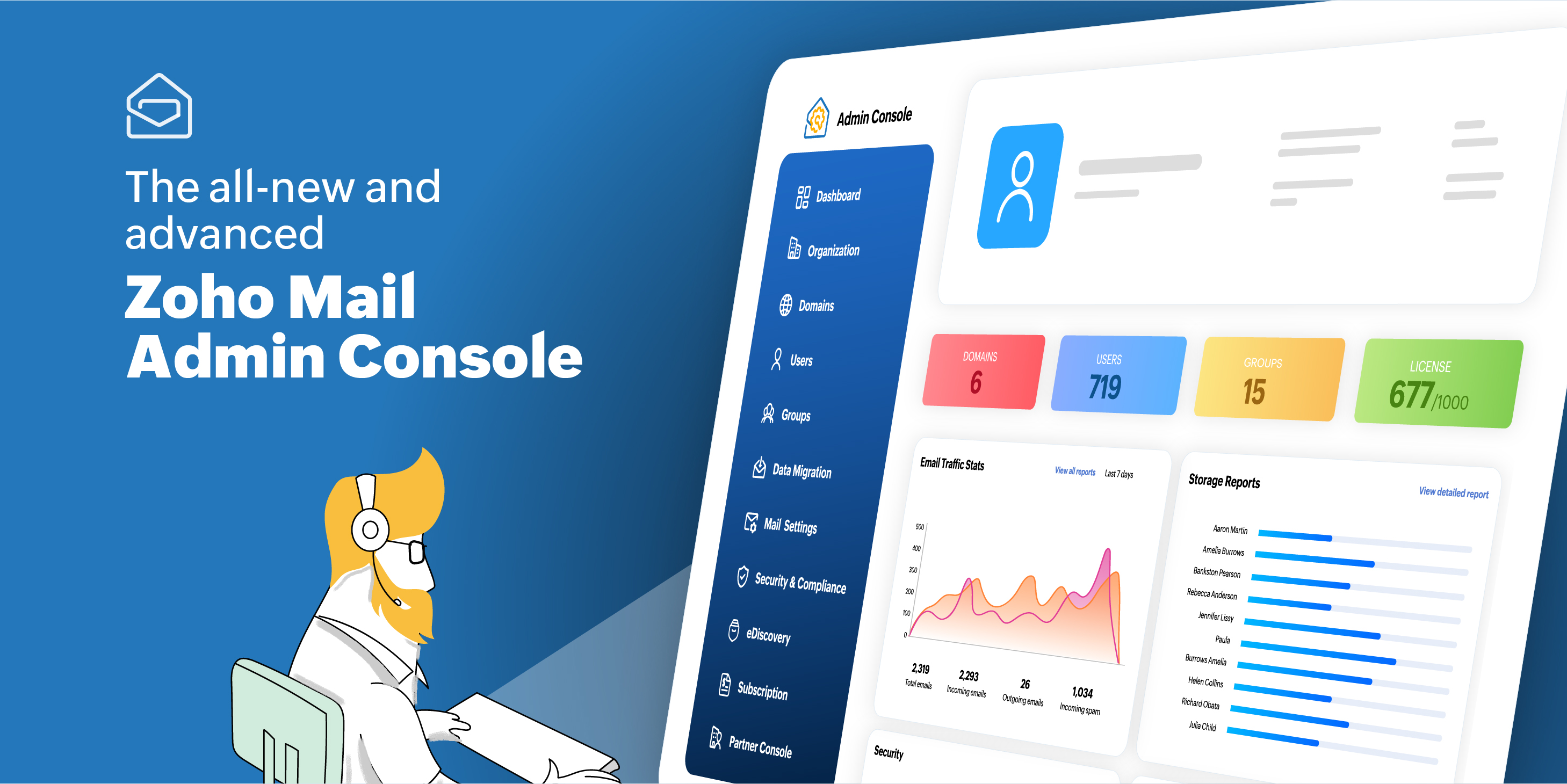
Zoho Mail is a cost-effective email hosting solution that stands out for its affordability and comprehensive feature set. It offers customizable email addresses, advanced spam filtering, and integration with Zoho’s suite of business tools, including CRM, project management, and invoicing. Zoho Mail is ideal for small businesses and startups looking to balance cost with functionality without sacrificing professionalism. Its user-friendly interface and strong security features make it a practical choice for teams that want to streamline their communication and collaboration efforts.
- Custom Domain Email: Create professional email addresses using your own domain, boosting your brand’s credibility.
- Advanced Spam Protection: Robust spam and phishing filters to keep your inbox clean and secure.
- Zoho Workspace Integration: Seamless integration with Zoho CRM, Projects, and other business tools for unified workflows.
- Mobile Accessibility: Mobile apps for iOS and Android that provide full email functionality on the go.
- Free Trial Available: A 15-day free trial allows you to test the service before committing to a subscription.
4. Proton Mail
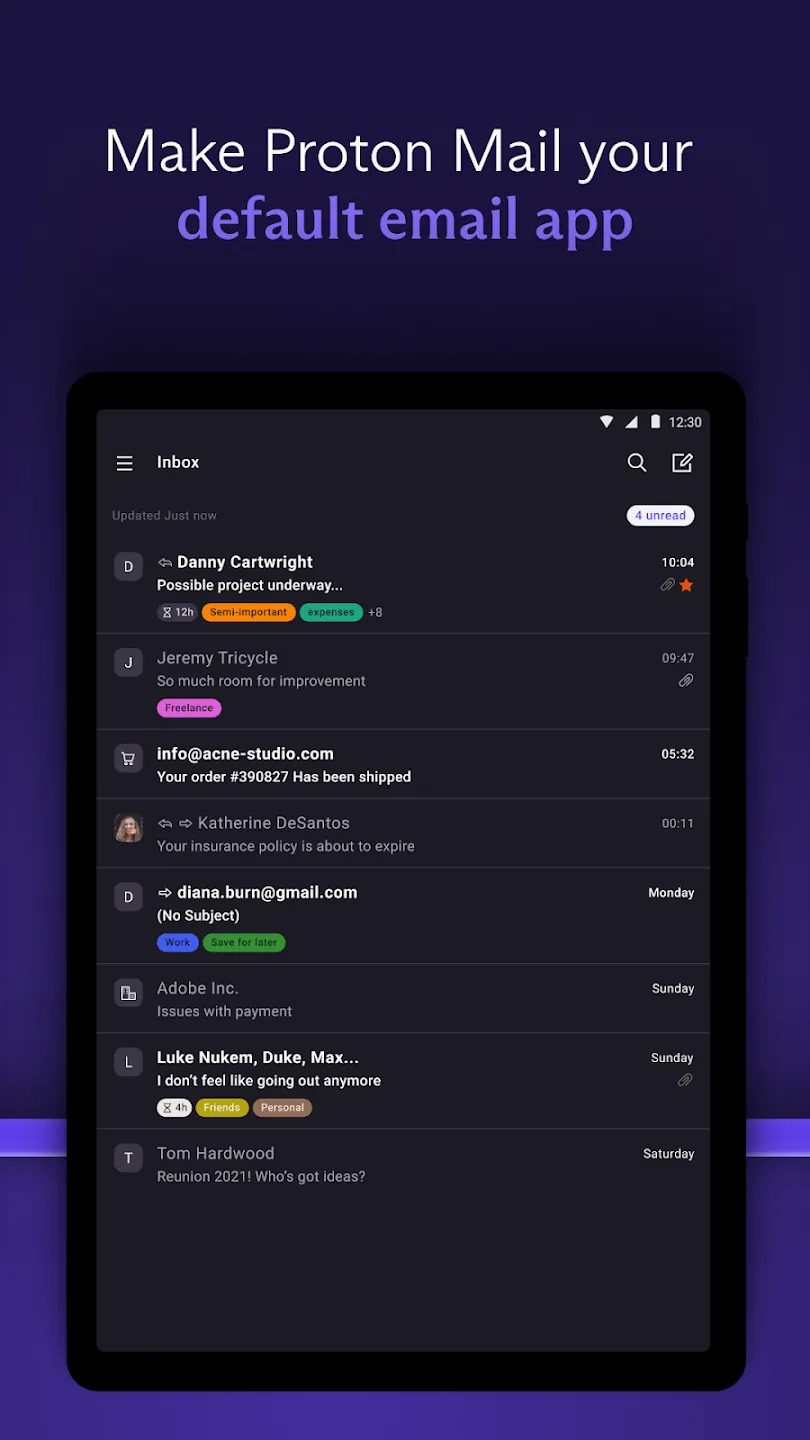
Proton Mail is a privacy-focused email hosting service that prioritizes end-to-end encryption and data security. It’s particularly appealing to individuals and professionals who value anonymity and protection against surveillance. Proton Mail’s clean interface and strong security features make it a standout choice for those concerned about their digital privacy. While it may not offer the same level of collaboration tools as some competitors, its commitment to privacy is unmatched, making it ideal for journalists, activists, or anyone handling sensitive information.
- End-to-End Encryption: Automatic encryption of emails to ensure your communications remain private and secure.
- No Personal Data Collection: Proton Mail does not track user activity or collect personal data, adhering strictly to privacy principles.
- Custom Domain Support: Set up professional email addresses using your own domain for enhanced branding.
- Mobile and Desktop Apps: Comprehensive mobile and desktop apps that provide full email functionality with encryption.
- Free Tier Available: A free tier offers basic email services, while premium plans provide additional storage and features.
5. FastMail

FastMail is a modern email hosting service known for its clean, intuitive interface and strong focus on user experience. It offers customizable email addresses, advanced spam protection, and seamless integration with other productivity tools. FastMail is ideal for individuals and small businesses looking for a simple yet powerful email solution that doesn’t compromise on security or performance. Its standout feature is its ability to sync contacts and calendars across multiple devices effortlessly, making it a favorite among users who value simplicity and efficiency.
- Custom Domain Email: Create professional email addresses using your own domain for a polished look.
- Advanced Spam and Virus Protection: Robust filters to keep your inbox free from unwanted messages and malware.
- Cross-Platform Sync: Sync contacts, calendars, and tasks across all your devices seamlessly.
- User-Friendly Interface: A clean, modern interface that’s easy to navigate and use.
- Free Trial Available: A 14-day free trial lets you test the service before subscribing.
6. AOL Mail
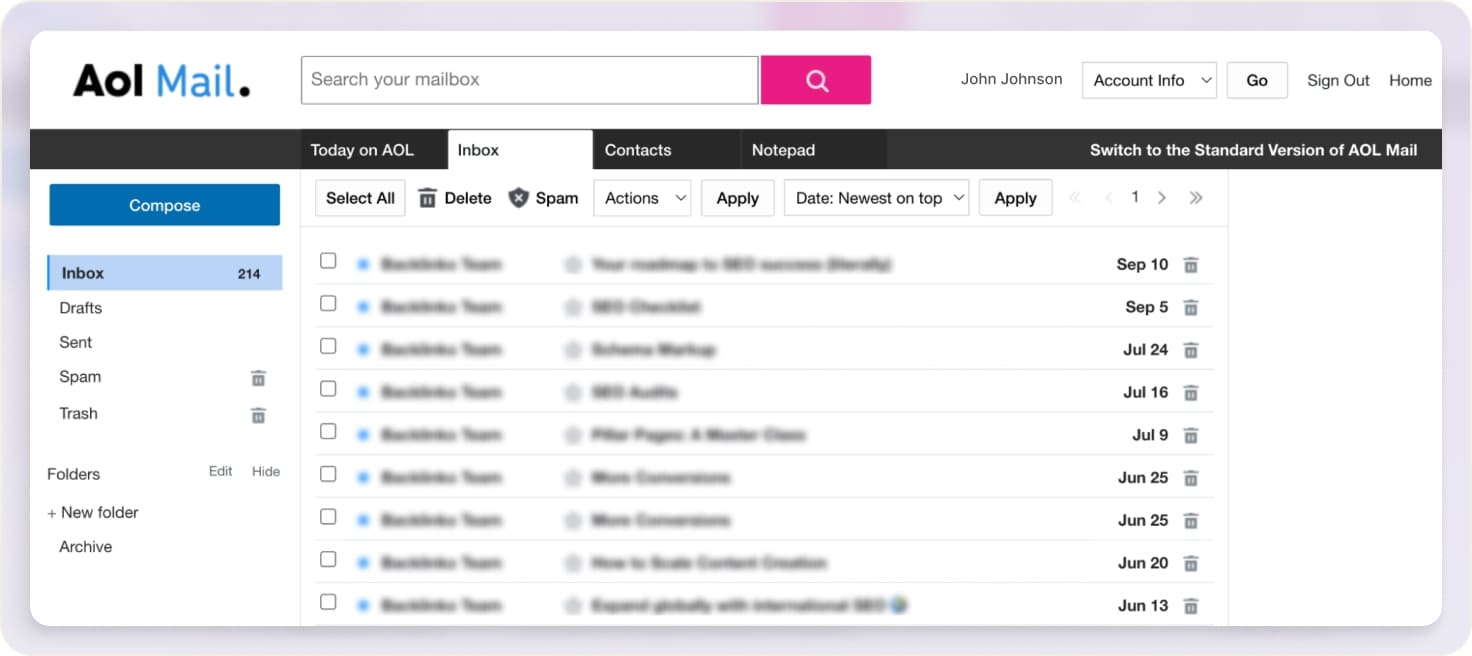
AOL Mail is a classic email service that has been around for decades, offering a reliable and straightforward solution for everyday email needs. It provides customizable email addresses, robust spam protection, and integration with AOL’s suite of services, including social media and news. While it may not be as feature-rich as some newer competitors, AOL Mail remains a trusted choice for users who appreciate simplicity and dependability. It’s particularly well-suited for individuals and small businesses looking for a no-frills email service that delivers on basic functionality without unnecessary complexity.
- Custom Domain Email: Set up professional email addresses using your own domain for a personalized touch.
- Advanced Spam Filtering: Effective spam and phishing protection to keep your inbox secure.
- Integration with AOL Services: Seamless integration with AOL’s social media, news, and entertainment features.
- User-Friendly Interface: A straightforward interface that’s easy to use for both beginners and experienced users.
- Free for Basic Use: A free plan is available for basic email services, with premium options for additional features.
7. Yahoo Mail

Yahoo Mail is a well-established email service that offers a balance of features and ease of use. It provides customizable email addresses, advanced spam protection, and integration with Yahoo’s suite of services, including web browsing and messaging. Yahoo Mail is ideal for users who want a reliable, widely recognized email service without the complexity of more specialized platforms. Its user-friendly interface and strong security features make it a practical choice for individuals and small businesses looking for a simple yet effective email solution.
- Custom Domain Email: Create professional email addresses using your own domain for a polished appearance.
- Advanced Spam and Virus Protection: Robust filters to block unwanted emails and protect against malware.
- Integration with Yahoo Services: Seamless integration with Yahoo’s web browser, messaging, and other services.
- Cross-Platform Access: Access your emails from any device with full functionality and syncing capabilities.
- Free for Basic Use: A free plan is available for basic email services, with premium options for additional features.
8. iCloud Mail
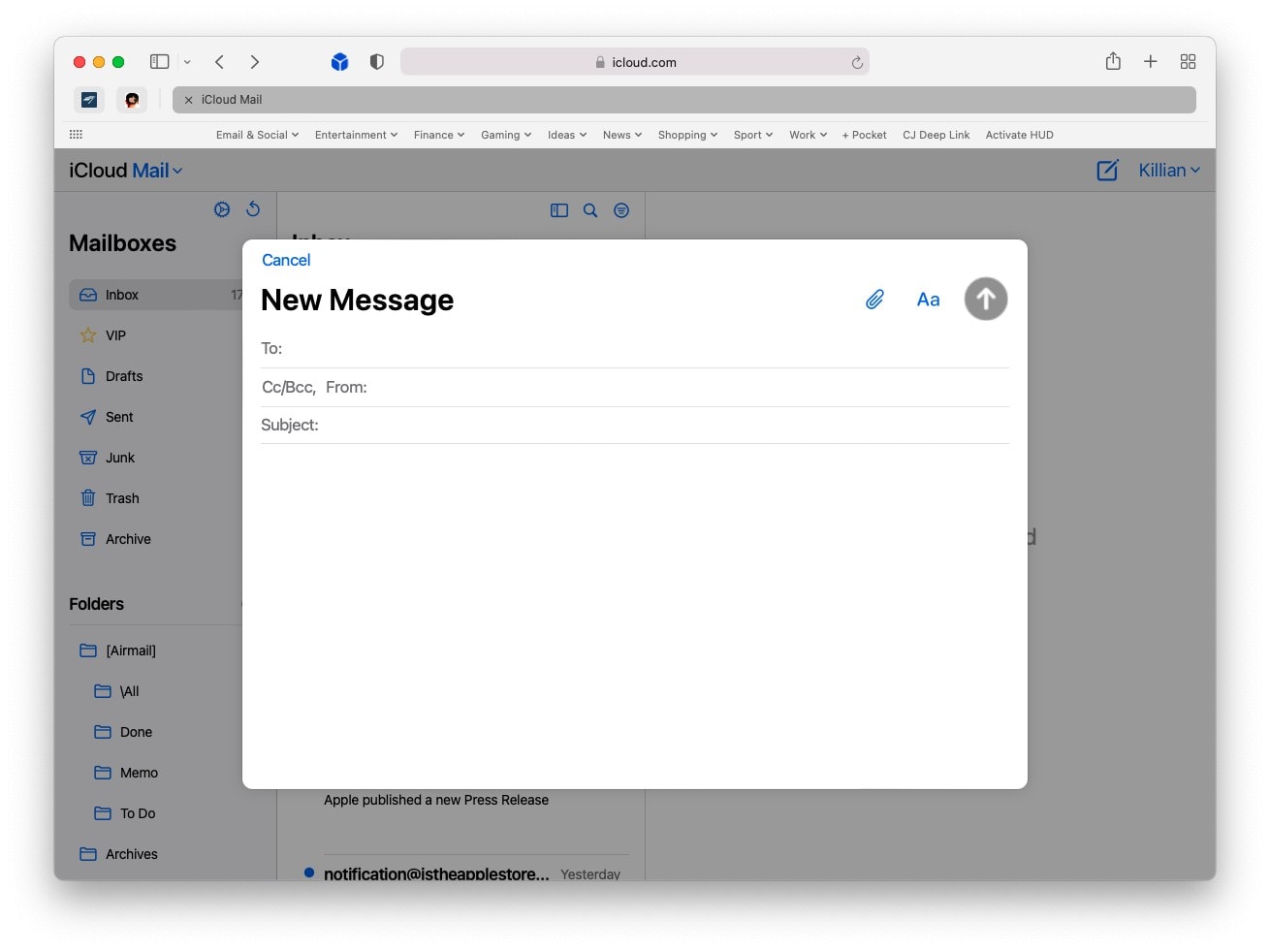
iCloud Mail is a seamless email hosting solution for Apple users, offering a smooth integration with Apple’s ecosystem. It provides customizable email addresses, advanced spam protection, and integration with iCloud’s suite of services, including photos, contacts, and calendars. iCloud Mail is ideal for individuals and small businesses that rely on Apple devices and want a cohesive email experience. Its standout feature is its tight integration with other Apple services, making it a convenient choice for users who prefer a unified digital environment.
- Custom Domain Email: Set up professional email addresses using your own domain for a personalized look.
- Advanced Spam and Virus Protection: Effective filters to keep your inbox clean and secure from unwanted messages.
- Integration with iCloud Services: Seamless syncing with iCloud Photos, Contacts, and Calendars for a unified experience.
- Cross-Platform Access: Access your emails from any device with full functionality and synchronization.
- Free for Basic Use: A free plan is available for basic email services, with additional features available for a fee.
9. Outlook.com
:max_bytes(150000):strip_icc()/outlookscreenshot-faa47bee52194249bad1bd303360f32e.jpg)
Outlook.com is Microsoft’s free email hosting service, offering a solid balance of features and ease of use. It provides customizable email addresses, advanced spam protection, and integration with Microsoft’s suite of services, including Office 365 and OneDrive. Outlook.com is ideal for individuals and small businesses looking for a free, reliable email solution that doesn’t require a subscription. Its user-friendly interface and strong security features make it a practical choice for anyone who wants a simple yet effective email experience without additional costs.
- Custom Domain Email: Create professional email addresses using your own domain for a polished appearance.
- Advanced Spam and Virus Protection: Effective filters to block unwanted emails and protect against malware.
- Integration with Microsoft Services: Seamless integration with OneDrive, Office 365, and other Microsoft tools.
- Cross-Platform Access: Access your emails from any device with full functionality and synchronization.
- Free for Basic Use: A fully free plan is available for basic email services, with premium options for additional features.
10. Mail.com
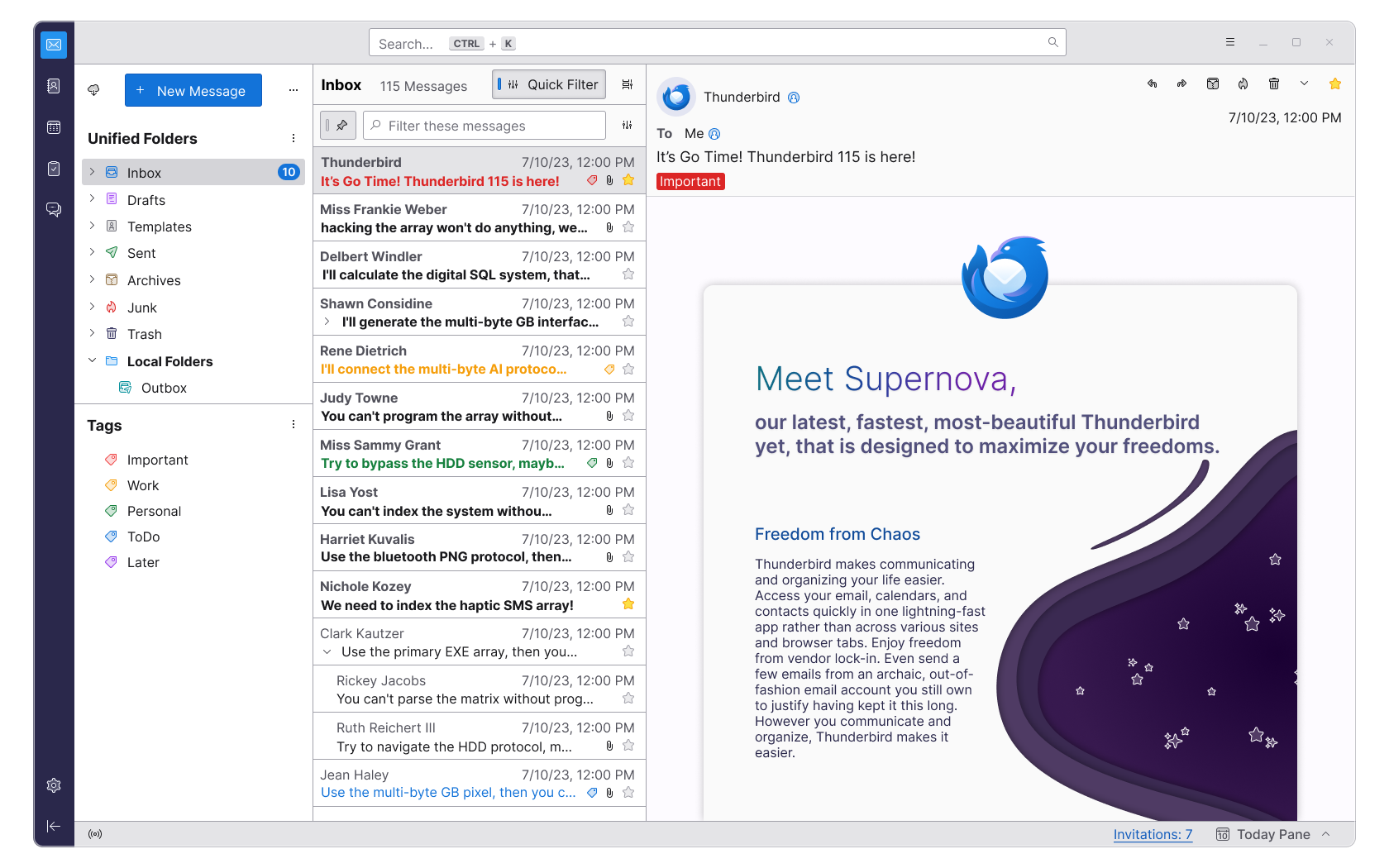
Mail.com is a free email hosting service that offers a simple yet effective solution for everyday email needs. It provides customizable email addresses, advanced spam protection, and integration with Mail.com’s suite of services, including web browsing and storage. Mail.com is ideal for individuals and small businesses looking for a free, reliable email service without the complexity of paid plans. Its user-friendly interface and strong security features make it a practical choice for anyone who wants a straightforward email experience.
- Custom Domain Email: Create professional email addresses using your own domain for a personalized touch.
- Advanced Spam and Virus Protection: Effective filters to keep your inbox clean and secure from unwanted messages.
- Free for Basic Use: A fully free plan is available for basic email services, with no hidden costs.
- Cross-Platform Access: Access your emails from any device with full functionality and synchronization.
- No Personal Data Collection: Mail.com does not track user activity or collect personal data, prioritizing user privacy.
Frequently Asked Questions
What factors should I consider when choosing an email hosting service?
When selecting an email hosting service, consider factors such as security features, custom domain support, integration with other tools, pricing, and user experience. Ensure the service aligns with your needs, whether you’re a small business, individual, or professional who prioritizes privacy and collaboration.
Can I use a custom domain with free email hosting services?
Yes, many free email hosting services, such as Gmail, Outlook.com, and Mail.com, allow you to use a custom domain for your email addresses. This adds a professional touch to your communications and enhances your brand’s credibility.
Are there any security risks with free email hosting services?
While free email hosting services generally offer robust security features, it’s important to be cautious about privacy. Some services may collect user data or track activity. Opt for services with strong encryption and no personal data collection policies to minimize risks.
How do I set up a professional email address with my own domain?
To set up a professional email address with your own domain, you’ll need to purchase a domain name and configure your email hosting service. Most providers offer step-by-step guides to help you through the process, including setting up DNS records and email forwarding.
What are the best email hosting services for small businesses?
For small businesses, services like Google Workspace, Microsoft 365 Business, and Zoho Mail are excellent choices. They offer custom domain support, advanced security, and collaboration tools that can streamline workflows and enhance productivity.
Can I switch email providers without losing my emails?
Yes, most email hosting services allow you to migrate your emails to a new provider. You can use tools like IMAP to sync your emails, contacts, and calendars, ensuring a seamless transition without losing any data.
What should I look for in terms of security when choosing an email hosting service?
When evaluating security features, look for end-to-end encryption, two-factor authentication, advanced spam protection, and compliance with data privacy regulations. Services that prioritize user privacy and offer robust security protocols are generally the safest choices.