best web hosting plans


Choosing the right web hosting plan can make or break your online presence. Whether you’re launching a small business site, managing a blog, or hosting multiple websites, the service you pick affects performance, reliability, and long-term costs. A solid hosting plan ensures your site loads quickly, stays secure, and scales as your needs grow. Without the right support, you could face downtime, slow speeds, or even data loss—things that can frustrate visitors and cost you potential revenue.
The type of hosting you select also determines how much control you have over your server environment. Shared hosting is the most budget-friendly, but it comes with limited resources and shared security measures. On the other hand, dedicated or VPS hosting offers more power and customization but at a higher price. The best plan depends on your traffic volume, technical expertise, and budget. A poorly chosen option might lead to unnecessary expenses or technical headaches down the road.
Below is a list of the best options for web hosting plans.
📋 Table of Contents
1. Shared Hosting Plans
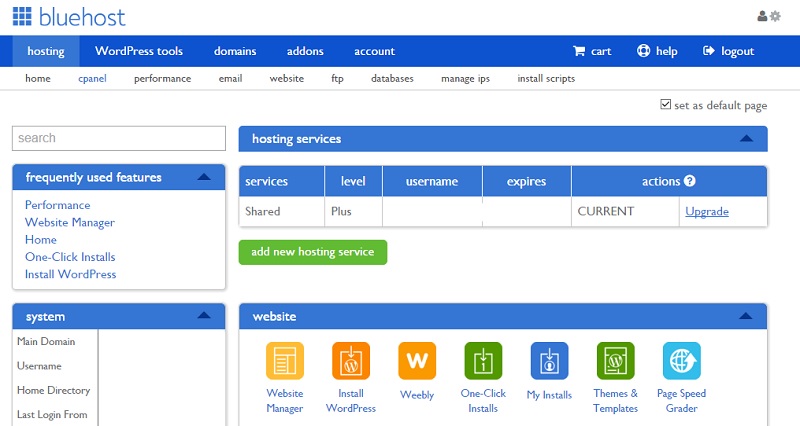
Shared hosting is the most budget-friendly option for beginners and small businesses. It allows multiple websites to share a single server, making it ideal for those just starting out or with low traffic. Bluehost, for example, offers a free domain for the first year and 24/7 customer support, which is crucial for troubleshooting common issues like slow loading times or security breaches. Shared hosting is perfect for blogs, small e-commerce stores, or personal websites that don’t require high performance or scalability. It’s a great starting point because it simplifies the hosting process with user-friendly control panels and easy setup, though you’ll need to manage updates and backups manually.
- Affordable Pricing: Starting at around $2.95/month, shared hosting is one of the cheapest ways to host a website.
- Easy Setup: User-friendly interfaces like cPanel make it simple to install WordPress and manage files.
- Basic Security: Includes essential security features like SSL certificates and malware scanning.
- Shared Resources: Multiple websites share server resources, which can lead to slower performance under heavy load.
- Limited Storage & Bandwidth: Typically capped at 10–50GB storage and 100–1000GB bandwidth per month.
2. VPS Hosting Plans
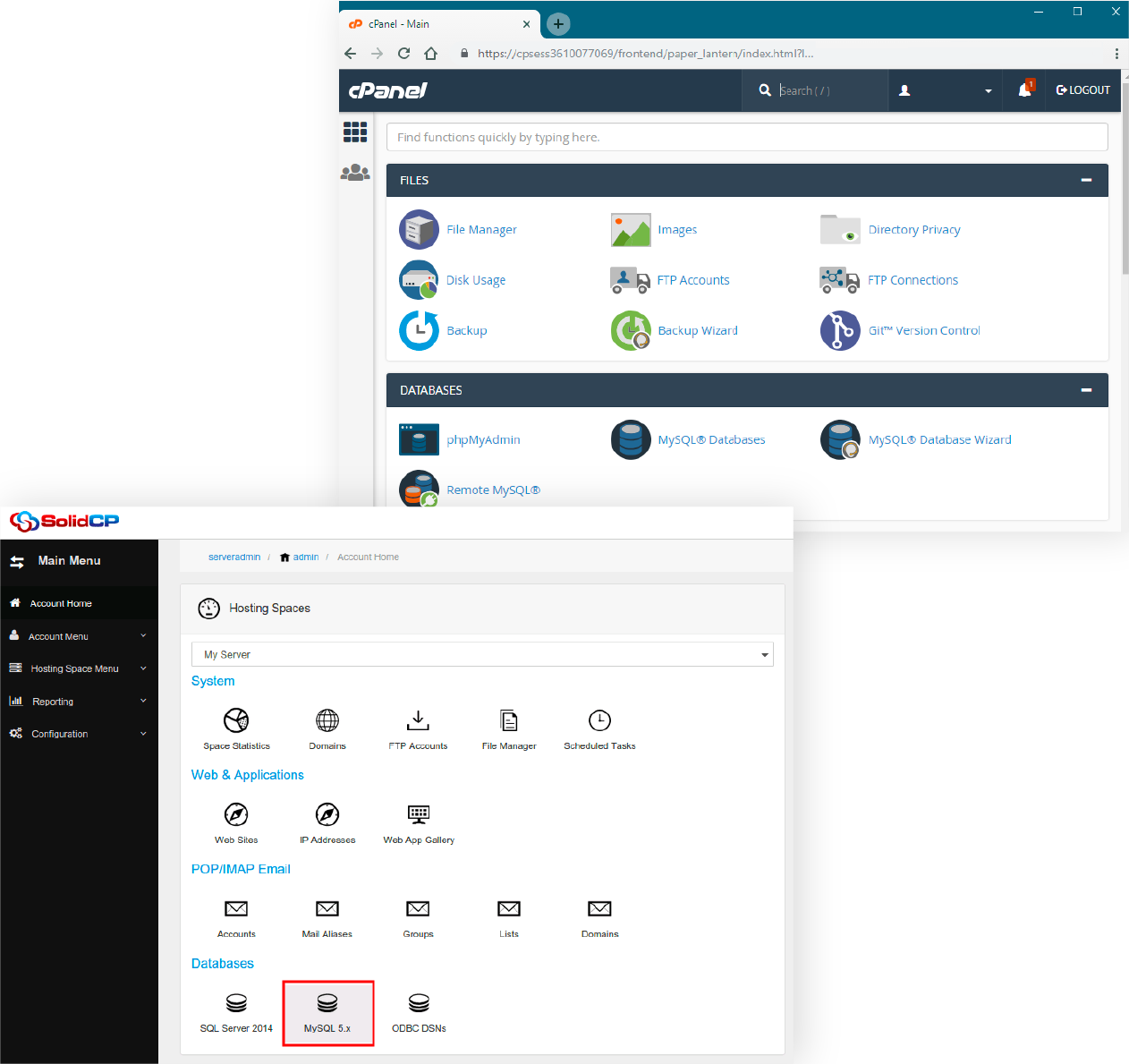
VPS hosting offers a balance between shared hosting and dedicated servers, providing dedicated resources for your website. This type of hosting is ideal for growing businesses, developers, or websites with moderate traffic that need more control and performance than shared hosting provides. A VPS plan typically includes root access, allowing you to install custom software and optimize server settings. It’s a cost-effective way to scale your site without the high costs of a dedicated server. Many VPS providers offer automated backups and management tools, making it easier to maintain your server even as your needs evolve.
- Dedicated Resources: Each website gets its own virtualized server resources, improving performance and stability.
- Root Access: Full control over server configurations and software installations.
- Scalability: Easily upgrade resources as your traffic grows without major downtime.
- Security & Isolation: Isolated from other users’ traffic, reducing the risk of security breaches.
- Cost-Effective for Growth: More affordable than dedicated servers but offers better performance than shared hosting.
3. Cloud Hosting Plans

Cloud hosting provides flexible, on-demand resources across multiple servers, making it perfect for businesses with unpredictable traffic or those needing high availability. Unlike traditional hosting, cloud plans allow you to scale resources up or down based on demand, which is ideal for startups, SaaS companies, or websites with seasonal spikes in visitors. Major cloud providers like AWS, Google Cloud, and Microsoft Azure offer robust tools for automation, security, and performance optimization. Cloud hosting is best for developers and enterprises that require reliability, scalability, and global reach without managing physical servers.
- Scalability: Instantly adjust resources based on traffic or workload needs.
- High Availability: Redundant servers ensure minimal downtime and uptime guarantees.
- Global Reach: Deploy servers in multiple data centers worldwide for low latency.
- Pay-as-You-Go: Pay only for the resources you use, reducing upfront costs.
- Advanced Security: Enterprise-grade security features like DDoS protection and encryption.
4. Managed WordPress Hosting Plans
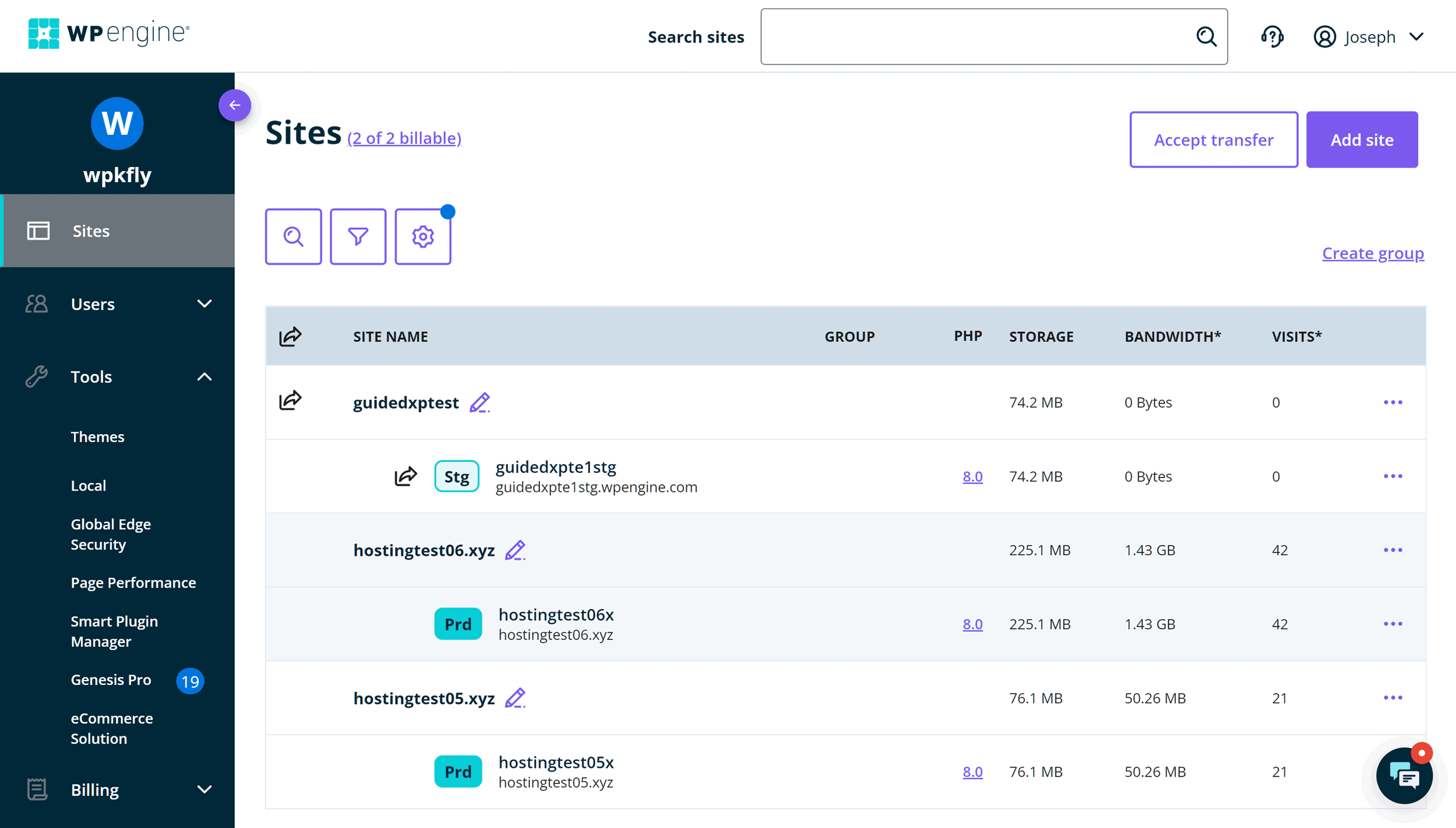
Managed WordPress hosting is tailored specifically for WordPress users, offering optimized performance, automatic updates, and expert support. This type of hosting is ideal for bloggers, e-commerce sites, or businesses relying on WordPress for their core operations. Providers like WP Engine and Kinsta handle server management, security patches, and backups, allowing you to focus on content and user experience. It’s particularly useful for high-traffic sites or those needing WordPress-specific features like caching plugins. The trade-off is higher pricing, but the convenience and performance often justify the cost for serious WordPress users.
- Optimized for WordPress: Server configurations and caching are tuned for WordPress speed and reliability.
- Automatic Backups & Updates: Regular backups and security updates are handled automatically.
- Dedicated Support: Priority support from WordPress experts for troubleshooting.
- Security Features: Includes malware scanning, DDoS protection, and SSL certificates.
- Scalability Options: Easy upgrades to handle traffic spikes without downtime.
5. Dedicated Server Hosting Plans

A dedicated server gives you a fully dedicated physical server for your website, offering the highest performance and control possible. This option is best for large businesses, enterprise websites, or those needing custom software or high security. While dedicated servers come with a higher cost, they provide stability, full root access, and the ability to configure servers exactly as needed. However, managing the server yourself requires technical expertise or hiring a team to handle maintenance, which can add to the expense. It’s ideal for high-traffic sites, mission-critical applications, or businesses with strict compliance needs.
- Full Server Control: Exclusive use of a physical server with root access.
- Maximum Performance: No shared resources mean consistent speed and reliability.
- High Security: Customizable security measures for sensitive data.
- Scalability: Can upgrade hardware or add additional servers as needed.
- Best for Advanced Users: Requires technical knowledge or managed services for optimal use.
6. Green Hosting Plans

Green hosting focuses on sustainability by using renewable energy sources and eco-friendly data centers. This type of hosting is ideal for environmentally conscious businesses, nonprofits, or individuals who want to reduce their carbon footprint. Providers like GreenGeeks and GreenHosting offer energy-efficient servers, carbon-neutral operations, and sometimes even carbon offset programs. While green hosting may come with slightly higher costs than traditional plans, it appeals to brands that prioritize corporate social responsibility. It’s a great choice for companies looking to align their hosting with their sustainability goals while still maintaining performance and reliability.
- Renewable Energy Use: Servers powered by solar, wind, or other clean energy sources.
- Carbon-Neutral Operations: Offsets carbon emissions from data center operations.
- Energy-Efficient Hardware: Uses low-power servers and cooling systems.
- Eco-Conscious Support: Customer support emphasizes sustainability practices.
- Performance & Reliability: Maintains standard hosting performance while being green.
7. Kubernetes-Based Hosting Plans
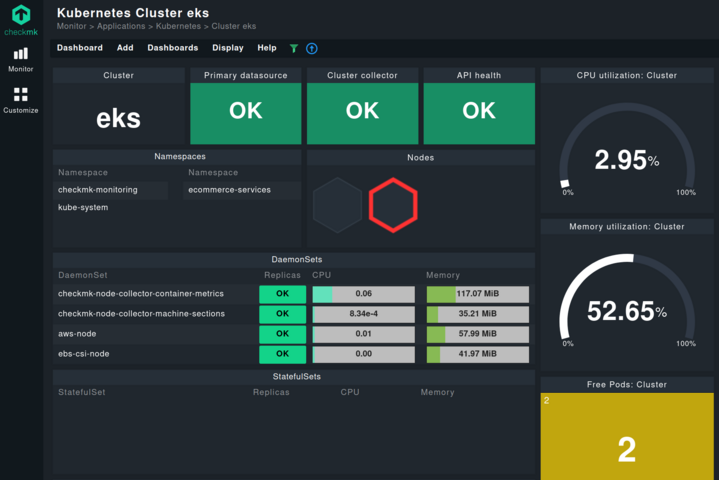
Kubernetes-based hosting leverages container orchestration to manage and scale applications dynamically. This advanced hosting solution is ideal for developers and enterprises using microservices architecture, cloud-native applications, or those needing automated scaling. Providers like Rancher and Kubernetes-as-a-Service (KaaS) platforms offer managed Kubernetes clusters, making it easier to deploy and manage complex applications without deep technical expertise. Kubernetes hosting is best for tech-savvy teams that require high availability, load balancing, and seamless scaling across multiple environments.
- Automated Scaling: Instantly adjusts resources based on demand and workload.
- Container Orchestration: Manages containers efficiently with load balancing and failover.
- Multi-Cloud Support: Works across multiple cloud providers for flexibility.
- High Availability: Redundant nodes ensure minimal downtime and high performance.
- DevOps-Friendly: Integrates with CI/CD pipelines for seamless deployments.
8. Local Hosting Plans
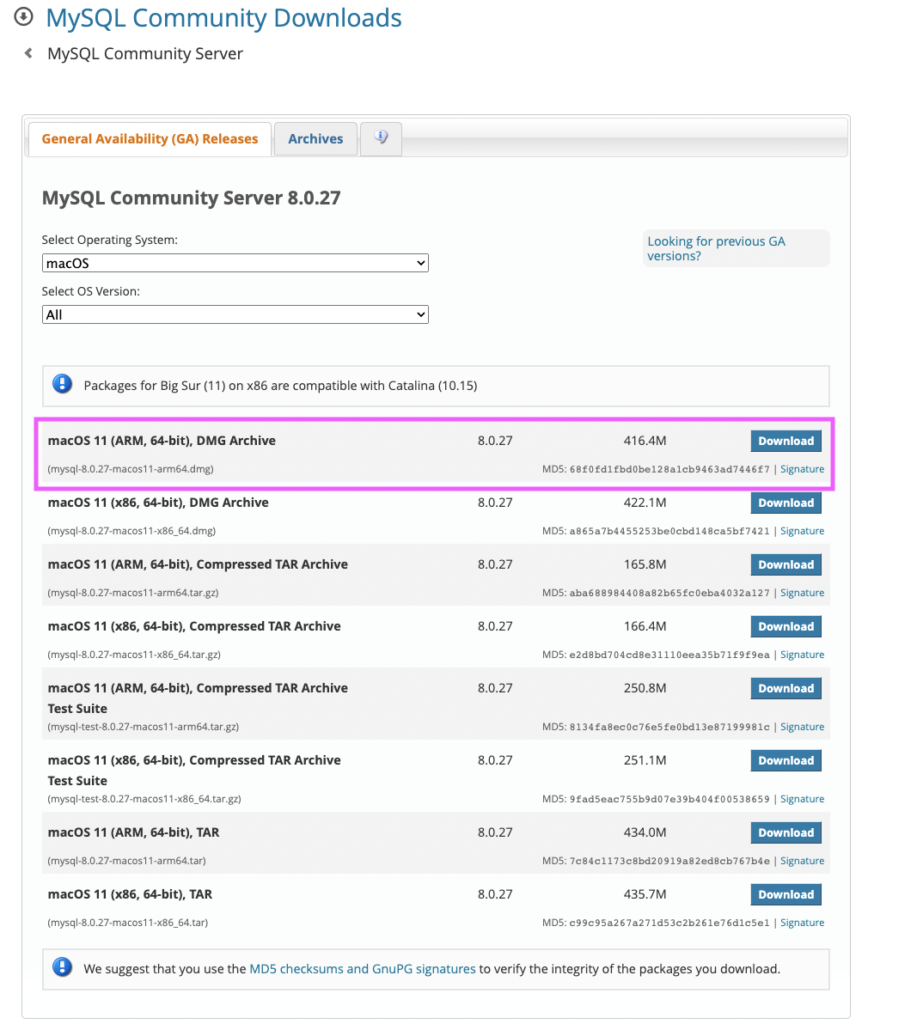
Local hosting allows you to run a website or web application on your own computer or a local server. This is ideal for developers testing websites before going live, for small businesses with low traffic, or for educational purposes. Local hosting provides full control over the server environment, allowing you to replicate real-world conditions and test performance, security, and compatibility. It’s a cost-effective way to learn web development, debug issues, or prepare for deployment. However, local hosting lacks the scalability and reliability of cloud or managed hosting, so it’s best suited for small projects or testing phases.
- Full Control: Complete access to server configurations and software.
- Low Cost: No monthly fees; just hardware and software costs.
- Ideal for Development: Simulates real-world hosting conditions for testing.
- No Shared Resources: No performance limitations from shared servers.
- Limited Scalability: Not suitable for production websites with high traffic.
9. Serverless Hosting Plans

Serverless hosting automatically manages server resources, allowing you to focus on coding without worrying about infrastructure. This model is ideal for developers building scalable, event-driven applications, APIs, or microservices. Platforms like AWS Lambda, Google Cloud Functions, and Azure Functions handle everything from scaling to security, reducing operational overhead. Serverless hosting is perfect for startups, freelancers, or teams that want to avoid server management while still achieving high performance and reliability. However, it may have limitations on execution time and cold start delays, which can affect certain applications.
- No Server Management: Automatically scales resources based on demand.
- Pay-per-Use Pricing: Pay only for the compute time consumed.
- Fast Deployment: Instantly spin up and scale applications.
- Global Reach: Deploy functions across multiple regions for low latency.
- Event-Driven Execution: Triggers actions based on events like HTTP requests.
Frequently Asked Questions
What factors should I consider when choosing a web hosting plan?
Consider your website’s traffic, technical needs, budget, and growth potential. Shared hosting is best for beginners, while dedicated or cloud hosting suits high-traffic sites. Also, think about features like security, scalability, and customer support to match your requirements.
How do I know if my website needs a VPS instead of shared hosting?
If your site experiences slow performance, frequent downtime, or needs custom software, a VPS may be necessary. VPS hosting offers dedicated resources and better control, making it ideal for growing businesses or developers who require more flexibility than shared hosting provides.
What are the benefits of managed WordPress hosting?
Managed WordPress hosting automates updates, security, and backups, allowing you to focus on content. It also includes optimized server performance and expert support, which is especially useful for high-traffic WordPress sites or those needing WordPress-specific features like caching.
Can I switch from shared hosting to a more expensive plan later?
Yes, most hosting providers offer easy upgrades or migration services. However, downtime may occur during the transition, so plan ahead and test your new setup before fully switching.
What’s the difference between cloud and dedicated hosting?
Cloud hosting uses multiple servers to distribute resources, offering scalability and flexibility. Dedicated hosting gives you a single, fully dedicated server, providing maximum performance and control but at a higher cost. Cloud hosting is better for unpredictable traffic, while dedicated hosting suits large enterprises with stable, high-demand needs.
Is green hosting worth the extra cost?
If sustainability is a priority, green hosting can be worth the investment. It aligns with corporate social responsibility goals while maintaining performance. However, if your primary concern is cost, traditional hosting may be more budget-friendly.
How do I choose the right hosting plan for my small business?
Start with shared hosting if your site has low traffic. As you grow, consider VPS or cloud hosting for better performance. Always check customer reviews and support quality to ensure a smooth experience.